Get Feature Update Deferral Days
Summary
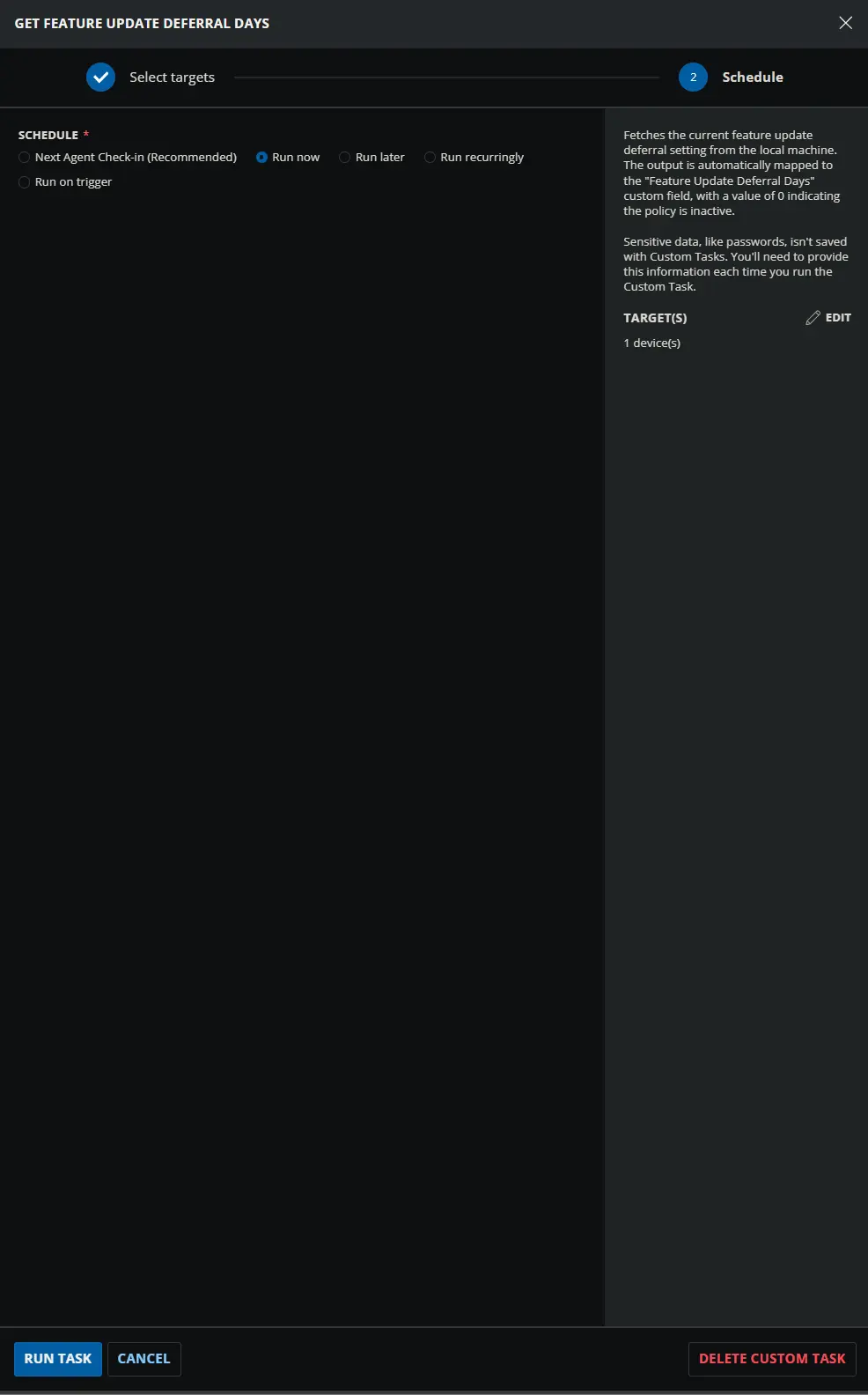
Fetches the current feature update deferral setting from the local machine. The output is automatically mapped to the Feature Update Deferral Days custom field, with a value of 0 indicating the policy is inactive.
Sample Run
Dependencies
- Custom Field: Feature Update Deferral Days
- Dynamic Group: Windows 11
- Solution: Manage Feature Update Deferral
Custom Fields
| Name | Example | Level | Type | Required | Description |
|---|---|---|---|---|---|
| Feature Update Deferral Days | 100 | Endpoint | Text | Yes | Stores the current feature update deferral setting fetched by the script. |
Task Setup Path
- Tasks Path:
AUTOMATION➞Tasks - Task Type:
Script Editor
Task Creation
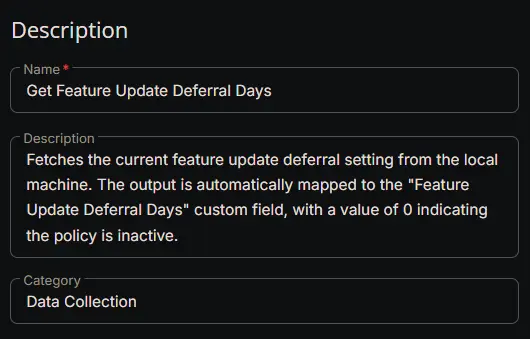
Description
- Name:
Get Feature Update Deferral Days - Description:
Fetches the current feature update deferral setting from the local machine. The output is automatically mapped to the "Feature Update Deferral Days" custom field, with a value of 0 indicating the policy is inactive. - Category:
Data Collection
Script Editor
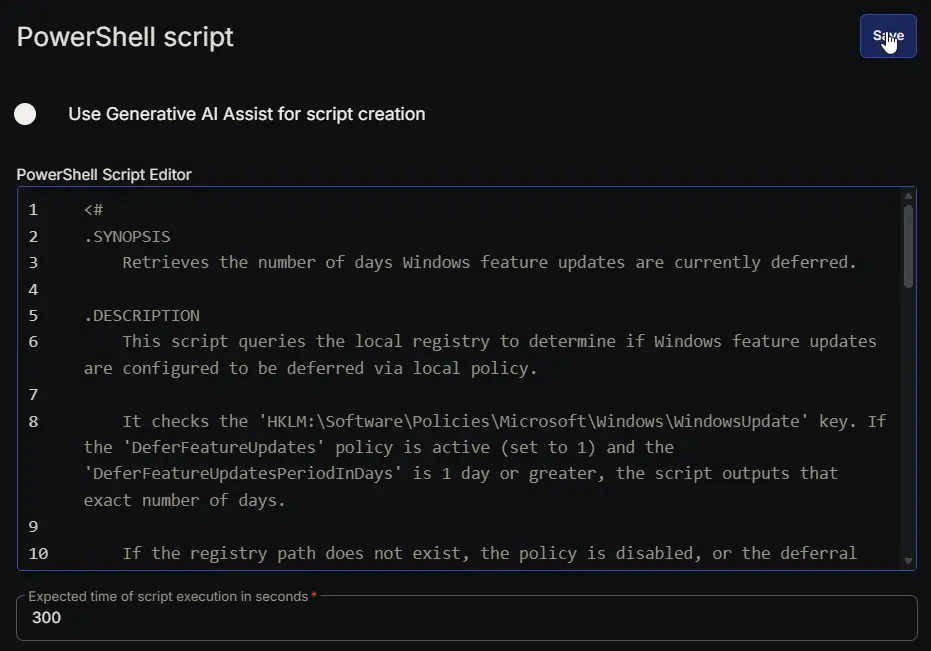
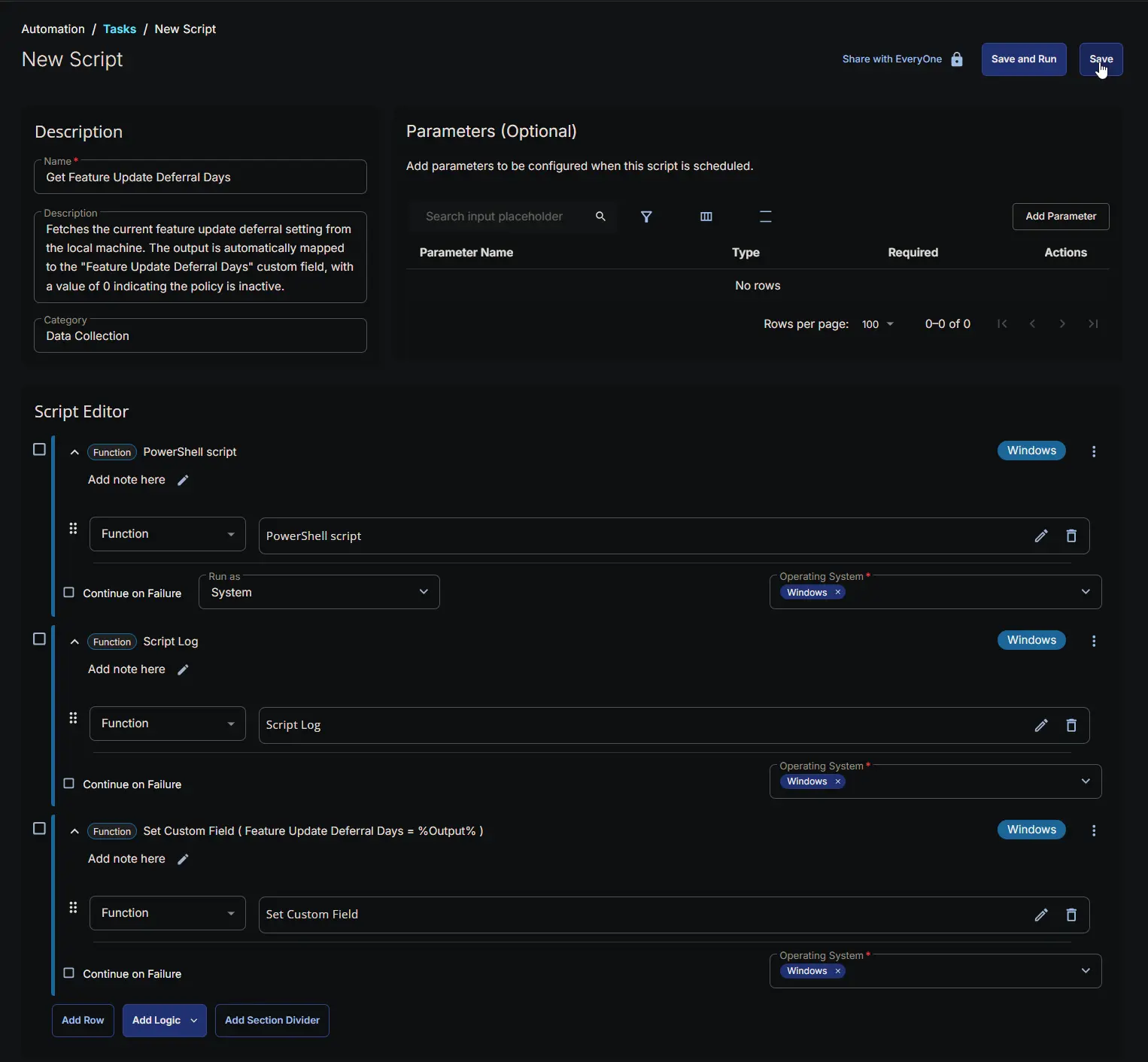
Row 1: PowerShell script
- Use Generative AI Assist for script creation:
False - Expected time of script execution in seconds:
300 - Continue on Failure:
False - Run as:
System - Operating System:
Windows - PowerShell Script Editor:
Row 2: Script Log
- Script Log Message:
%Output% - Continue on Failure:
False - Operating System:
Windows

Row 3: Set Custom Field
- Custom Field:
Feature Update Deferral Days - Value:
%Output% - Continue on Failure:
False - Operating System:
Windows

Completed Script
Output
- Script Log
- Custom Field
Scheduled Task
Task Details
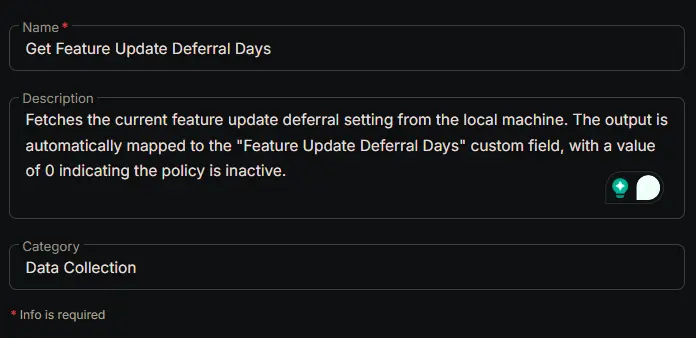
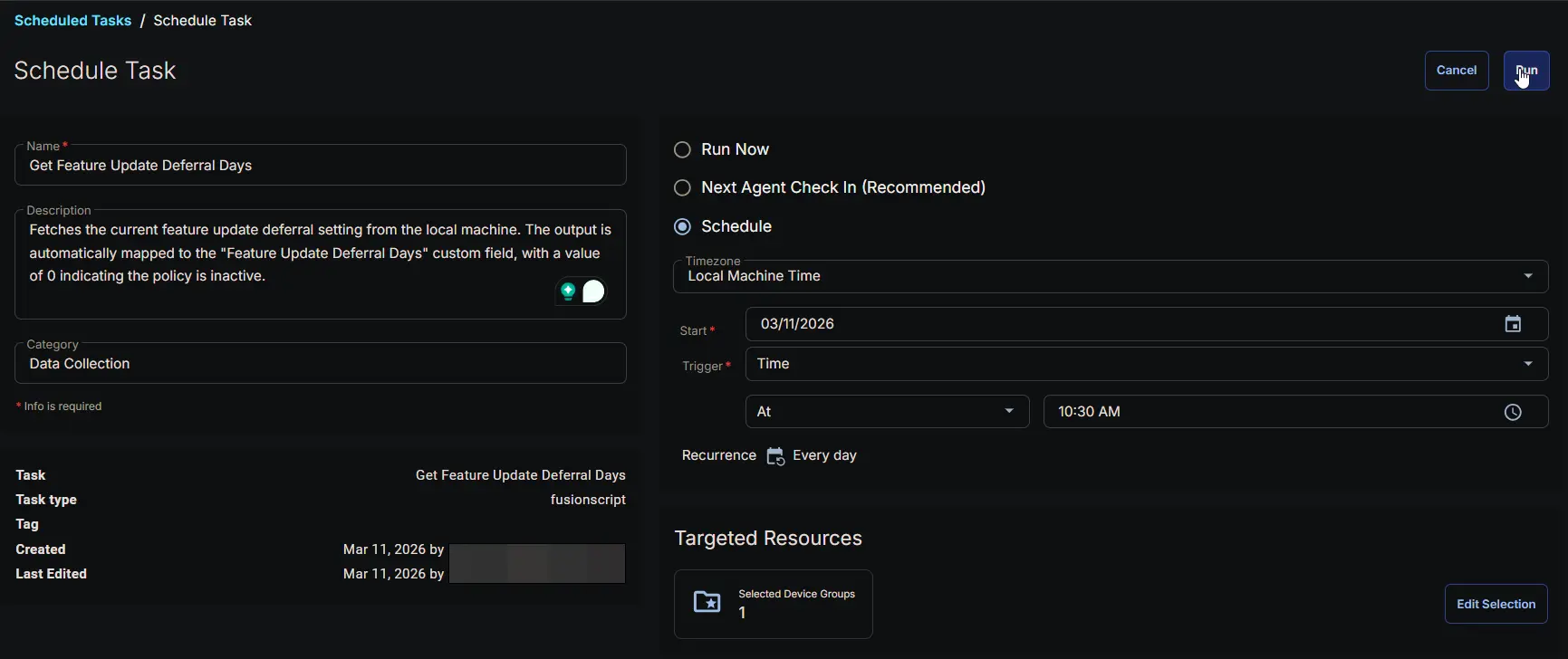
- Name:
Get Feature Update Deferral Days - Description:
Fetches the current feature update deferral setting from the local machine. The output is automatically mapped to the "Feature Update Deferral Days" custom field, with a value of 0 indicating the policy is inactive. - Category:
Data Collection
Schedule
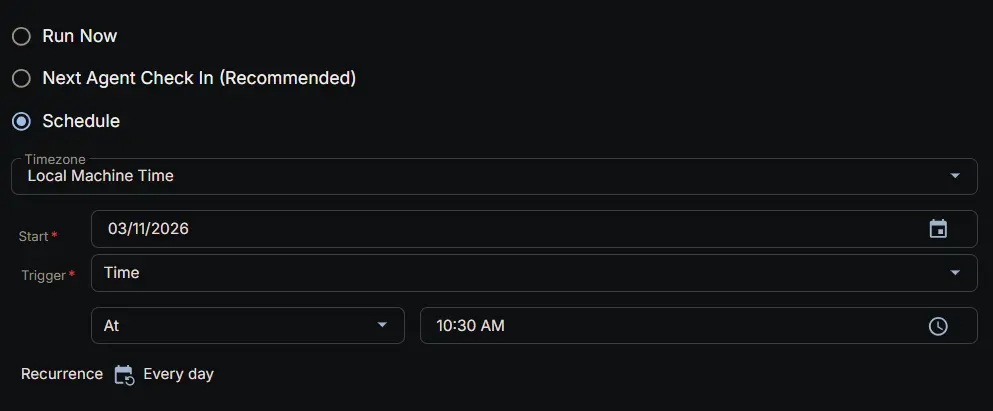
- Schedule Type:
Schedule - Timezone:
Local Machine Time - Start:
<Current Date> - Trigger:
TimeAt<Current Time> - Recurrence:
Every day
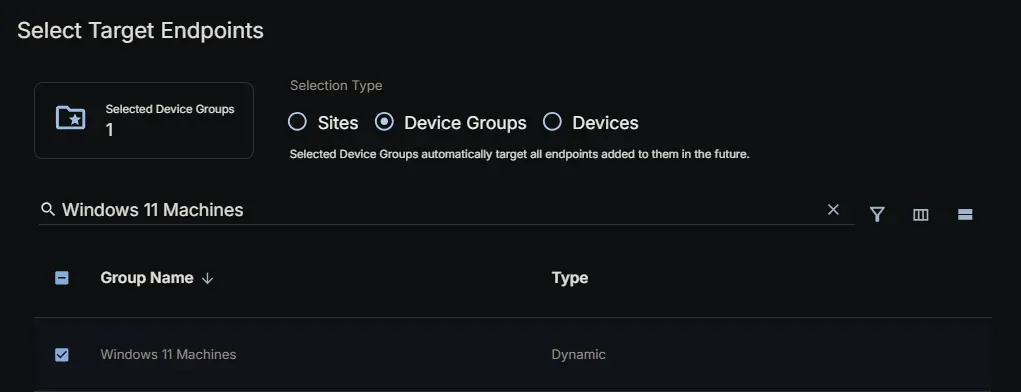
Targeted Resource
Device Group: Windows 11 Machines
Completed Scheduled Task
Changelog
2026-03-11
- Initial version of the document