HP Bios Configuration Utility
Overview
This script reads and changes BIOS settings on HP workstations using the HP BIOS Configuration Utility (BCU), without visiting the device.
When to use:
- Review the full BIOS configuration of a device.
- Check or change a single BIOS setting, such as Fast Boot.
- Export a BIOS configuration and apply it to other devices of the same model.
How it works:
- BCU is downloaded from HP the first time the script runs on a device.
- The value of Argument is passed to BCU. With no value, BCU returns the full BIOS configuration.
- The result code is translated into a plain-language message in the activity output.
- BIOS changes take effect at the next restart. The script does not restart the device.
Requirements:
- HP workstation running Windows 10 or Windows 11.
- Runs elevated (System context).
- Internet access to download BCU.
- No BIOS setup password on the device when changing settings. With a password set, changes fail with a password error.
Incorrect BIOS settings can stop a device from starting. Test a change on one device before running it on many.
Sample Run
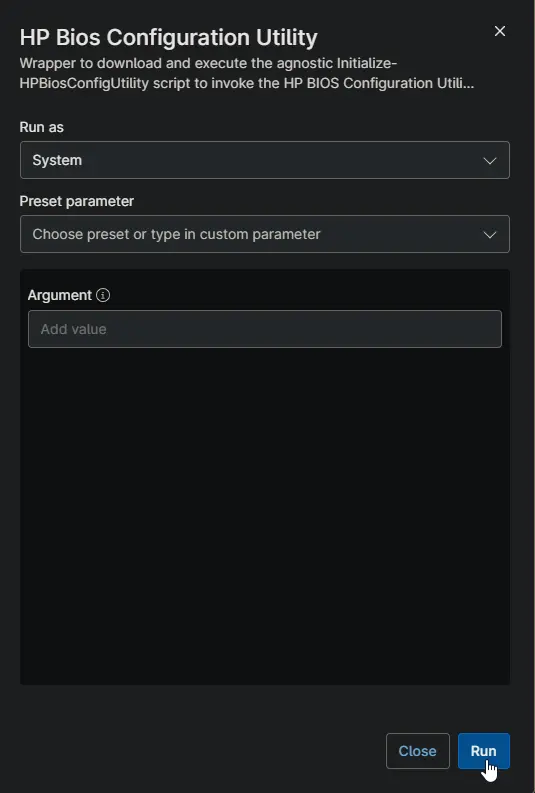
Example 1: Running the script to read the full BIOS configuration
Leave Argument blank. BCU returns every BIOS setting with its available values; the current value is marked with *. Nothing is changed.
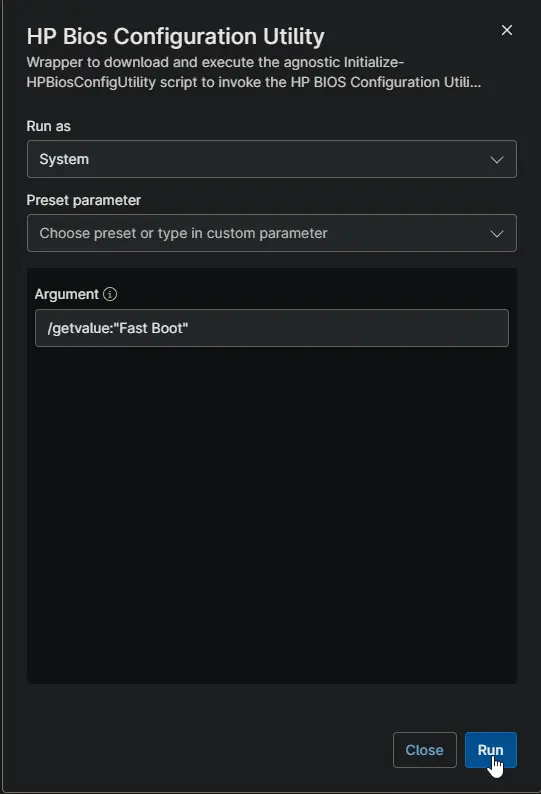
Example 2: Running the script to check the current value of a setting
Set Argument to /getvalue:"Fast Boot". The current Fast Boot value is shown in the activity output. Setting names must match the names returned in Example 1.
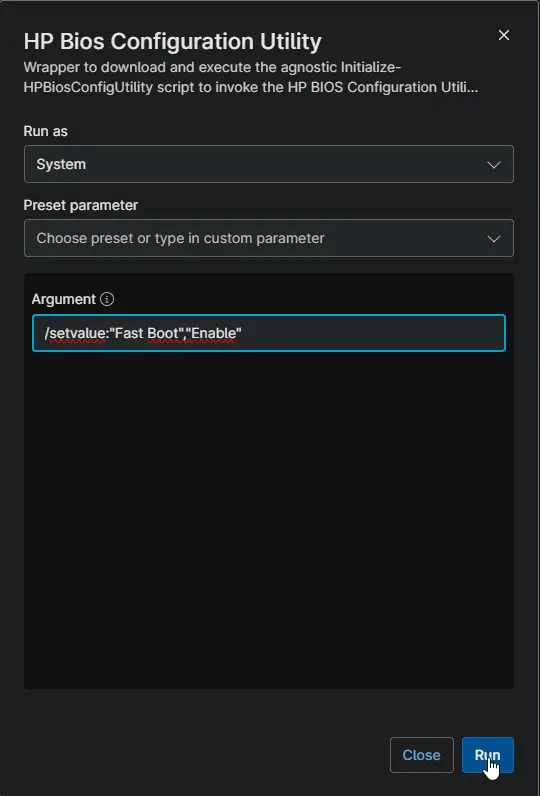
Example 3: Running the script to change a BIOS setting
Set Argument to /setvalue:"Fast Boot","Enable". Fast Boot is enabled and takes effect at the next restart.
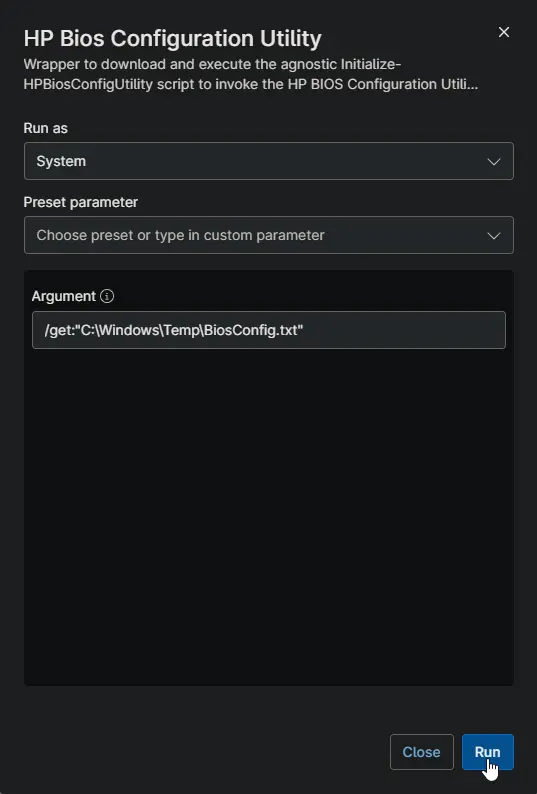
Example 4: Running the script to export the BIOS configuration to a file
Set Argument to /get:"C:\Windows\Temp\BiosConfig.txt". The full BIOS configuration is saved to this file on the device. Use it to review settings, or to apply them to other devices (Example 5).
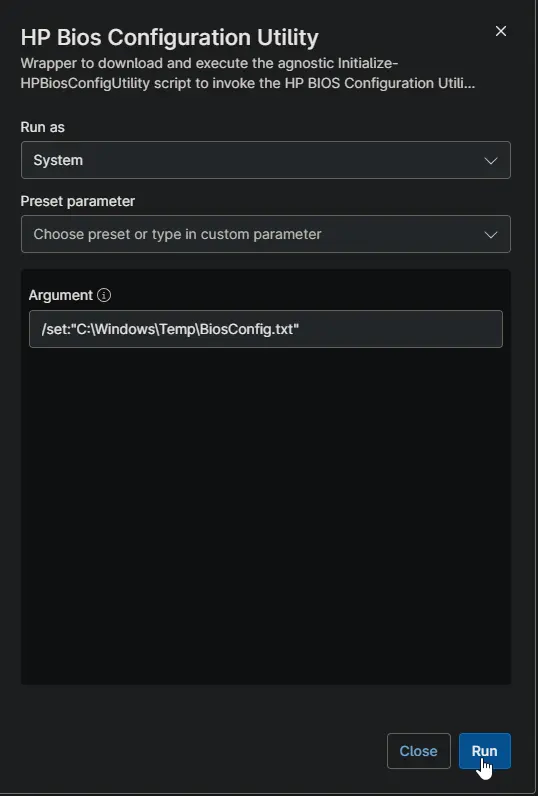
Example 5: Running the script to apply a saved BIOS configuration
Set Argument to /set:"C:\Windows\Temp\BiosConfig.txt". Every setting in the file is applied to the device. The file must already be on the device. Export it from a device of the same model (Example 4), and remove any settings you do not want to change.
Dependencies
- Script: Initialize-HPBiosConfigUtility (the underlying agnostic script)
Parameters
| Name | Example | Accepted Values | Required | Default | Type | Description |
|---|---|---|---|---|---|---|
| Argument | /getvalue:"Fast Boot" | Any command from the HP BCU user guide. Run /help to list them. | False | Empty (runs /get) | String/Text | The BCU command to run. Leave blank to read the full BIOS configuration. |
Automation Setup/Import
Output
- Activity Details: The run log, including the command that ran, the BCU output, and a plain-language result. Errors are reported in the activity output.
- Exported File: When /get is given a file path, the BIOS configuration is saved to that path.
- Log Files: A copy of the run log is kept on the device in C:\ProgramData_Automation\Script\Initialize-HPBiosConfigUtility.
Changelog
2026-10-16
- Updated the document to the current template.
- Replaced the Sample Run section with usage scenarios, including exporting and applying a BIOS configuration file.
- Fixed the link to the Initialize-HPBiosConfigUtility script.
2025-10-14
- Initial version of the document