Winget Upgrade All
Summary
This script uses Winget to attempt an upgrade for all available packages on an endpoint and attempts to install an application via Winget.
Dependencies
None. This script can be run on any Windows device.
Create Script
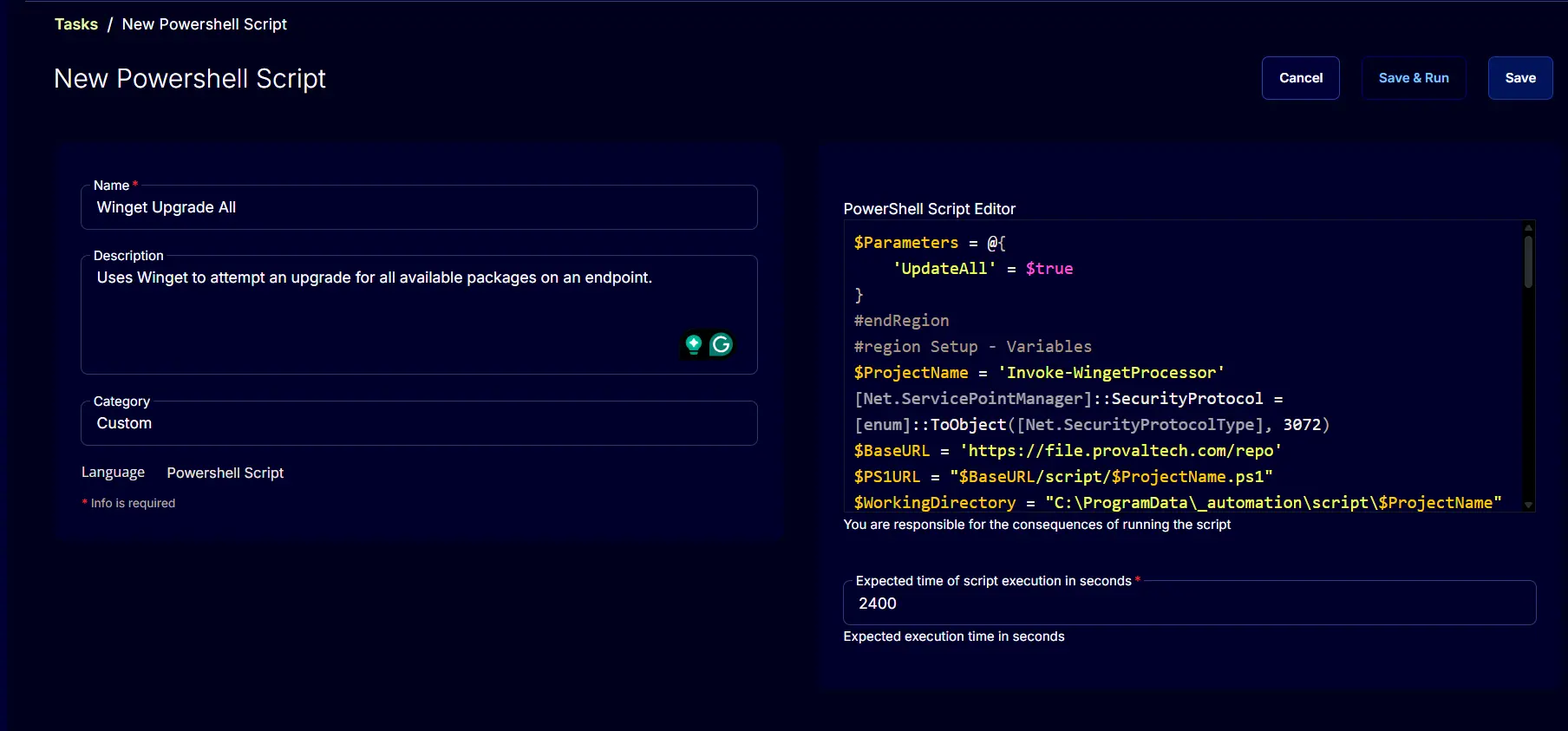
To implement this script, please create a new PowerShell-style script in the system.
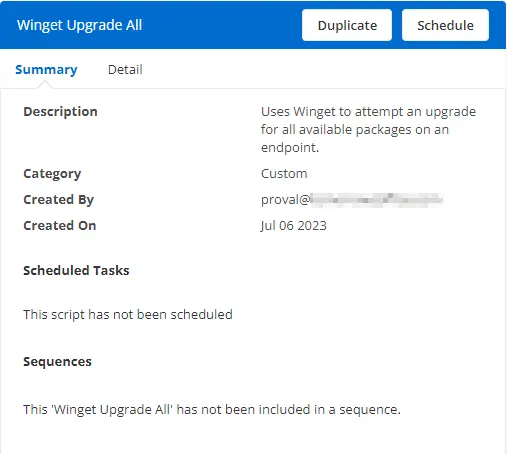
- Name:
Winget Upgrade All - Description:
Uses Winget to attempt an upgrade for all available packages on an endpoint. - Category:
Custom
Script
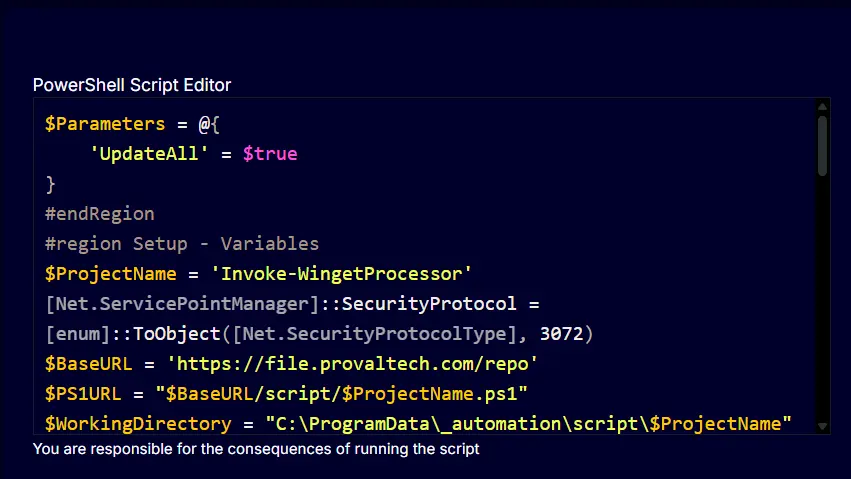
Paste the PowerShell script below directly into the "Script" field.
$Parameters = @{
'UpdateAll' = $true
}
#endRegion
#region Setup - Variables
$ProjectName = 'Invoke-WingetProcessor'
[Net.ServicePointManager]::SecurityProtocol = [enum]::ToObject([Net.SecurityProtocolType], 3072)
$BaseURL = 'https://file.provaltech.com/repo'
$PS1URL = "$BaseURL/script/$ProjectName.ps1"
$WorkingDirectory = "C:\ProgramData\_automation\script\$ProjectName"
$PS1Path = "$WorkingDirectory\$ProjectName.ps1"
$Workingpath = $WorkingDirectory
$LogPath = "$WorkingDirectory\$ProjectName-log.txt"
$ErrorLogPath = "$WorkingDirectory\$ProjectName-Error.txt"
#endRegion
#region Setup - Folder Structure
New-Item -Path $WorkingDirectory -ItemType Directory -ErrorAction SilentlyContinue | Out-Null
try {
Invoke-WebRequest -Uri $PS1URL -OutFile $PS1path -UseBasicParsing -ErrorAction Stop
} catch {
if (!(Test-Path -Path $PS1Path )) {
throw ('Failed to download the script from ''{0}'', and no local copy of the script exists on the machine. Reason: {1}' -f $PS1URL, $($Error[0].Exception.Message))
}
}
#endRegion
#region Execution
if ($Parameters) {
Write-Information ('Parameters Used: {0}' -f ($Parameters | Out-String)) -InformationAction Continue
& $PS1Path @Parameters
} else {
& $PS1Path
}
#endRegion
#region log verification
if ( !(Test-Path $LogPath) ) {
throw 'PowerShell Failure. A Security application seems to have restricted the execution of the PowerShell Script.'
}
if ( Test-Path $ErrorLogPath ) {
$ErrorContent = ( Get-Content -Path $ErrorLogPath )
throw ('Error Content: {0}' -f ($ErrorContent | Out-String))
}
$content = Get-Content -Path $LogPath
$logContent = $content[ $($($content.IndexOf($($content -match "$($ProjectName)$")[-1])) + 1)..$($Content.length - 1) ]
return ('Log Content: {0}' -f ($logContent | Out-String))
Expected time of script execution in seconds*: 2400
Completed Task
Output
- Script log