Hyper-V - Checkpoint Create
Summary
The task can be used to create a checkpoint of a virtual machine hosted on a Hyper-V Host Server.
Sample Run
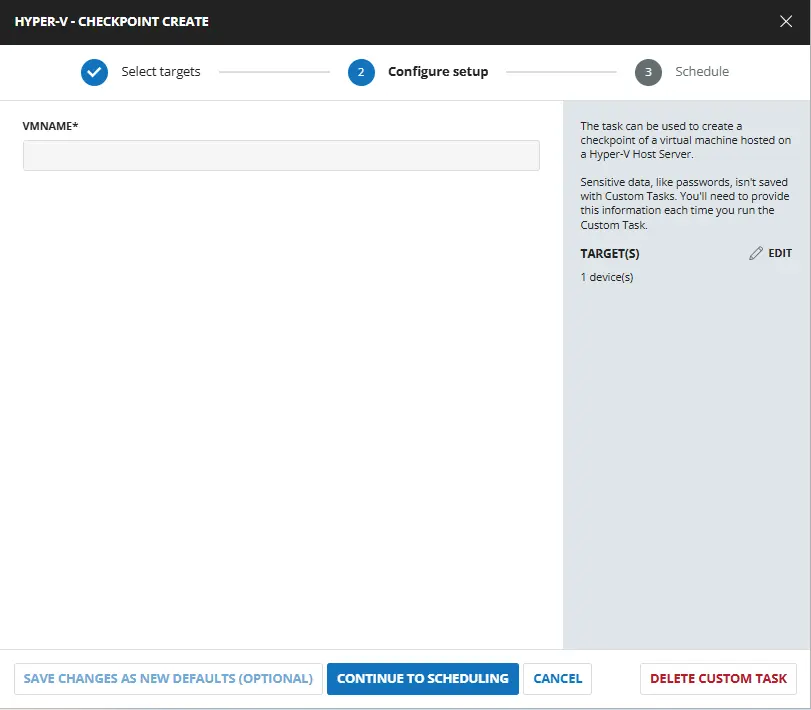
User Parameters
| Name | Example | Required | Type | Description |
|---|---|---|---|---|
| VMName | DEV_Test-win10 | True | Text String | Name of the virtual machine for which to create the checkpoint |
Task Creation
Script Details
Step 1
Navigate to Automation ➞ Tasks
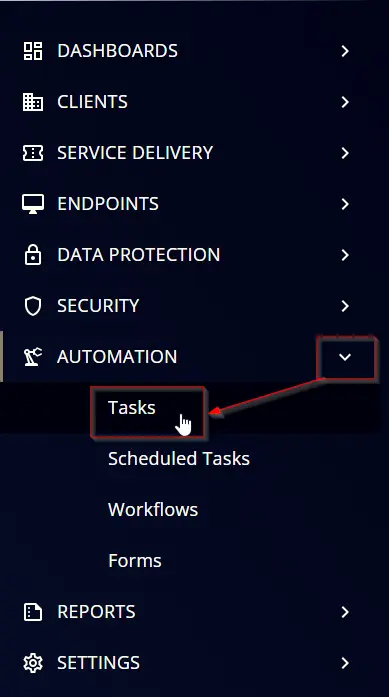
Step 2
Create a new Script Editor style task by choosing the Script Editor option from the Add dropdown menu

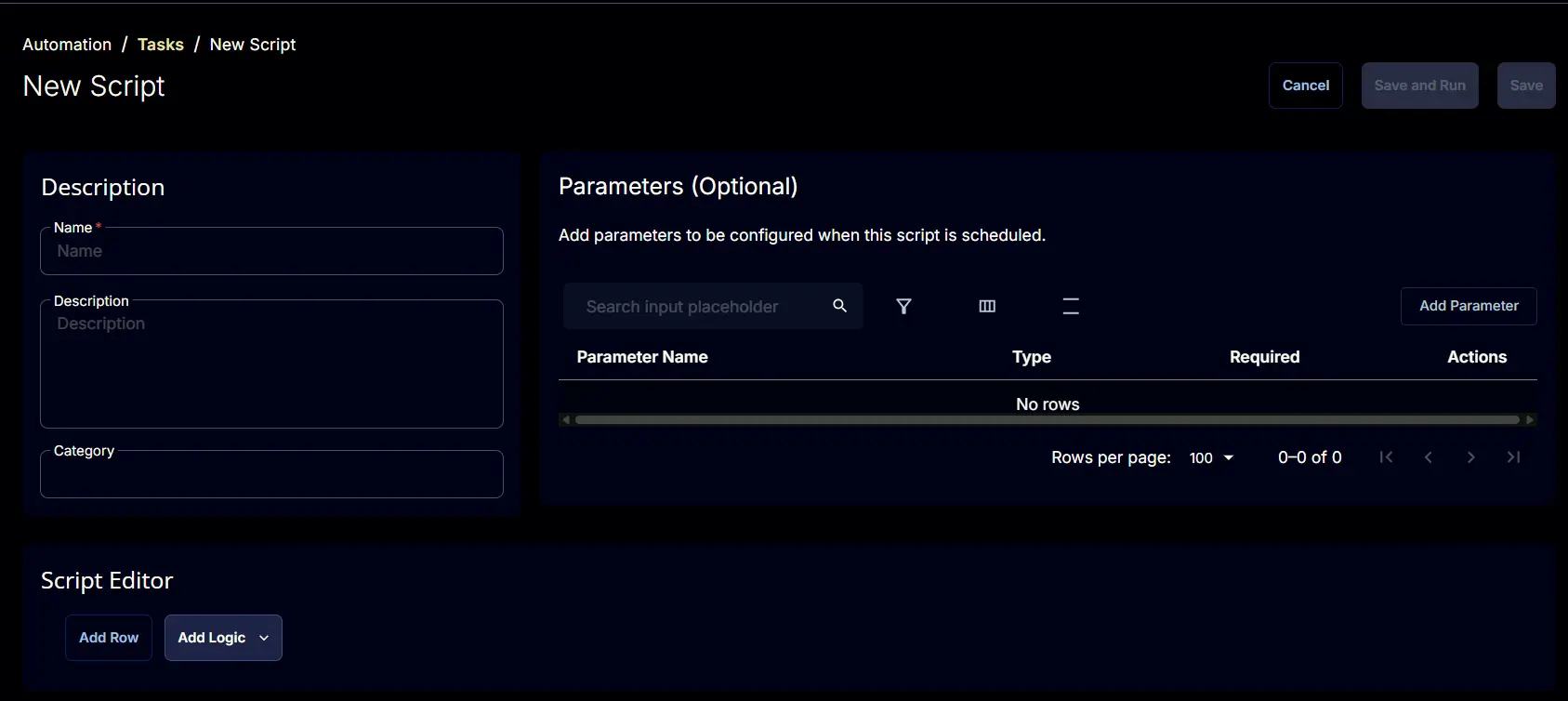
The New Script page will appear on clicking the Script Editor button:
Step 3
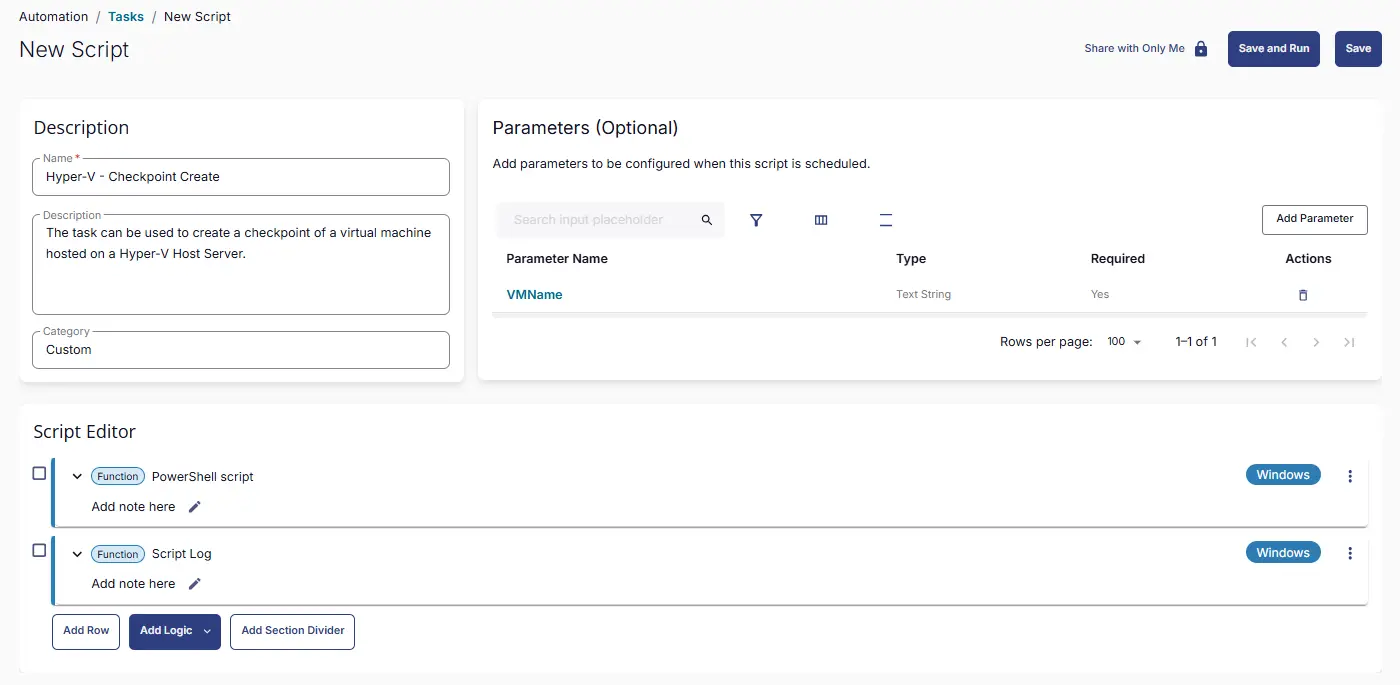
Fill in the following details in the Description section:
- Name:
Hyper-V - Checkpoint Create - Description:
The task can be used to create a checkpoint of a virtual machine hosted on a Hyper-V Host Server. - Category:
Custom

Parameters
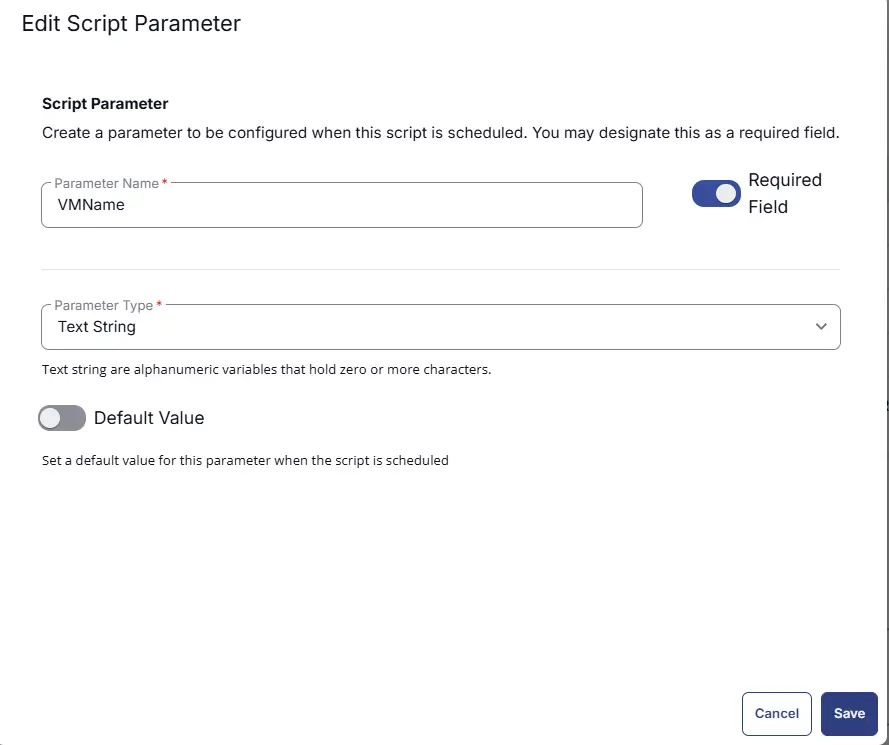
VMName
The Add New Script Parameter page will appear on clicking the Add Parameter button.
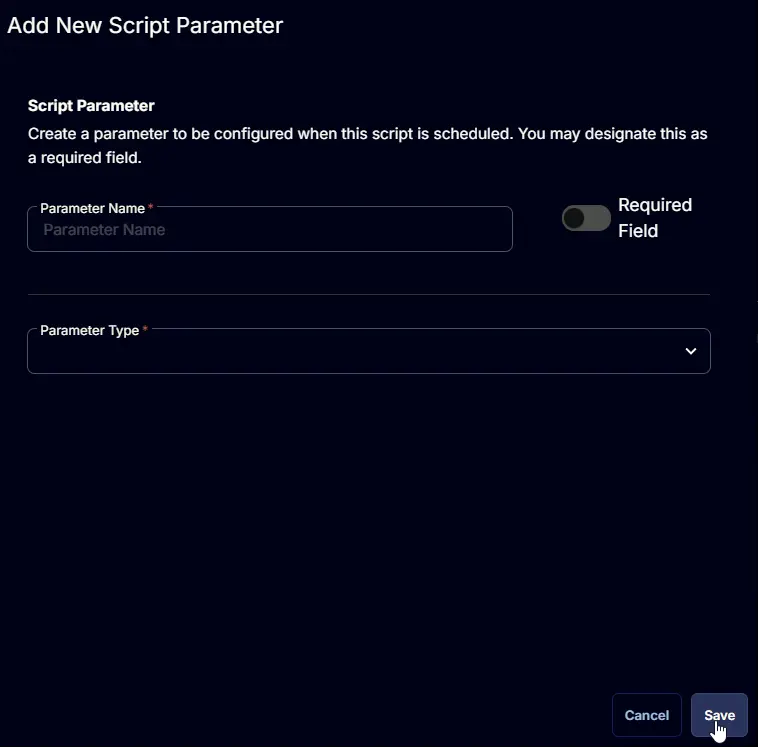
- Set
VMNamein theParameter Namefield. - Enable the
Required Fieldbutton. - Select
Text Stringfrom theParameter Typedropdown menu. - Click the
Savebutton.
Script Editor
Click the Add Row button in the Script Editor section to start creating the script

A blank function will appear:

Row 1 Function: PowerShell Script
Search and select the PowerShell Script function.

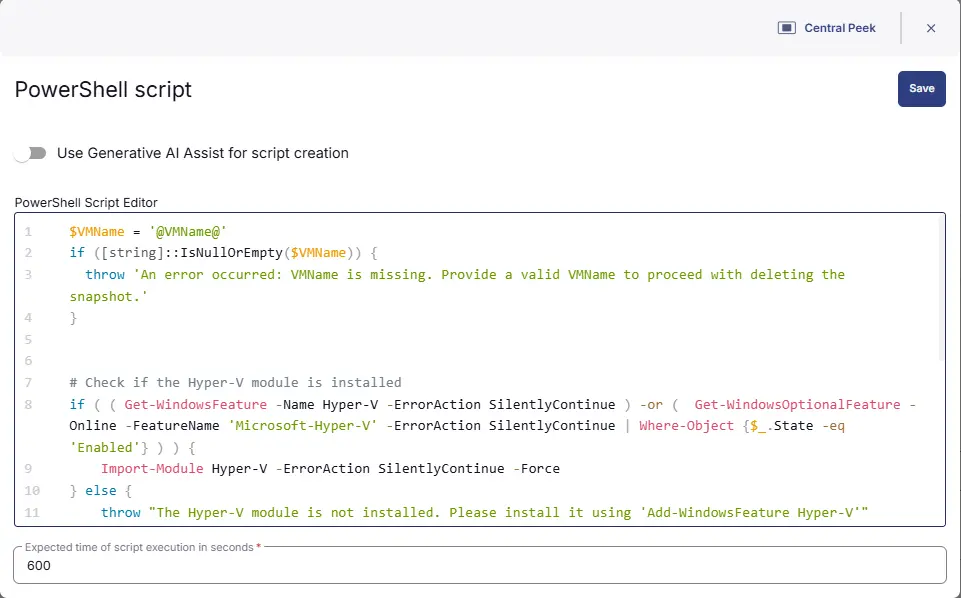
The following function will pop up on the screen:

Paste in the following PowerShell script and set the Expected time of script execution in seconds to 600 seconds. Click the Save button.
Row 2 Function: Script Log
Add a new row by clicking the Add Row button.
A blank function will appear.
Search and select the Script Log function.

In the script log message, simply type %output% and click the Save button.

Save Task
Click the Save button at the top-right corner of the screen to save the script.

Completed Task
Output
- Script Logs
Changelog
2026-03-20
- Initial version of the document