Rename File - Windows
Overview
Renames any type of file using the specified file path, current file name, and new file name. If the new file name already exists, no action is taken and the script exits successfully.
Sample Run
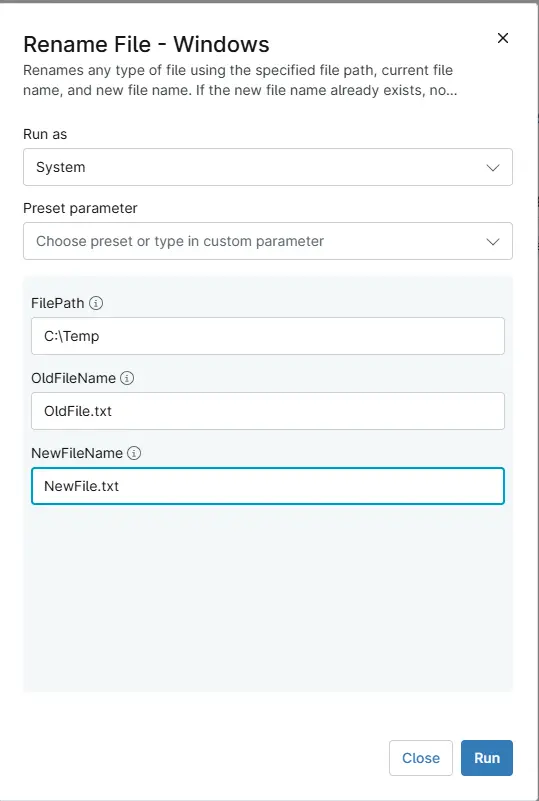
Parameters
| Name | Example | Accepted Values | Required | Default | Type | Description |
|---|---|---|---|---|---|---|
| FilePath | C:\Temp | String | True | - | String/Text | The directory containing the file. |
| OldFileName | OldFile.txt | String | True | - | String/Text | The current name of the file. |
| NewFileName | NewFile.txt | String | True | - | String/Text | The new name for the file. |
Automation Setup/Import
Output
- Activity Details
Changelog
2026-08-17
- Initial version of the document