cPVAL Enforce Dell BIOS Settings
Summary
This custom field turns the Enforce Dell BIOS Settings solution on or off. Use Audit to check Dell BIOS settings against cPVAL Dell BIOS Settings without changing anything. Use Enforce to also apply the settings that differ.
Details
| Label | Field Name | Example | Definition Scope | Type | Required | Default Value | Dropdown Options | Editable | Custom Field Tab |
|---|---|---|---|---|---|---|---|---|---|
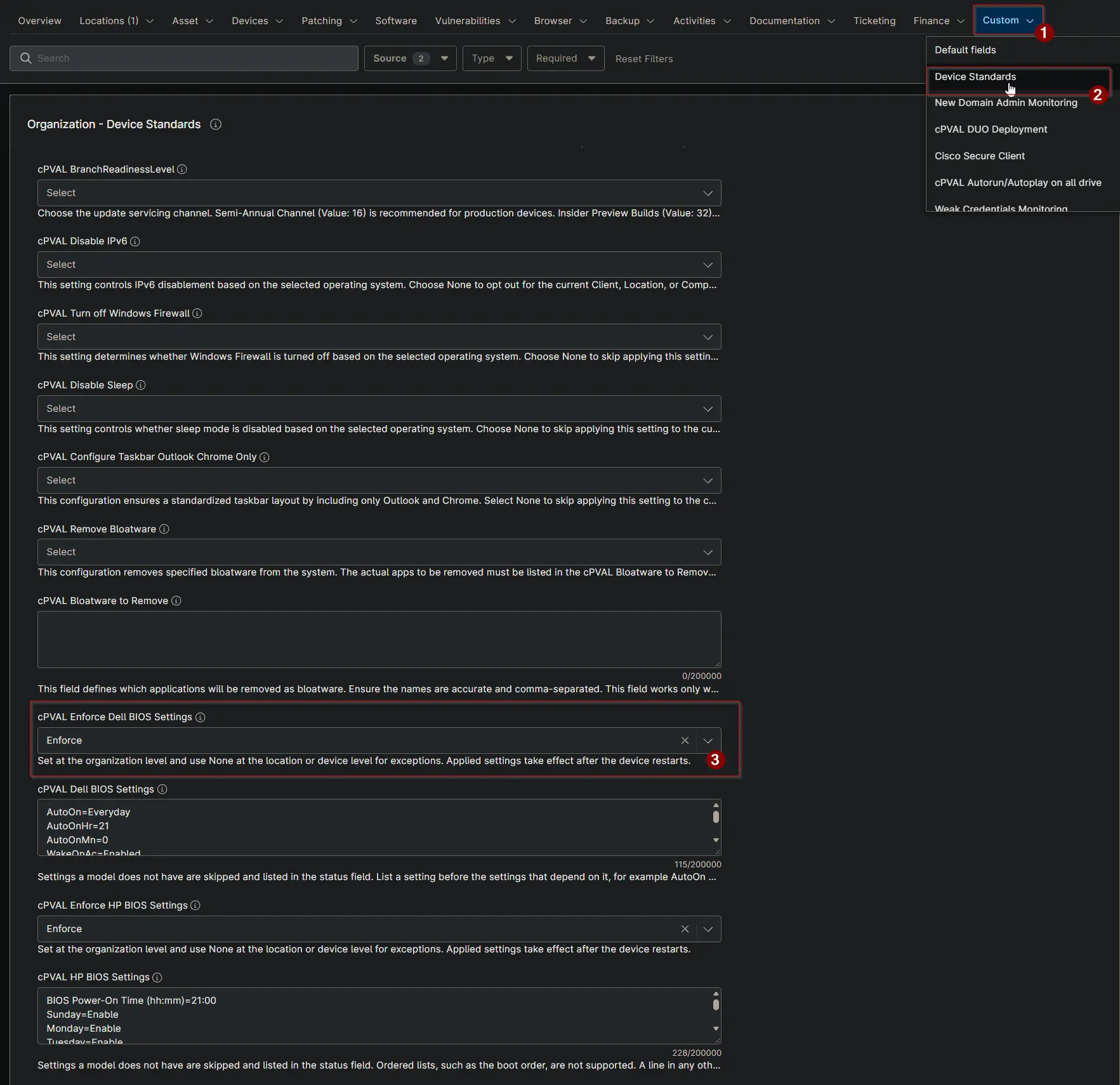
| cPVAL Enforce Dell BIOS Settings | cpvalEnforceDellBiosSettings | Audit | Organization, Location, Device | Drop-down | False | None, Audit, Enforce | Yes | Device Standards |
Options
| Option | Result |
|---|---|
| None (or blank) | The device is skipped. |
| Audit | BIOS settings are checked and the result is stored in cPVAL Dell BIOS Settings Status. Nothing is changed. |
| Enforce | BIOS settings are checked, and the settings that differ are applied. The device must restart to complete the change. |
Set the field at the organization level. Select None at a location or device to exclude it.
Dependencies
- Solution: Enforce Dell BIOS Settings
- Solution: Device Standards
- Compound Condition: Enforce Dell BIOS Settings
- Script: Check Dell BIOS Settings
- Script: Apply Dell BIOS Settings
Custom Field Creation
Sample Screenshot
Changelog
2026-10-16
- Initial version of the document