Volume Space Prediction
Summary
The monitor set is generated by the Predictive Volume Exhaustion Monitor Creation script. It utilizes the Get-VolumeExhaustionEstimate agnostic script to assess and provide an estimation of the number of days remaining before the drive space is entirely occupied, utilizing the trend data/samples gathered. The parameters for the script are configured according to the system properties detailed in the script's documentation.
Dependencies
- Script - Predictive Volume Exhaustion Monitor Creation
- Solution - Predictive Volume Space Exhaustion Monitoring
Monitor Set
Status
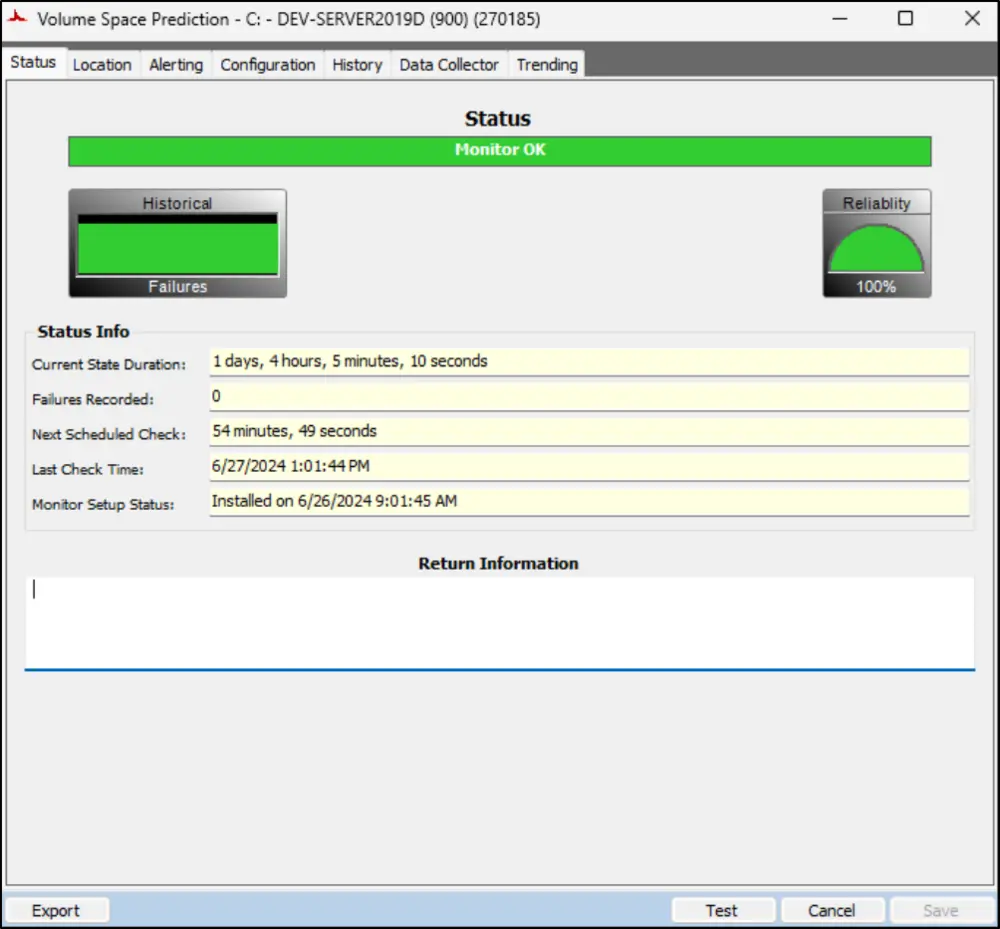
Location
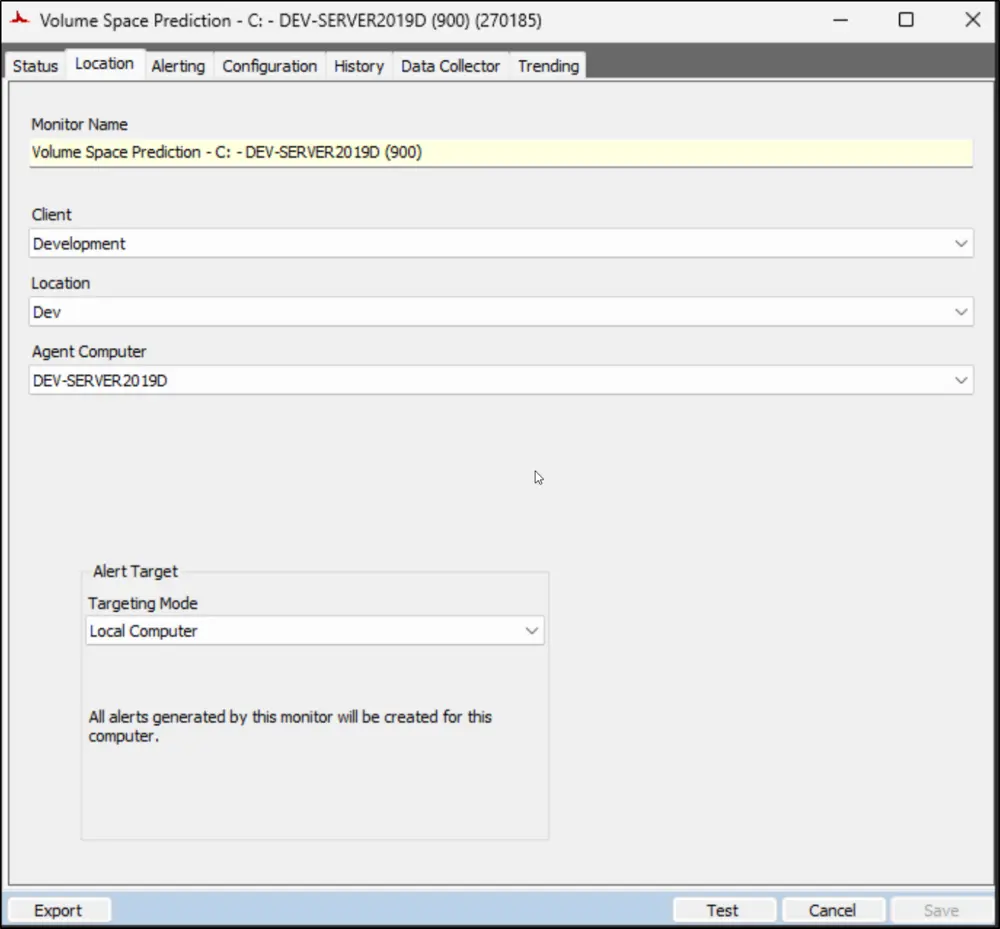
Alerting
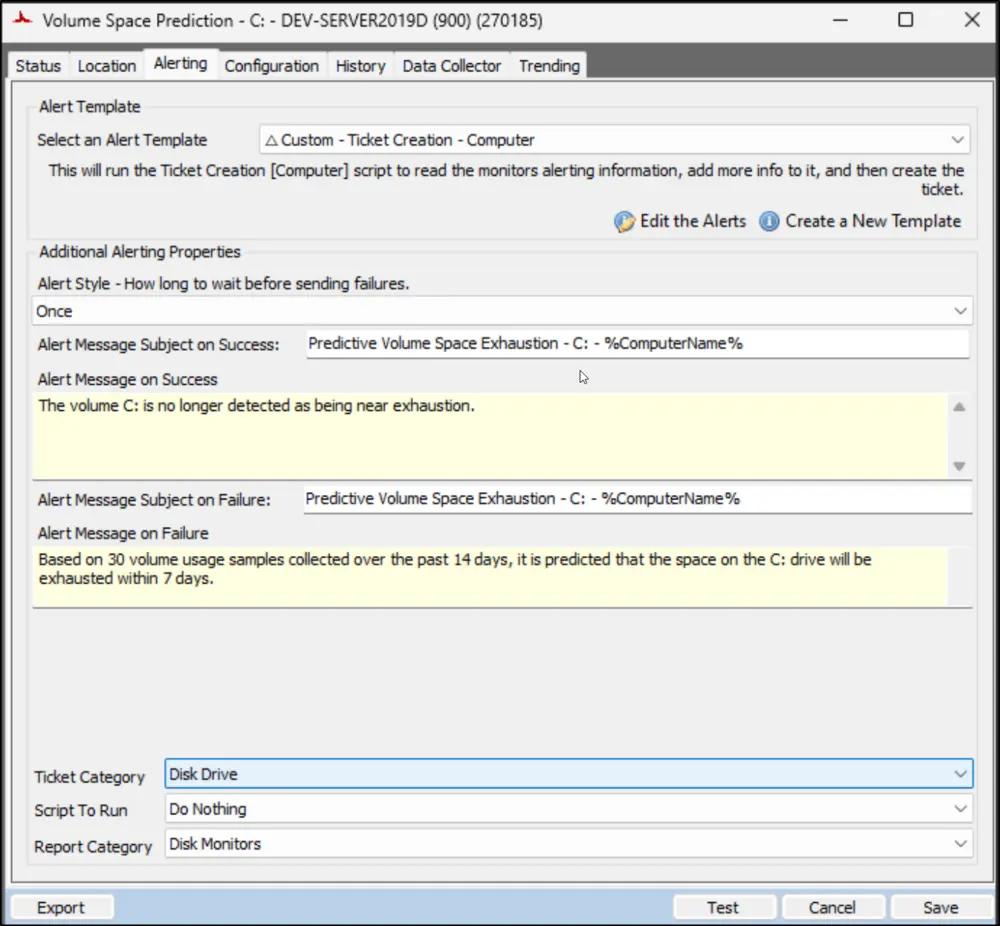
Configuration
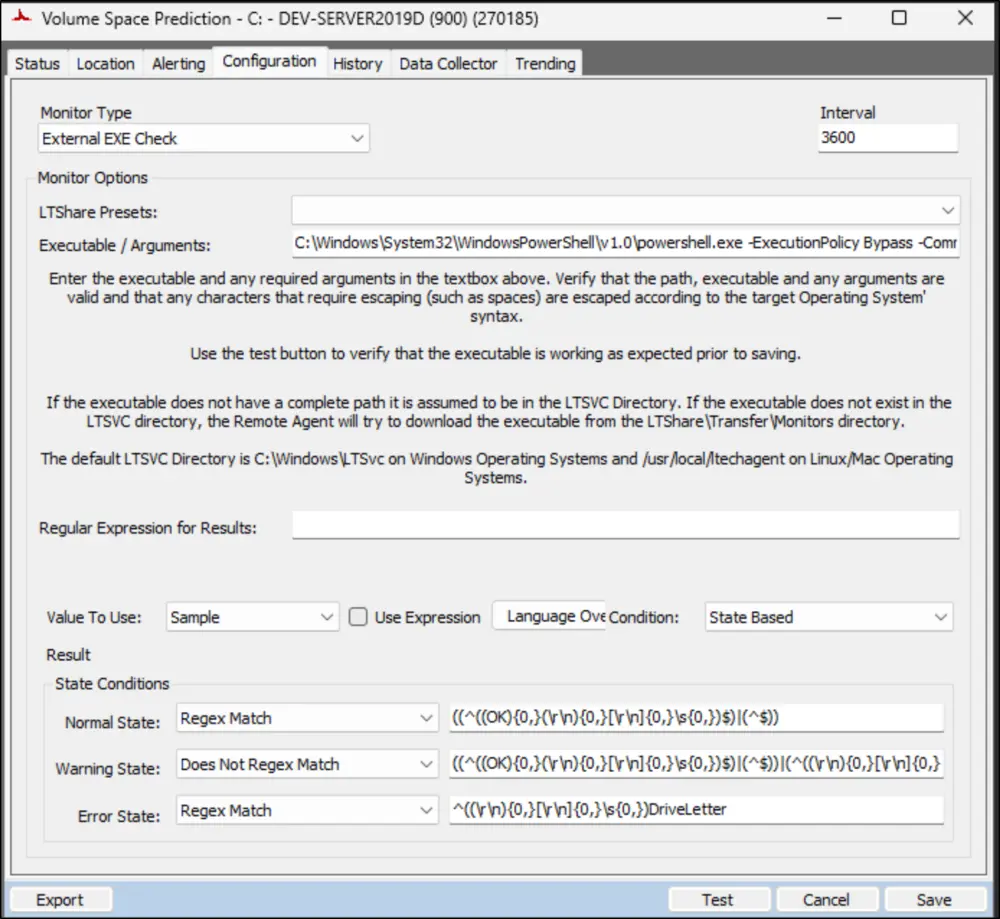
Executable/Arguments:
C:\Windows\System32\WindowsPowerShell\v1.0\powershell.exe -ExecutionPolicy Bypass -Command "$WarningPreference = 'SilentlyContinue'; $ProgressPreference = 'SilentlyContinue'; [Net.ServicePointManager]::SecurityProtocol = [enum]::ToObject([Net.SecurityProtocolType], 3072); $projectName = 'Get-VolumeExhaustionEstimate'; $workingDirectory = '{0}\_Automation\Script\{1}' -f $env:ProgramData, $projectName; $scriptpath = '{0}\{1}.ps1' -f $workingDirectory, $projectName; $scripturl = 'https://contentrepo.net/repo/script/{0}.ps1' -f $projectName; if(-not (Test-Path -Path $workingDirectory)) { New-Item -Path $workingDirectory -ItemType 'Directory' -Force -Confirm:$false | Out-Null }; try { Invoke-WebRequest -Uri $scriptUrl -OutFile $scriptPath -UseBasicParsing } catch { if (-not (Test-Path -Path $scriptPath)) { return $Error[0].Exception.Message } }; $op = & $scriptpath -MinimumSamples 30 -Path $WorkingDirectory -DaysToReport 7 -DaysToLead 2 -Quiet -Force; $op | Where-Object { $_.DriveLetter -eq 'C' } | Format-List"
The parameter values highlighted in the provided example are regulated by the system properties and the Extra Data Fields (EDFs).
Ticketing
Subject:
Predictive Volume Space Exhaustion - <DriveLetter>: - %ComputerName%
Body:
Based on <MinimumSamples> volume usage samples collected over the past <DaysToReport> days, it is predicted that the space on the <DriveLetter>: drive will be exhausted within <DaysToLead> days.
Detailed Information:
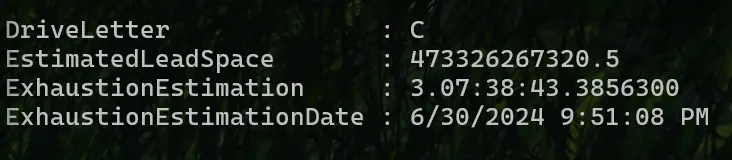
@Result@
Sample @Result@:
Changelog
2026-05-05
- Optimized the command
2025-04-10
- Initial version of the document