Ensure Ninja Service is Running [Macintosh]
Overview
This script is designed to keep the NinjaRMM Agent (com.ninjarmm.agentd) and Ninja Patcher (com.ninjarmm.patcher) services running on macOS. It automatically recovers from service failures or hung states without requiring manual intervention or a system reboot.
When to use: Deploy this script to your Mac endpoints to ensure they maintain constant, reliable connectivity to the NinjaRMM platform, even if the background daemons crash or become unresponsive.
How it Works
When the script runs, it performs the following actions to set up self-healing:
- Service Configuration: It verifies the Ninja LaunchDaemon plists exist, checks if native recovery (
KeepAlive) is configured, and ensures the services are enabled and loaded intolaunchd. - Watchdog Script: It writes a background monitoring script to the local disk at
/Library/Application Support/NinjaSelfHeal/. - LaunchDaemon: It registers a persistent macOS LaunchDaemon named
com.ninjarmm.EnsureNinjaServiceRunningto run the monitoring script in the background.- Runs every 60 minutes continuously.
- Immediate Remediation: It immediately checks the current status of the services. If any are stopped, it attempts to start them using
launchctland waits up to 120 seconds for confirmation.
Logging & Event Management
Because macOS does not use the Windows Event Log, this script writes all diagnostic actions, warnings, and errors to a dedicated text log file and the macOS Unified Log (syslog).
To prevent the log file from growing indefinitely, the script automatically configures macOS newsyslog to rotate the logs.
- Log File:
/var/log/ninja_selfheal.log - Syslog Source:
NinjaSelfHeal(via theloggercommand)
| Log Level | Destination | Source | Description |
|---|---|---|---|
| INFO | Log File & Syslog | NinjaSelfHeal | Service started successfully, or native KeepAlive recovery was verified. |
| WARN | Log File & Syslog | NinjaSelfHeal | Service is not running; attempting restart, or native KeepAlive is missing from the plist. |
| ERROR | Log File & Syslog | NinjaSelfHeal | Service restart failed completely. Manual intervention may be required. |
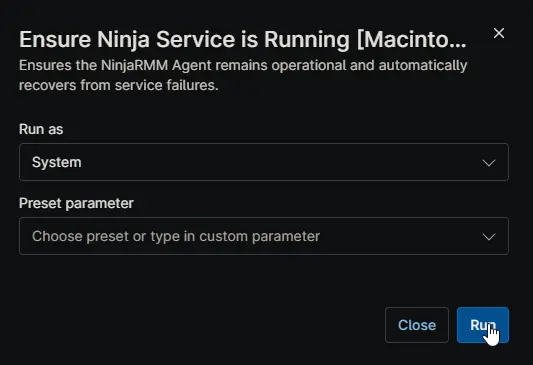
Sample Run
Dependencies
Automation Setup/Import
Output
- Activity Details: A summary log displaying each service's final status, the configured monitoring interval, and the result of the operation.
- Final Result: A clear text output indicating overall success (e.g.,
Success: All Ninja services are running. Monitoring scheduled every 60 minutes.) or failure if manual intervention is required.
Changelog
2026-07-07
- Initial version of the document.