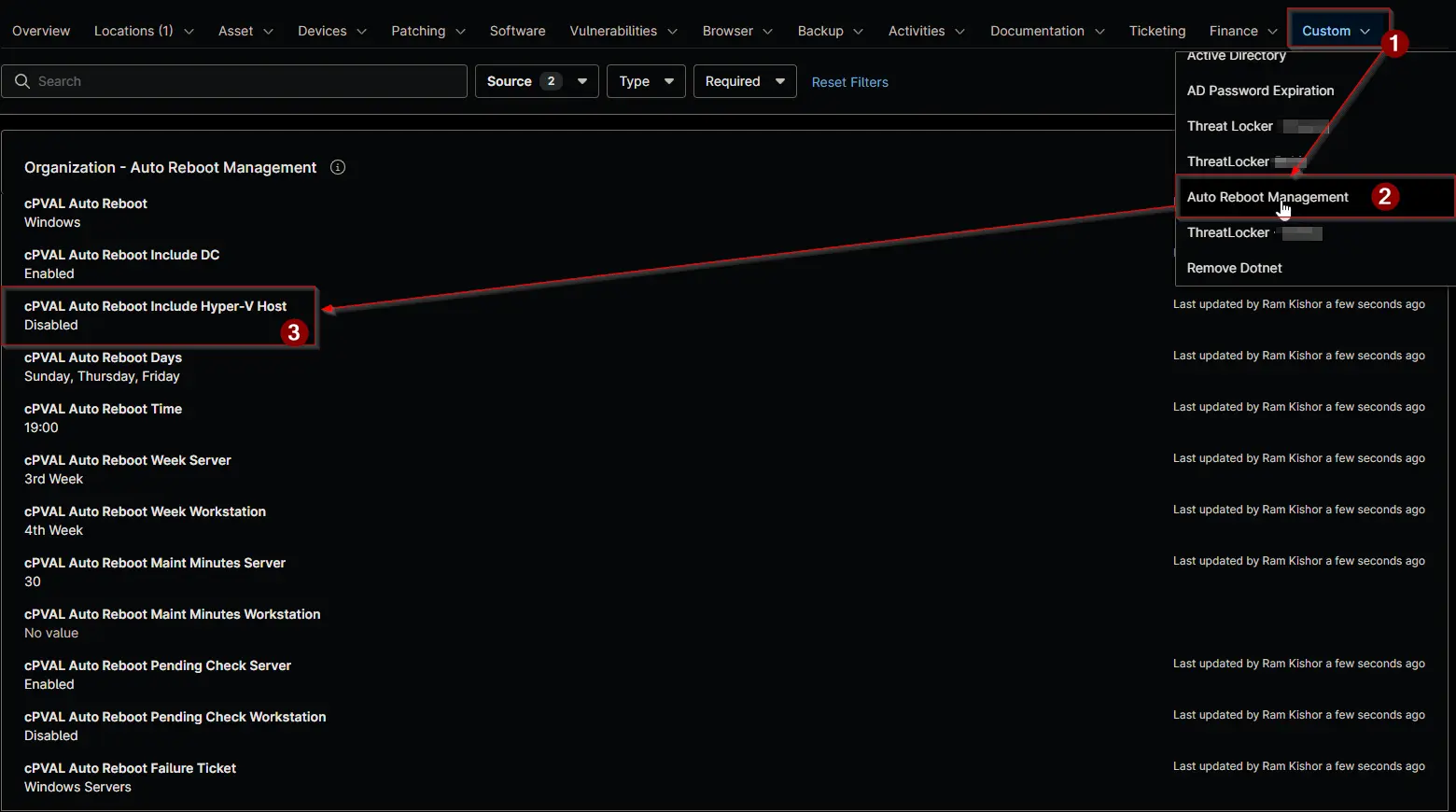
cPVAL Auto Reboot Include Hyper-V Host
Summary
Includes Hyper-V hosts in the Auto Reboot Management - NinjaOne schedule. Hyper-V hosts are excluded by default, because restarting a host also stops every virtual machine running on it.
Enabledrestarts Hyper-V hosts on the server schedule.Disabled, or a blank value at every level, keeps them excluded. SetDisabledat a lower level to exclude them again.
Hyper-V hosts are detected by the Hyper-V Virtual Machine Management (vmms) service. The field applies to servers only.
note
- Set the field at the organization level for a whole client, and override it at a location or on a device where needed. The most specific value wins.
- A blank value inherits from the level above.
- A change takes effect at the next run of the Auto Reboot Management automation, within an hour.
Details
| Label | Field Name | Example | Definition Scope | Type | Required | Default Value | Dropdown Options | Editable | Custom Field Tab |
|---|---|---|---|---|---|---|---|---|---|
| cPVAL Auto Reboot Include Hyper-V Host | cpvalAutoRebootIncludeHyperVHost | Enabled | Organization, Location, Device | Drop-down | No | Enabled, Disabled | Yes |
|
Dependencies
- Automation: Auto Reboot Management
- Custom Field: cPVAL Auto Reboot
- Solution: Auto Reboot Management - NinjaOne
Custom Field Creation
Sample Screenshot
Changelog
2026-11-11
- Initial version of the document