BSOD Monitoring
Summary
Reads the BSOD monitoring configuration from the local JSON file created by the BSOD Monitoring Configuration Writer task. It checks the Windows System event log for BSOD-related events (Event IDs 41, 1001, and 6008) within the configured monitoring period. If the number of detected events exceeds the configured threshold, the monitor reports a failure; otherwise, it returns a healthy status.
How It Works
-
Configuration File
At each check interval, the monitor reads the fileC:\ProgramData\_Automation\Script\BSODMonitoring\BSODMonitoring.json. This file contains two values:- Threshold – the maximum number of BSOD-related events allowed before an alert is generated.
- Days – the number of previous days to search the Windows System event log.
-
BSOD Event Monitoring
The monitor scans the Windows System event log for the following BSOD-related events within the configured time period:- Event ID 41 – Kernel-Power (unexpected shutdown or restart).
- Event ID 1001 – BugCheck (Blue Screen of Death).
- Event ID 6008 – Unexpected shutdown.
-
Threshold Evaluation
The total number of matching events is compared against the configured Threshold.- If the event count exceeds the threshold: The monitor generates a failure.
- If the event count is within the threshold: The monitor reports a healthy status.
-
Alert & Resolution
When a failure occurs, the monitor outputs the number of BSOD-related events detected during the configured monitoring period. Once the event count falls back within the configured threshold, the monitor returns a healthy status, allowing the monitor set to automatically resolve the alert if automatic resolution is enabled.
Dependencies
Monitor Setup Location
Monitors Path: ENDPOINTS ➞ Alerts ➞ Monitors
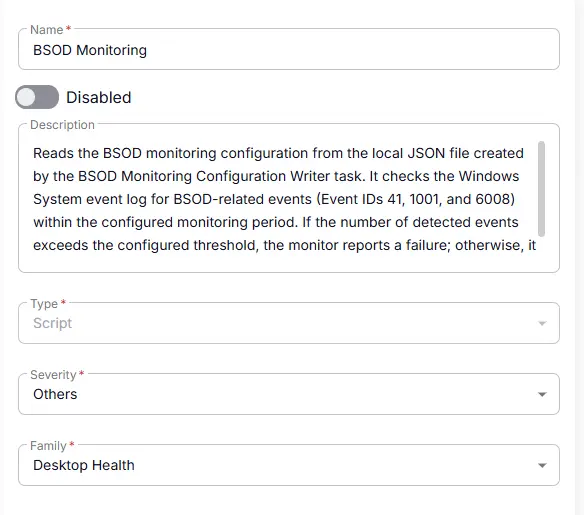
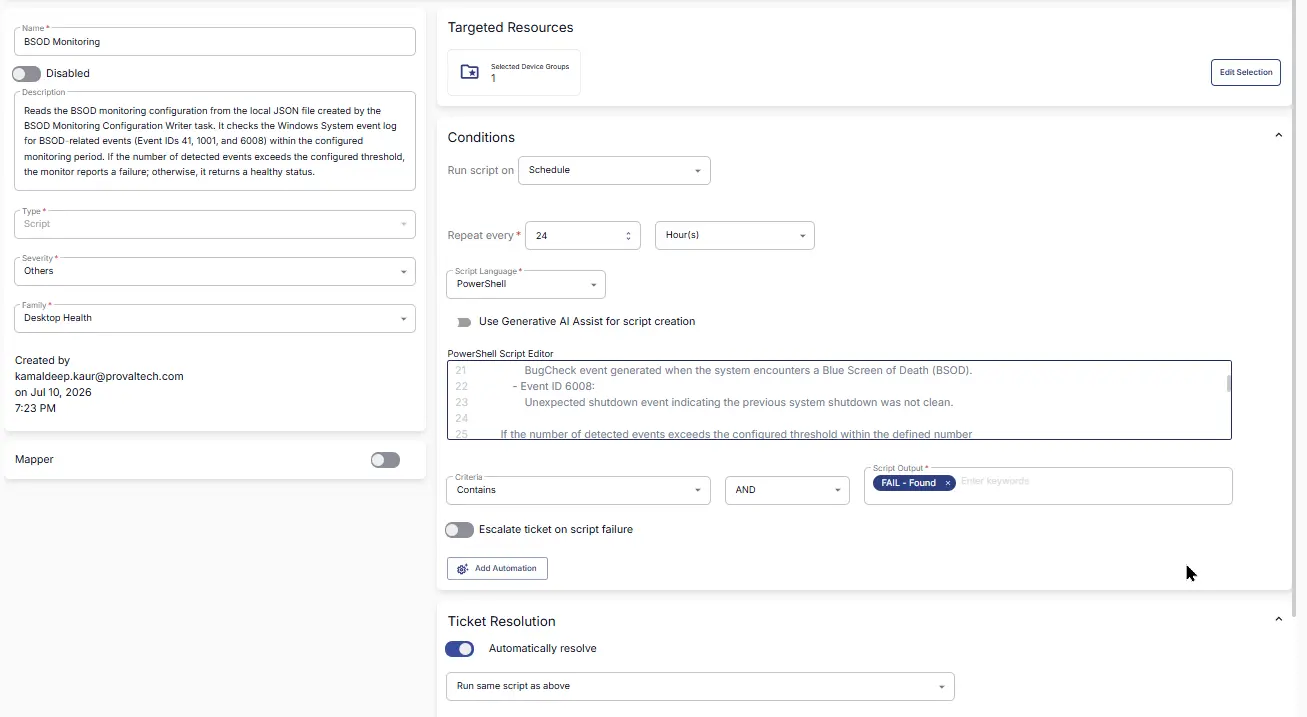
Monitor Summary
- Name:
BSOD Monitoring - Description:
Reads the BSOD monitoring configuration from the local JSON file created by the BSOD Monitoring Configuration Writer task. It checks the Windows System event log for BSOD-related events (Event IDs 41, 1001, and 6008) within the configured monitoring period. If the number of detected events exceeds the configured threshold, the monitor reports a failure; otherwise, it returns a healthy status. - Type:
Script - Severity:
Others - Family:
Desktop Health
Targeted Resources
- Target Type:
Device Groups - Group Name:
[Group : BSOD Monitoring](/docs/607ed709-2b00-4f6c-a1aa-6d234d0a5c0e)

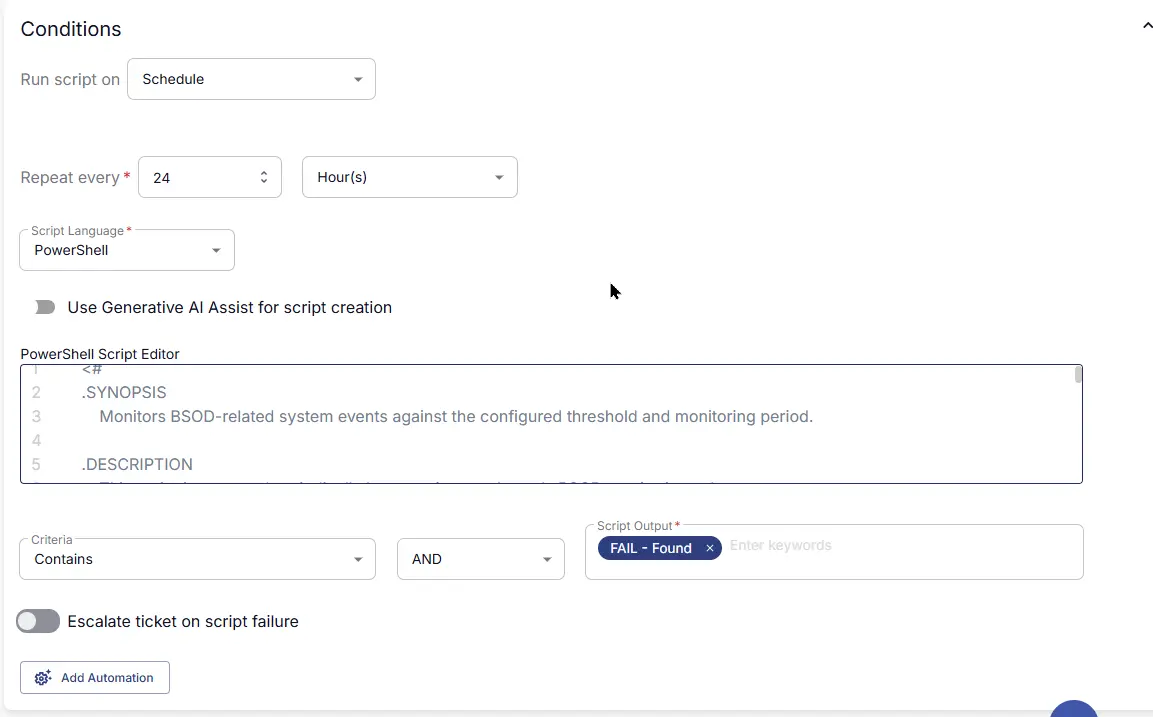
Conditions
-
Run script on:
Schedule -
Repeat every:
24Hour(s) -
Script Language:
PowerShell -
Use Generative AI Assist for script creation:
False -
PowerShell Script Editor:
- Criteria:
Contains - Operator:
AND - Script Output:
Fail - Found - Escalate ticket on script failure:
Disabled - Add Automation:
<Leave it untouched>
Ticket Resolution
- Automatically Resolve:
Enabled - Dropdown Option:
Run same script as above - Criteria:
Contain - Operator:
AND - Script Output:
PASS - Found

Monitor Output
Output: Generate Ticket

Completed Monitor
Changelog
2026-07-21
- Initial version of the document