AR_Threshold_Days_Endpoint
Summary
Overrides AR_Threshold_Days_Site and AR_Threshold_Days for a single device. Leave it empty to use the site's or company's value.
For example, give a laptop that's only used every few months a threshold of 180 days, so it's still handled if it's lost, but not while it's waiting for its next trip.
Dependencies
- Solution: Auto Retire Offline Devices
- Bots: Auto Retire Offline Devices
- Custom Field: AR_Threshold_Days
- Custom Field: AR_Threshold_Days_Site
Custom Field Setup Location
Custom Fields Path: SETTINGS ➞ Custom Fields
Details
| Name | Description | Level | Type | Help Text | Default Value | Editable |
|---|---|---|---|---|---|---|
| AR_Threshold_Days_Endpoint | Endpoint-level override for the number of days the device must be offline before Auto Retire acts on it. Overrides Site and Company settings. | Endpoint | Text Box | Leave blank to inherit. Enter a whole number of days, 7 or more. Example: 90. | Yes |
note
Enter a whole number of 7 or more. Anything else leaves the device alone and writes the reason to AR_Last_Result.
This field has no default value, and shouldn't be given one. A default value would apply to every device and override the level above it everywhere.
Implementation
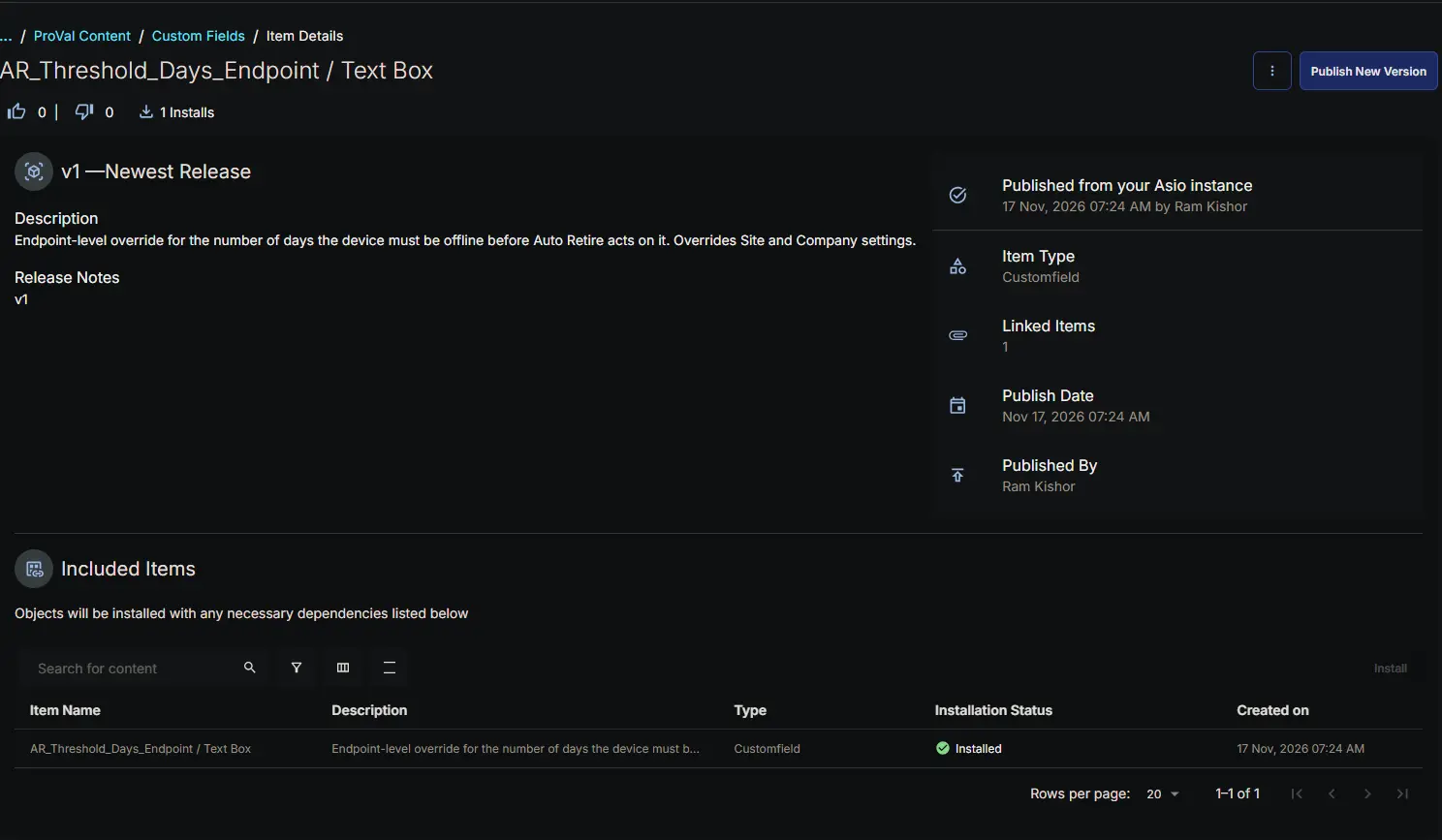
Install the custom field from the ProVal - Content Community, selecting the Custom Fields repository.
Changelog
2026-11-17
- Initial version of the document