Install Windows App
Summary
This script installs Windows App and creates a shortcut on the Desktop of the logged in user.
NOTE: User must be logged on to the computer to run this script.
Scripts Path
C:\ProgramData\_automation\App\Winget\Install-Winget.ps1C:\ProgramData\_Automation\Script\WindowsApp\Create-WindowsAppShortcut.ps1
Sample Run
Execute the script with SetEnvironment = 1, to import the required EDFs.

Normal execution of the script

Dependencies
User Parameter
| Name | Example | Required | Description |
|---|---|---|---|
| SetEnvironment | 1 | False | Set it to 1, to import the required EDFs. It is needed to run with SetEnvironment = 1, just after importing the script. |
EDFs
| Name | Level | Type | Tab | Description |
|---|---|---|---|---|
| Windows App | Client | Checkbox | Software | Flag this EDF to enable Auto deployment of Windows App for Windows Workstations 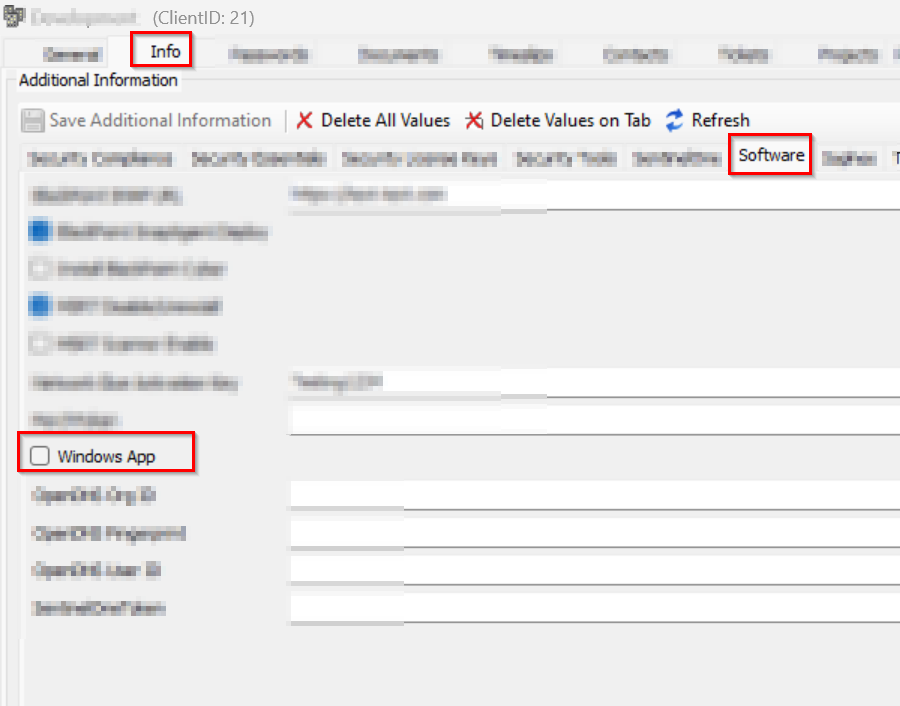 |
| Exclude Windows App | Location | Checkbox | Exclusions | Flag this EDF to exclude the location from Windows App auto-deployment solution 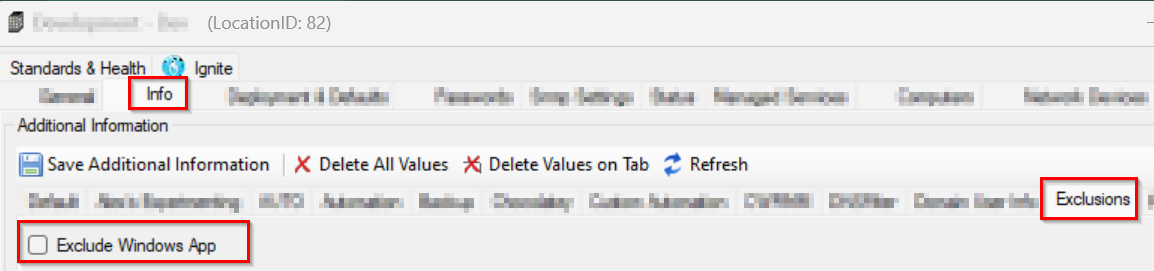 |
| Exclude Windows App | Computer | Checkbox | Exclusions | Flag this EDF to exclude the computer from Windows App auto-deployment solution 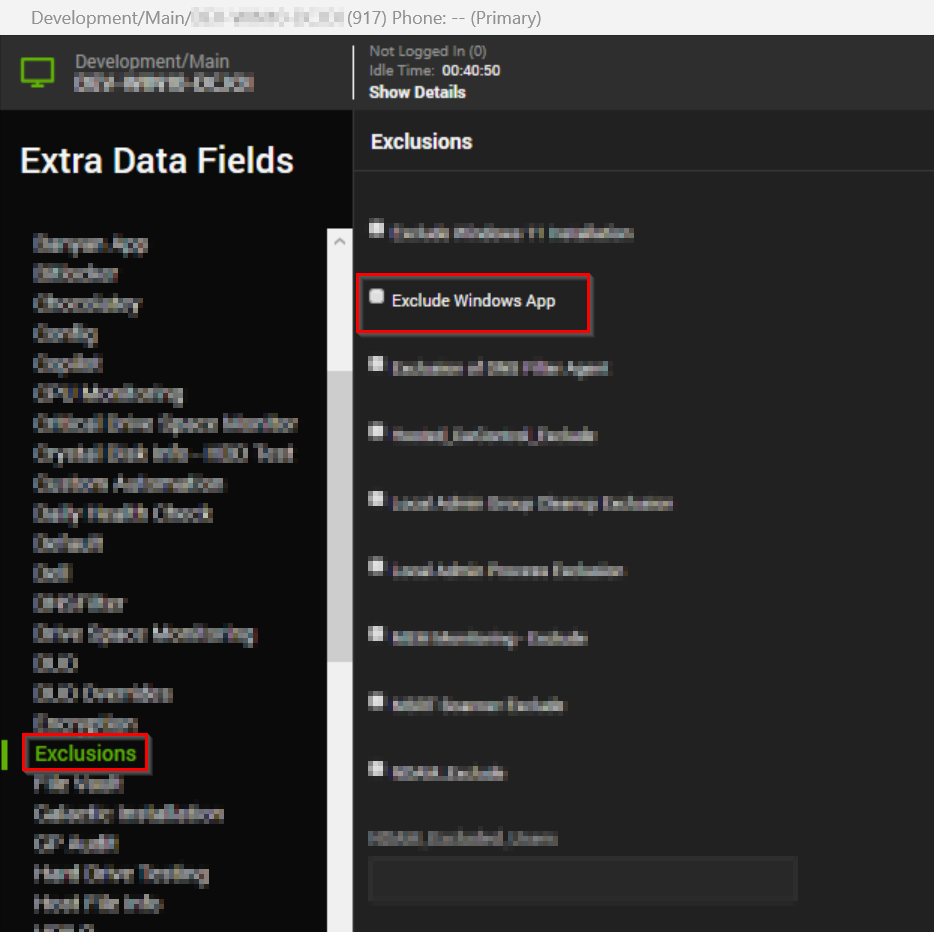 |
Output
- Script Log
Changelog
2026-04-06
- Code signed PowerShell script
- Updated the downloadUrl for both 7zr.exe and 7z.7z
2026-03-16
- Signed the PowerShell scripts used by this script.
2026-01-20
- The agnostic for the script had bugs related to Invoke-WebRequest and was throwing incorrect DISM Error When Adding "Provisioned" Package. After the agnostic got fixed, the automate implementation was updated to fix the failures.
2025-12-17
- Initial version of the document