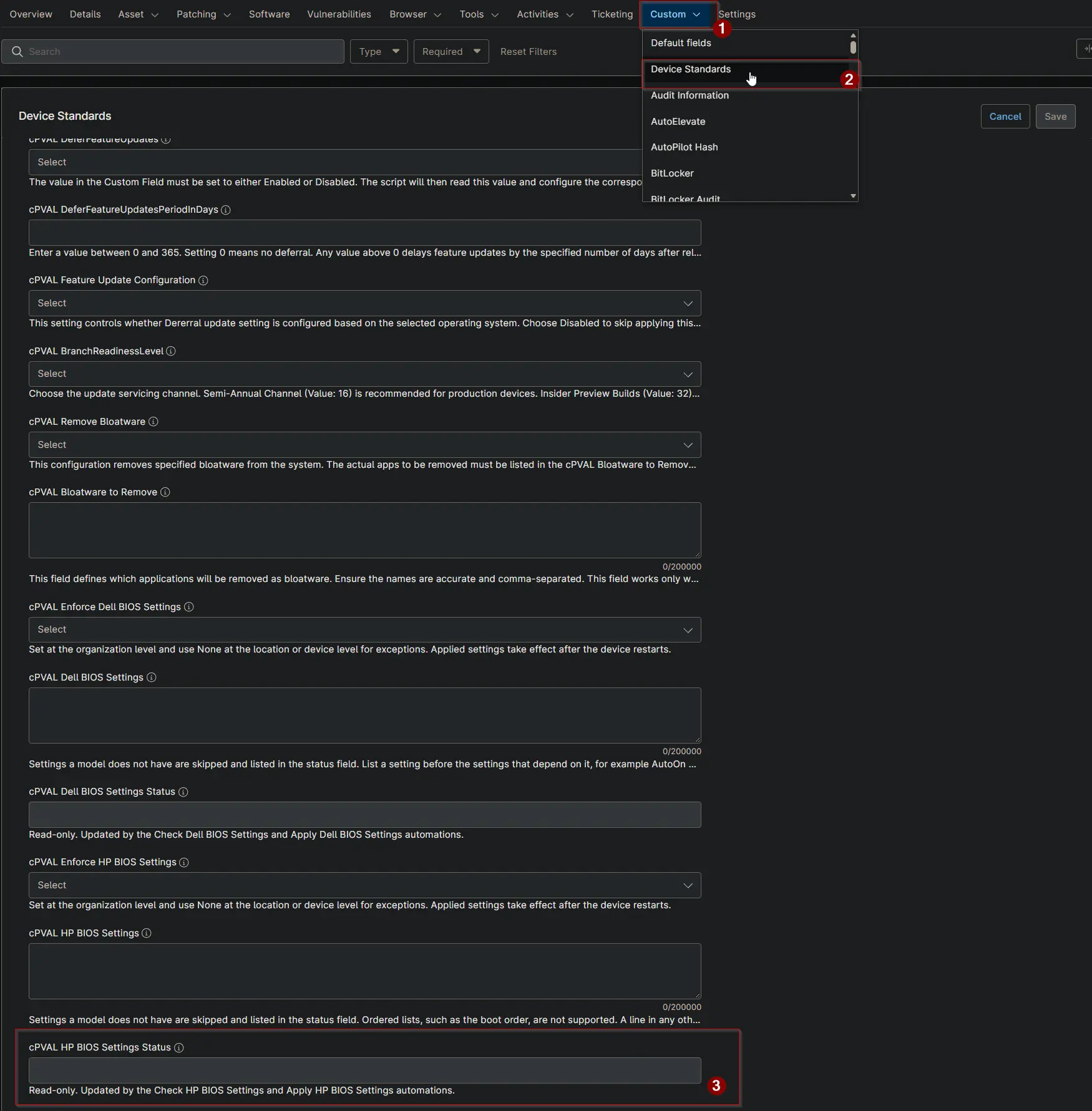
cPVAL HP BIOS Settings Status
Summary
This custom field shows the result of the Enforce HP BIOS Settings solution on a device. It is updated by the Check HP BIOS Settings and Apply HP BIOS Settings automations and is read-only for technicians.
Details
| Label | Field Name | Example | Definition Scope | Type | Required | Default Value | Dropdown Options | Editable | Custom Field Tab |
|---|---|---|---|---|---|---|---|---|---|
| cPVAL HP BIOS Settings Status | cpvalHpBiosSettingsStatus | Compliant | Device | Text | False | No | Device Standards |
Status Values
Each value shows the status, the date and time it was first recorded, and details when there are any.
Compliant | 2026-10-16 21:05:12
Compliant | 2026-10-16 21:05:12 | Not supported: After Power Loss
Non-Compliant | 2026-10-16 21:05:12 | Mismatch: Wake On LAN, Sunday
Applied - Reboot Pending | 2026-10-16 21:05:12 | Changed: Wake On LAN, Sunday
Failed | 2026-10-16 21:05:12 | Invalid value: Wake On LAN=Enable (valid: Disable, Boot to Network, Boot to Hard Drive)
| Status | Meaning | Action |
|---|---|---|
| Compliant | Every supported setting matches. Not supported lists the settings this model does not have. | None. |
| Non-Compliant | At least one setting differs. Shown in Audit mode only. | Review the settings, then switch cPVAL Enforce HP BIOS Settings to Enforce. |
| Applied - Reboot Pending | The settings were changed and take effect after a restart. The device is not checked again until it restarts. | Restart the device. |
| Failed | The settings could not be read or applied. The reason follows the date. | Fix the reason, for example the format of cPVAL HP BIOS Settings. |
Use this field to build device groups, for example devices whose status contains Reboot Pending or Failed.
Dependencies
- Solution: Enforce HP BIOS Settings
- Solution: Device Standards
- Script: Check HP BIOS Settings
- Script: Apply HP BIOS Settings
Custom Field Creation
Sample Screenshot
Changelog
2026-10-16
- Initial version of the document