Get Wifi Profile
Summary
The script is an Automate implementation of the agnostic script Get-WifiProfile. It retrieves details about Wi-Fi profiles stored on designated end-user machines.
Sample Run
-
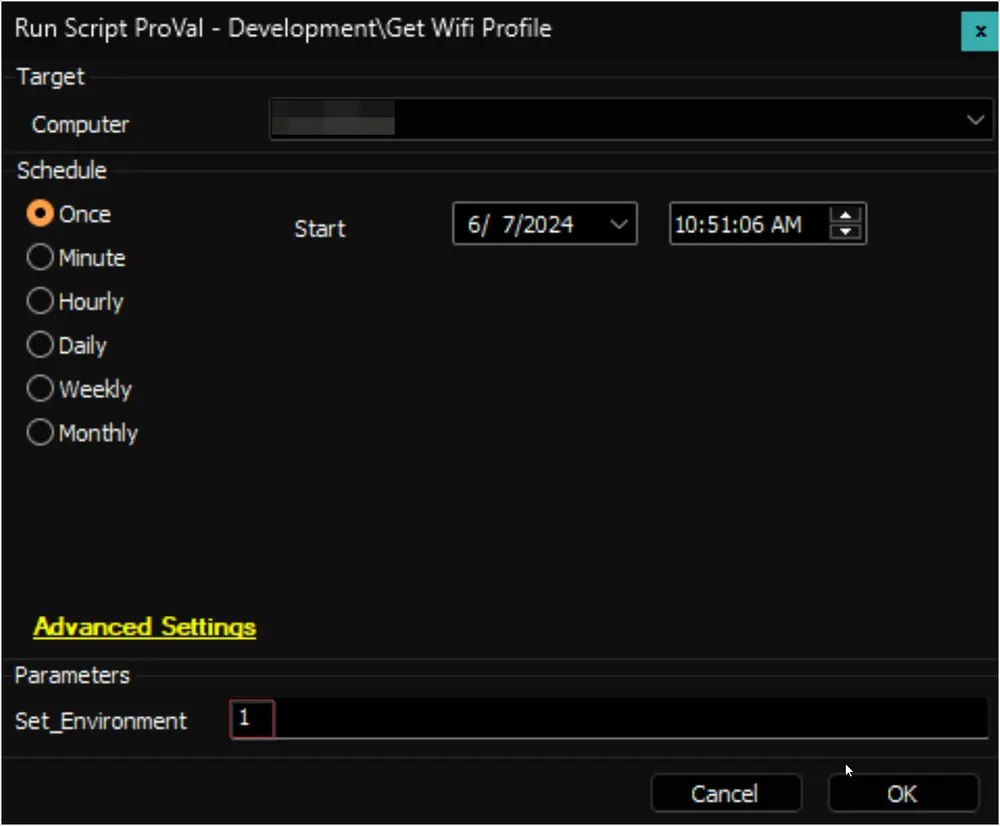
For the first execution of the script, the value of the user parameter
Set_Environmentshould be set to1. This will create the EDF, System property, and custom table solution:
-
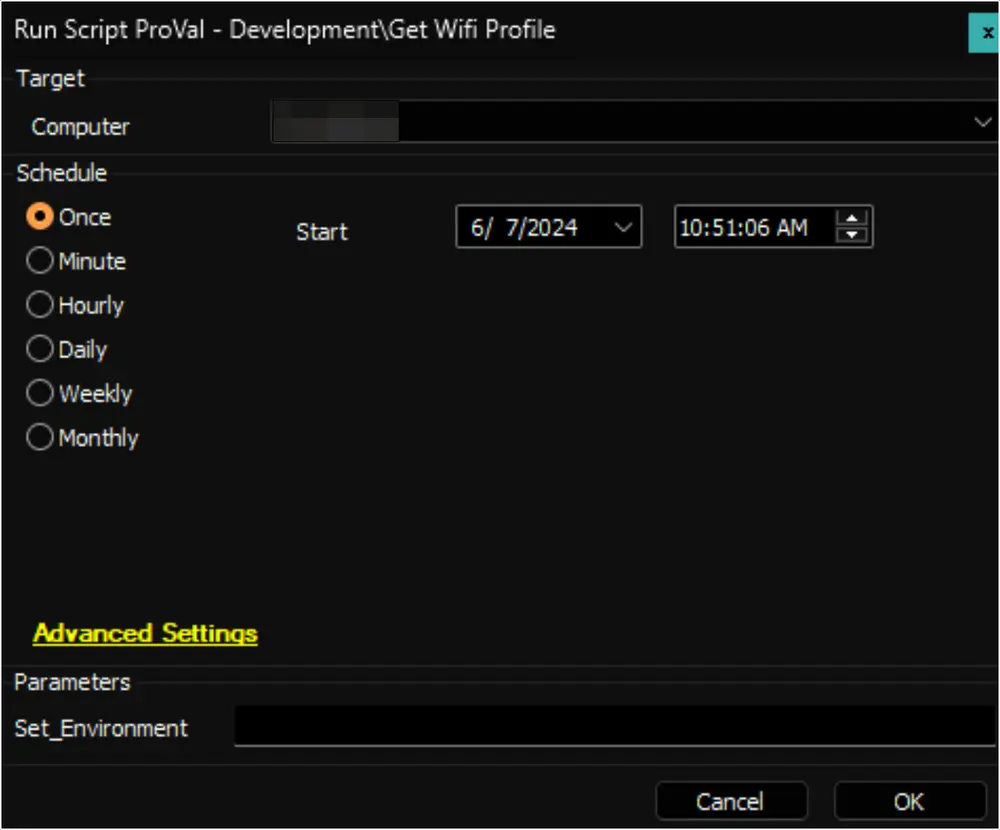
Regular execution:
Dependencies
Variables
| Name | Description |
|---|---|
| ProjectName | Get-WifiProfile |
| WorkingDirectory | C:\ProgramData_Automation\Script\Get-WifiProfile |
| PS1Log | C:\ProgramData_Automation\Script\Get-WifiProfile-Log.txt |
| PS1ErrorLog | C:\ProgramData_Automation\Script\Get-WifiProfile-Error.txt |
| TableName | pvl_wifi_profiles |
User Parameters
| Name | Example | Required | Description |
|---|---|---|---|
| Set_Environment | 1 | True for the first run | It is mandatory to set this parameter to 1 for the very first execution of the script. |
Global Variables
| Name | Value | Accepted Values | Description |
|---|---|---|---|
| Debug | False | False, True | When True, enables informational logging; when False (default), informational logs are suppressed to avoid adding entries to the h_scripts table. Set to True to assist with troubleshooting. |
| ScriptEngineEnableLogger | False | False, True | When True, enables final (success/failure) logging; when False (default), these logs are suppressed to avoid adding entries to the h_scripts table. Set to True to assist with troubleshooting. |
Output
- Script Log
- Dataview
Changelog
2025-10-03
- Optimized the script with below points: Write file instead of execute powershell bypass; Used overflowed variable script to insert data instead of current logic; Instead of checking for ps1log file check for the machine'e entry in table and fail the script if machine's entry is missing.
2025-04-10
- Initial version of the document