Manage Windows Update System Tray Icon
Overview
This automation controls the Windows Update icon in the system tray for all users on Windows 10 and Windows 11 devices.
- By default, it hides the icon.
- Turn on
Show_Windows_Update_Tray_Iconif you want to show the icon again.
Implementation
-
Download the
componentManage Windows Update System Tray Icon from the attachments. -
After downloading the attached file, click on the
Importbutton -
Select the component just downloaded and add it to the Datto RMM interface.

Sample Run
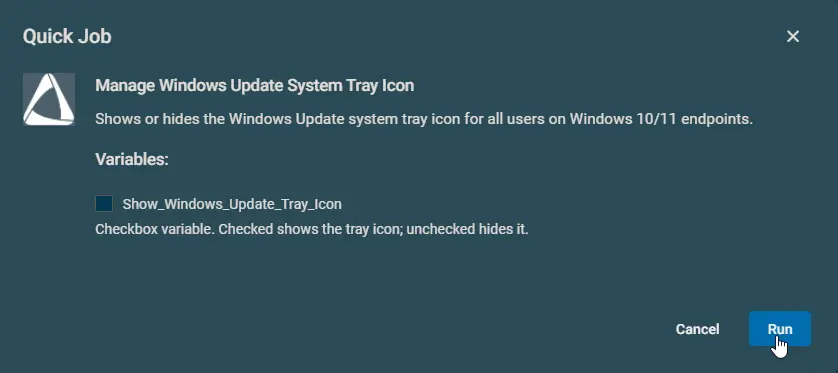
Datto Variables
| Variable Name | Type | Default | Description |
|---|---|---|---|
Show_Windows_Update_Tray_Icon | Boolean | False | Check to show the tray icon. Leave unchecked to hide it. |
Output
- stdOut
- stdError
Attachments
Manage Windows Update System Tray Icon
Changelog
2026-04-13
- Changed the automation name from
Hide-Unhide Windows Update Systray IcontoManage Windows Update System Tray Icon. - Added support for Windows 11 24H2 and newer devices.
2026-03-30
- Initial version of the document.