Manage Developer Mode
Overview
Manages the Windows Developer Mode setting on Windows 10/11 devices. The automation can enable, disable, or check the current Developer Mode state.
The desired action is determined in the following priority order:
- The
Actionscript parameter, if set. - The cPVAL Desired Developer Mode custom field, if configured at the Organization, Location, or Device level.
- Defaults to
Checkif neither is set.
After each run, the cPVAL Current Developer Mode custom field is updated to reflect the current Developer Mode state on the device.
Notes:
- Supported on Windows 10 and Windows 11 only.
- Set the cPVAL Desired Developer Mode custom field to
Noneto exclude devices at that scope from scheduled automation runs. The automation can still be run manually on those devices and will default to theCheckaction.- Lower-level settings (Device) override higher-level settings (Location, Organization) in the cPVAL Desired Developer Mode custom field.
- The
Actionparameter always takes priority over the custom field value.
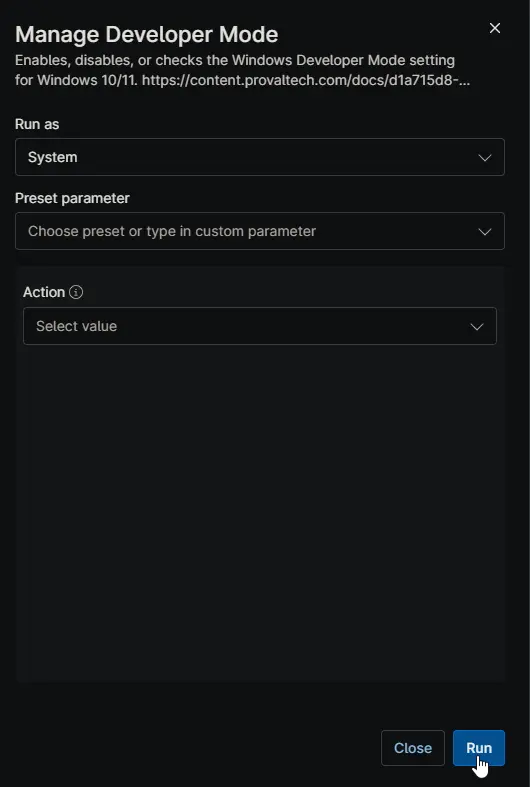
Sample Run
Action Determined by cPVAL Desired Developer Mode Custom Field
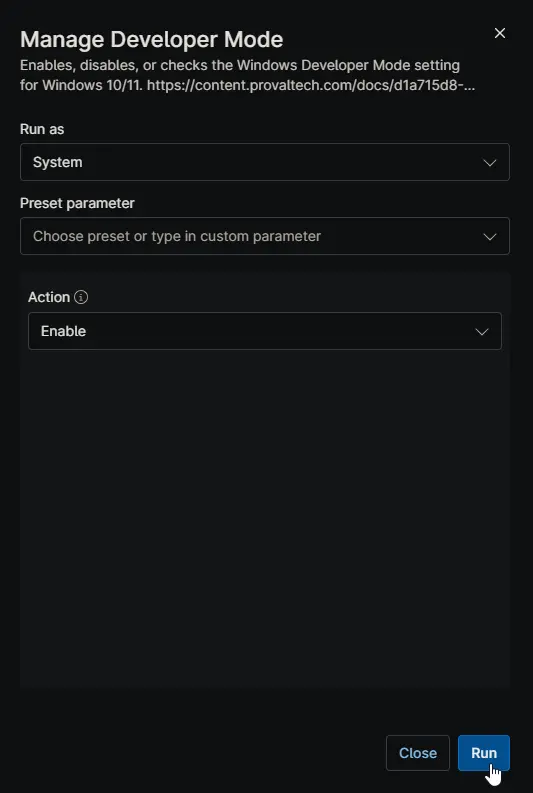
Enable Developer Mode via Action Parameter
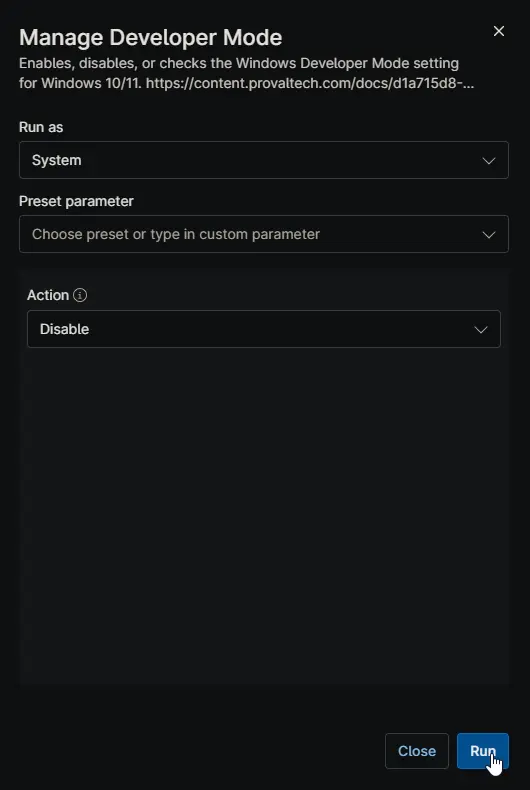
Disable Developer Mode via Action Parameter
Dependencies
- Custom Field: cPVAL Desired Developer Mode
- Custom Field: cPVAL Current Developer Mode
- PowerShell: Manage-DeveloperMode
- Solution: Manage Developer Mode
Parameters
| Name | Example | Accepted Values | Required | Default | Type | Description |
|---|---|---|---|---|---|---|
| Action | Enable | Check, Enable, Disable | False | Check | Dropdown | Defines the action to perform on Developer Mode. When set, this overrides the value stored in the cPVAL Desired Developer Mode custom field. Defaults to Check if neither this parameter nor the custom field is configured. |
Custom Fields
| Name | Definition Scope | Type | Required | Default Value | Available Options | Editable | Custom Field Tab Name | Description |
|---|---|---|---|---|---|---|---|---|
| cPVAL Desired Developer Mode | Organization, Location, Device | Dropdown | No | None | None, Check, Enable, Disable | Yes | Developer Mode | Controls the desired Developer Mode state for scheduled automation runs. Set at Organization, Location, or Device level. Lower-level settings override higher-level ones. Set to None to exclude the device from scheduled automation; manual runs will still default to Check. |
| cPVAL Current Developer Mode | Device | Text | No | No | Developer Mode | Displays the current Developer Mode state (Enabled or Disabled) as of the last automation run. This field is updated automatically by the automation. |
Automation Setup/Import
Output
- Activity Details
- Custom Field
Changelog
2026-06-17
- Initial version of the document