Windows Updates - Enable or Disable Settings
Overview
Manages Windows Update user interface access and notification behavior using local policy settings.
This script controls two Windows Update behaviors by configuring supported registry policy keys under HKLM:\Software\Policies\Microsoft\Windows\WindowsUpdate.
Sample Run
Play Button > Run Automation > Script
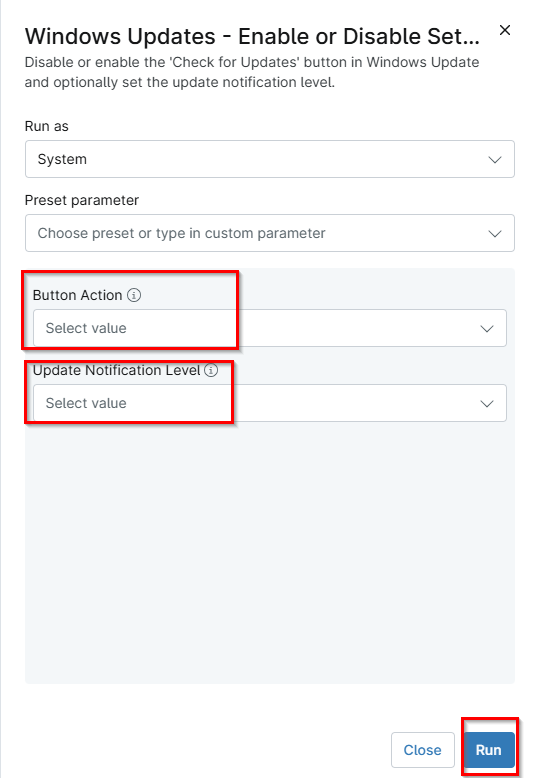
Select the Button Action and Update Notifications Level options as required.
Dependencies
Parameters
| Name | Example | Accepted Values | Required | Type | Description |
|---|---|---|---|---|---|
| Button Action | Enable | Enable, Disable | False | DropDown | Specify whether the 'Check for Updates' button should be accessible to all users of this machine. |
| Update Notification Level | The default Windows Update notification level | The default Windows Update notification level,Disable all notifications including restart prompt,Disable all notifications excluding restart prompt | False | DropDown | Specify whether to show or hide all update notifications, including restart warnings. |
Automation Setup/Import
Output
- Activity Details
- Custom Field
Changelog
2026-04-22
- Initial version of the document