Lock Stolen System
Overview
This ticket template sets how the ConnectWise Manage ticket is created when a device marked as stolen comes online. Both the Lock Stolen Systems [Windows] and Lock Stolen Systems [Macintosh] compound conditions use it. The ticket title shows the organization name, the device name and a note that the stolen device has come online. Each later run of the compound condition is added to the same ticket, so the ticket shows every time the device came online. The ticket stays open until your team closes it, usually after the device is recovered. If it's closed while the device is still marked as stolen, the next run opens a new ticket. Set the board, ticket type and other ticket settings to match your ConnectWise Manage setup.
Requirement
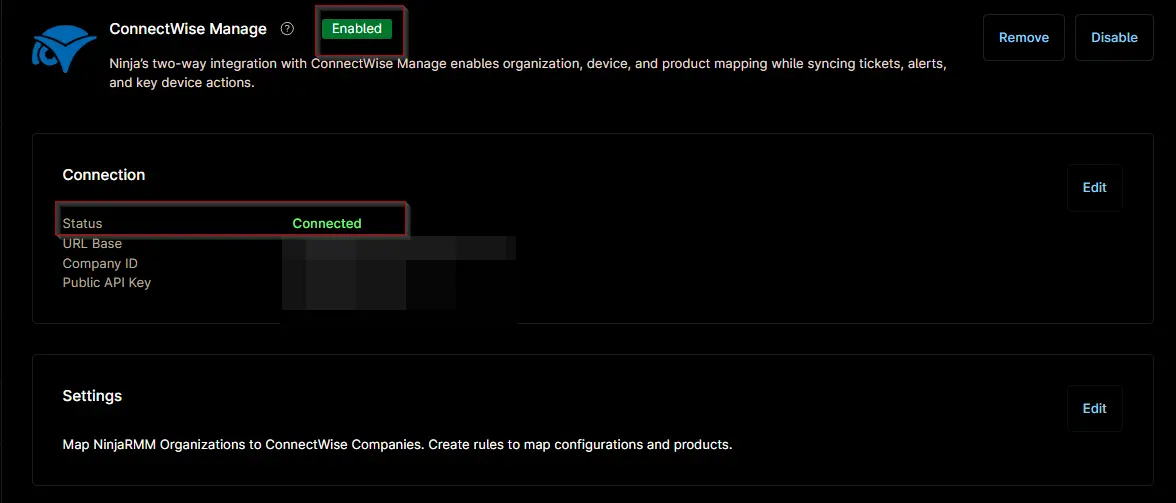
Ensure that the ConnectWise Manage app is enabled and connected.
Dependencies
- Compound Condition: Lock Stolen Systems [Windows]
- Compound Condition: Lock Stolen Systems [Macintosh]
- Solution: Lock Stolen System
Template Creation
CW Manage Ticket Template Configuration
Changelog
2026-11-12
- The ticket template is now used by both the Windows and Macintosh compound conditions.
2026-02-10
- Initial version of the document