Get Dell Dockstation
Overview
This script collects the Dell dock station information and stores it in the custom field "cpvalDellDockDetails" of type WYSIWYG in the tabular format.
Sample Run
- Click on Automation -> Script
- Search and click
Get Dell Dockstation - Click on
Get Dell Dockstation - Provide the URL to download the installer link (By default it is set to https://dl.dell.com/FOLDER11078318M/1/Dell-Command-Monitor_KF06N_WIN_10.10.1.13_A00.EXE)
- Click
Run
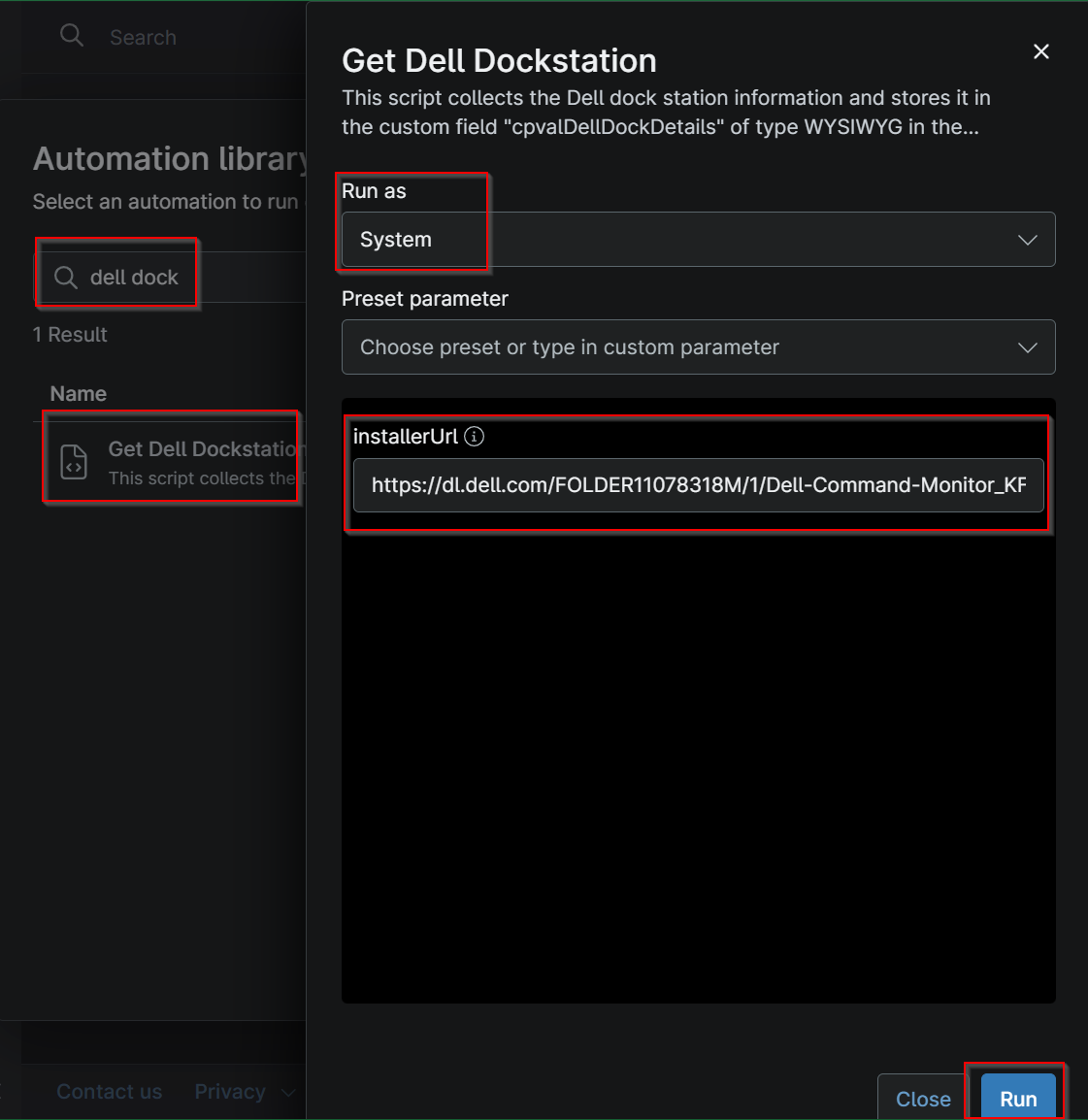
- Click
Runagain
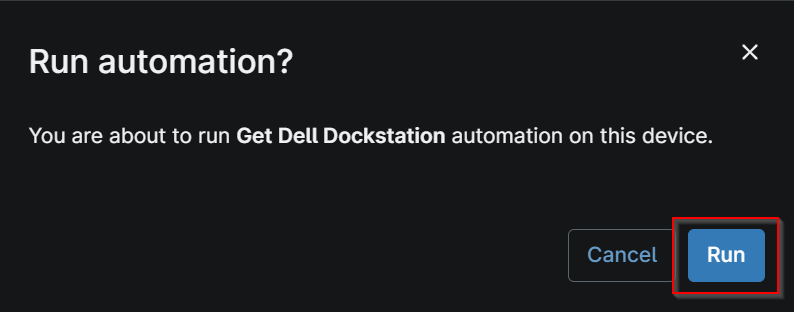
Dependencies
Parameters
| Name | Example | Accepted Values | Required | Default | Type | Description |
|---|---|---|---|---|---|---|
| InstallerURL | https://dl.dell.com/FOLDER11078318M/1/Dell-Command-Monitor_KF06N_WIN_10.10.1.13_A00.EXE | Direct download link | False | https://dl.dell.com/FOLDER11078318M/1/Dell-Command-Monitor_KF06N_WIN_10.10.1.13_A00.EXE | Text | URL to directly download DCM.exe. |
Custom Fields
| Field Name | Type | Mandatory | Scope | Description |
|---|---|---|---|---|
| cpvalDellDockDetails | WYSIWYG | true | Device | This custom field stores the information of the Dell dockstation fetched by the script Get Dell Dockstation. |
Automation Setup/Import
Output
- Activity Details
- Custom Field
Changelog
2026-10-22
- Initial version of the document