Set Windows Update Registry Values
Summary
The script is designed to remove any additional registry values from the registry path Computer/HKEY_LOCAL_MACHINE/SOFTWARE/Policies/Microsoft/Windows/WindowsUpdate/AU. Additionally, it ensures that the values for the keys NoAutoRebootWithLoggedOnUsers and NoAutoUpdate are set to 1.

CW Support recommends setting these registry keys on the local device to ensure that patching and rebooting occur properly from CW RMM.
Furthermore, the script will ensure that patching access is not disabled for the System account by making the necessary registry changes.
Sample Run
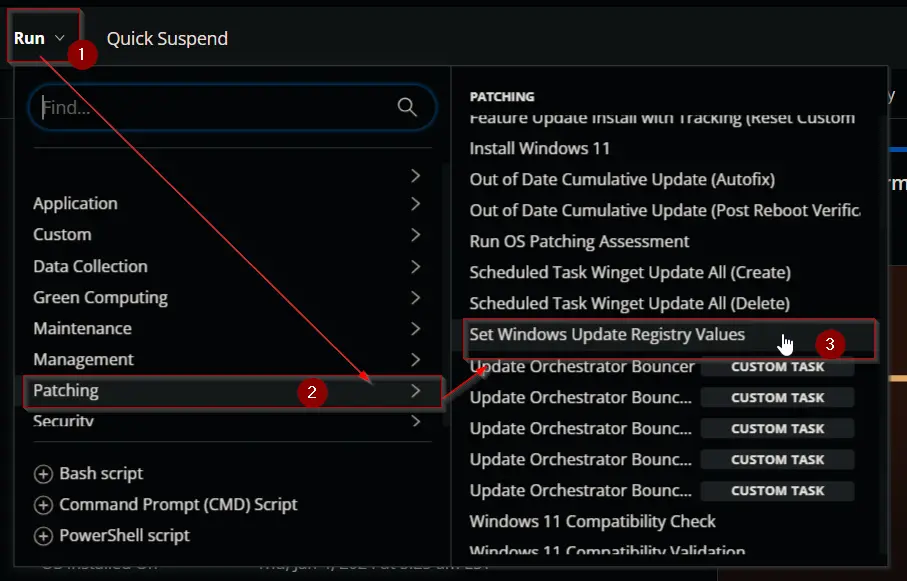
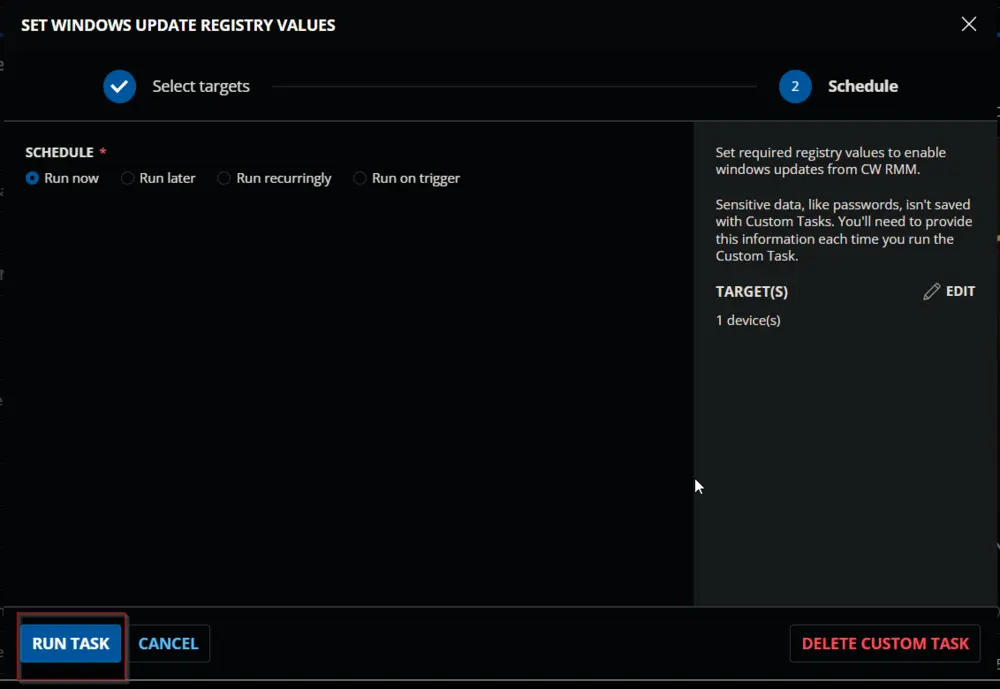
Task Creation
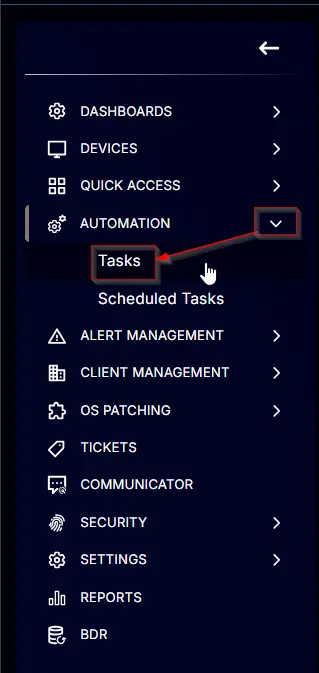
Create a new Script Editor style script in the system to implement this task.

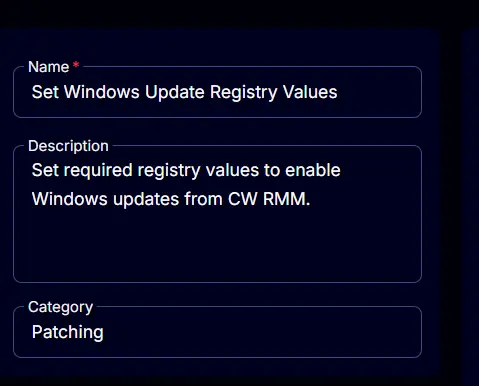
Name: Set Windows Update Registry Values
Description: Set required registry values to enable Windows updates from CW RMM.
Category: Patching
Task
Navigate to the Script Editor section and start by adding a row. You can do this by clicking the Add Row button at the bottom of the script page.

A blank function will appear.

Row 1 Function: PowerShell Script
Search and select the PowerShell Script function.


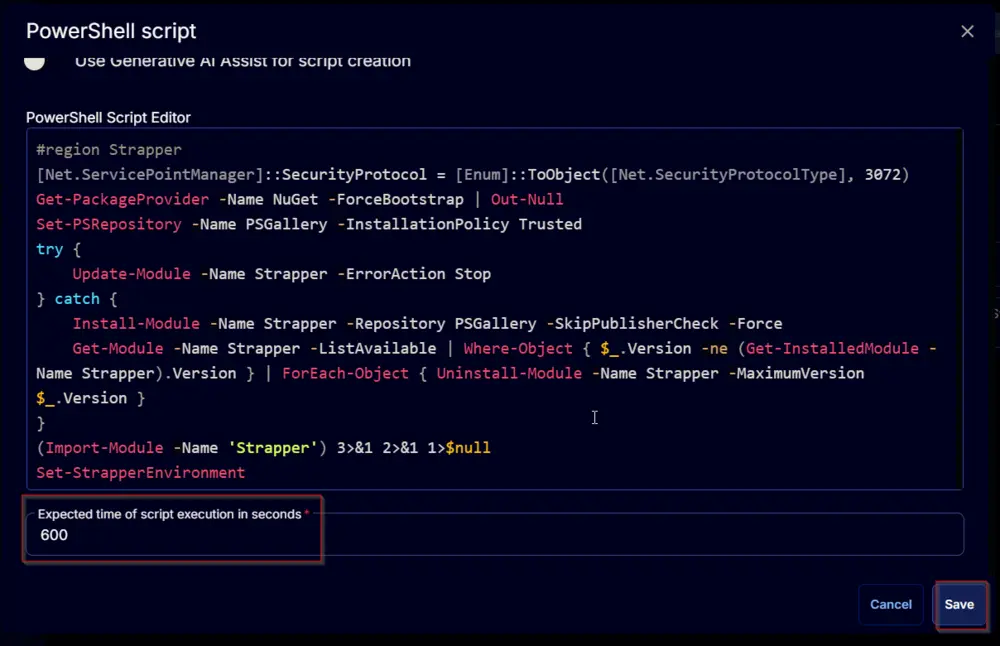
The following function will pop up on the screen:

Paste in the following PowerShell script and set the expected time of script execution to 600 seconds. Click the Save button.
Row 2 Function: Script Log
Add a new row by clicking the Add Row button.

A blank function will appear.

Search and select the Script Log function.


The following function will pop up on the screen:

In the script log message, simply type %output% and click the Save button.

Click the Save button at the top-right corner of the screen to save the script.

Completed Task

Output
- Script log
Changelog
2025-04-10
- Initial version of the document