Associate a device with an existing ticket
Summary
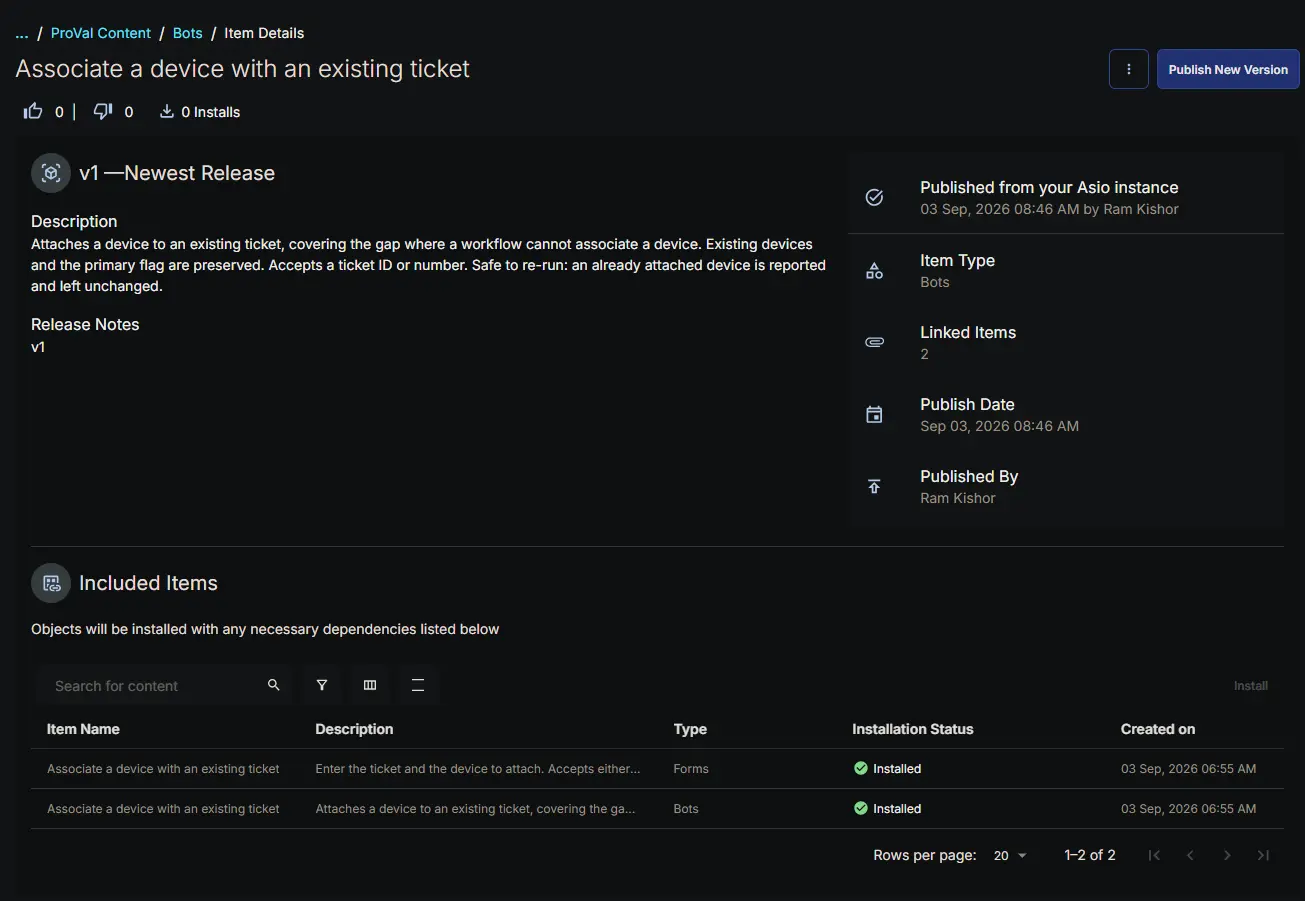
The Associate a device with an existing ticket bot attaches a device to a ticket that already exists. It covers a capability a native CW RMM workflow lacks entirely: a workflow can create a ticket, note it and close it, but it cannot associate a device with it.
The bot runs inside the platform, so it uses the pre-authenticated RPA HTTP client and needs no client ID or client secret. The base URL arrives automatically through the cwOpenAPIURL input.
It is intended for tickets that are already open — one raised by hand, one created by a process outside this content set, or a ticket that needs a second device attached alongside the first.
How it works:
- Both form values are read and written to the result log before validation, so a single run shows exactly what the form delivered.
- The ticket is resolved. A value matching the GUID pattern is fetched directly by ID; anything else is treated as a ticket number and searched for. A GUID that fails a direct fetch also falls back to the number search.
- After a number search the ticket is re-read by ID, because the search projection is not guaranteed to include the complete
assetsarray. - The existing associations are merged with the incoming device.
- The merged array is written back with a JSON Patch
replaceoperation. - The patch response is inspected to confirm the device is present before the run is reported as successful.
ticketId,ticketNumber,deviceId,assetCount,isPrimaryandalreadyAssociatedare returned as result data for bot chaining.
Why the ticket is read before it is written
The ticket API supports only the replace operation on the assets path, which means the entire array has to be sent back on every change. Sending just the new device would silently remove every device already associated with the ticket, and would also discard the primary flag. Reading first and merging avoids both.
Merge behaviour
| Ticket state | Outcome |
|---|---|
| Has a device flagged primary | The new device is appended as an additional device; the existing primary is untouched |
| Has no devices at all | The new device is attached and becomes the primary |
| Has devices but none flagged primary | The new device is attached and becomes the primary |
| Already has this device | No patch is sent; the run reports success and changes nothing |
That last row makes the bot safe to re-run. A repeated or duplicated run will not create a duplicate association or fail the run.
When not to use it
If the ticket is being created as part of the same process, create it with the device already attached instead, using the Bots: Create ticket with associated device bot. A device attached to a ticket after the fact does not carry through to the configuration on the ticket once it syncs to CW Manage, while a device supplied in the original create call does. This bot remains correct for tickets that already exist, but it is not a substitute for creating the ticket with its device.
API endpoints used
| Method | Endpoint | Purpose |
|---|---|---|
| GET | /api/platform/v2/service/ticketing/tickets/{ticketId} | Fetch the ticket by ID and read its current assets |
| GET | /api/platform/v2/service/ticketing/tickets?number={number} | Resolve a ticket number to a ticket ID |
| PATCH | /api/platform/v2/service/ticketing/tickets/{ticketId} | Replace the assets array with the merged list |
Details
| Bot Name | Description | Execution Environment |
|---|---|---|
| Associate a device with an existing ticket | Attaches a device to an existing ticket, covering the gap where a workflow cannot associate a device. Existing devices and the primary flag are preserved. Accepts a ticket ID or number. Safe to re-run: an already attached device is reported and left unchanged. | Cloud |
Integration Configuration
| Platform | Platform Scopes | 3rd Party Apps | Integrations |
|---|---|---|---|
| True |
| False |
Form Setup
| Form Required | Form Template |
|---|---|
| Yes | Forms: Associate a device with an existing ticket |
Functions
Forms Setup Path
- Tasks Path:
Automation➞Bots
Dependencies
The bot cannot run without its form, which supplies the ticket and the device. Importing the bot brings the form in with it, already attached.
Related content:
- Bots: Create ticket with associated device — creates a ticket and attaches a device in one operation, rather than attaching to an existing ticket.
Implementation
Install the bot from the ProVal - Content Community, selecting the Bots repository. After installation the following configuration steps are mandatory.
Primary Note: Reading the bot output
Progress and failure detail are written to the result log, which is what appears when bot logs are directed to a ticket. The run logs the values the form delivered, the resolved ticket ID and number, and the asset count before and after the change. If a run fails with no detail beyond the exception, the form data itself did not arrive.
Changelog
2026-09-07
- Initial version of the document