Get Printer Details
Overview
Collects detailed printer information from the local machine and updates the custom field cPVAL Printer Details .
Sample Run
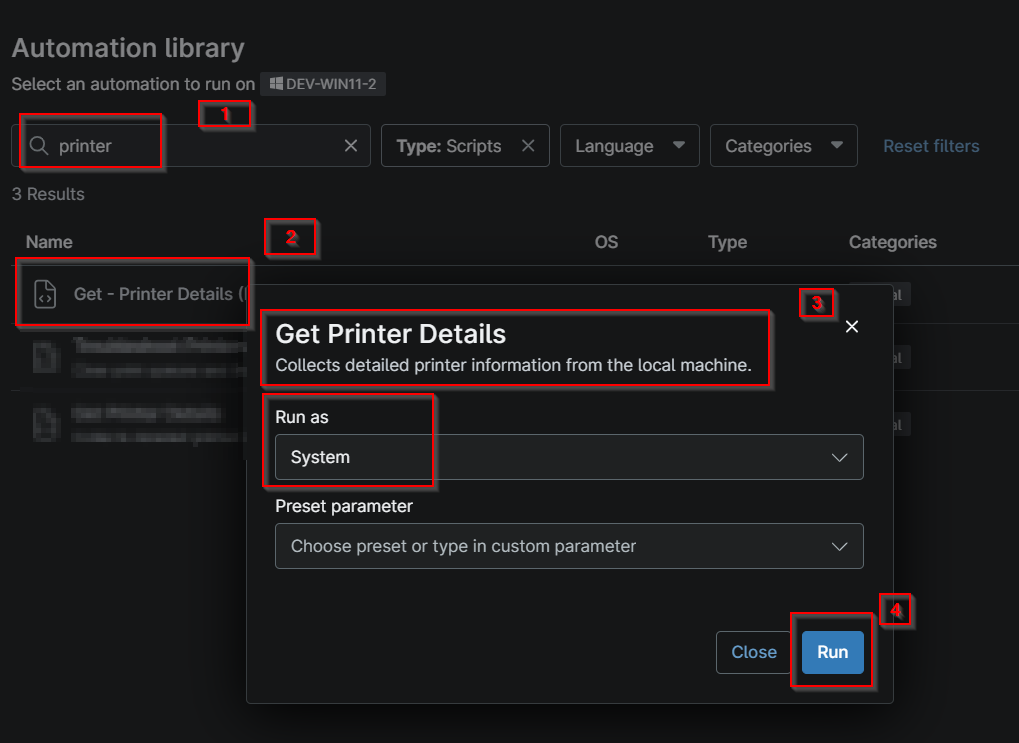
- Navigate to Automation > Script
- Search for
Get Printer Details - Click on the script
Get Printer Details - Click on Run
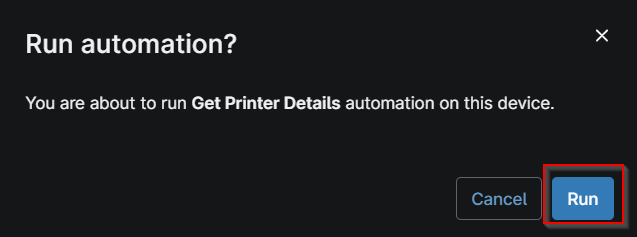
- Click Run again
Dependencies
Automation Setup/Import
Output
- Activity Details
- Custom Field
Changelog
2026-10-21
- Initial version of the document