AR_Last_Result
Summary
Written by the Auto Retire Offline Devices bot. Holds the date (in UTC) and the outcome of the last time the bot raised a ticket for the device or couldn't process it, for example 2026-11-20 14:00 UTC Ticket 5003 raised. Offline 45 days, threshold 30 days.
Nothing is written when a device is retired, because by then it's no longer in CW RMM. Nothing is written either when a device is out of scope or under its threshold.
A device that can't be processed is left alone and tried again at the next run, so fixing the reported problem is all that's needed.
Dependencies
- Solution: Auto Retire Offline Devices
- Bots: Auto Retire Offline Devices
- Custom Field: AR_Ticket_Number
Custom Field Setup Location
Custom Fields Path: SETTINGS ➞ Custom Fields
Details
| Name | Description | Level | Type | Help Text | Default Value | Editable |
|---|---|---|---|---|---|---|
| AR_Last_Result | Date and outcome of the last time Auto Retire raised a ticket for this device or could not process it. Written by the Auto Retire bot. | Endpoint | Text Box | Do not edit. Shows the ticket raised, or why the device was skipped, such as an invalid setting. | No |
The bot keeps the text under 1,000 characters and replaces special characters with spaces, so error text from CW RMM may read slightly differently from the original.
Common Results
The text after the date starts with one of these.
| Text starts with | What to do |
|---|---|
Ticket ... raised | Ticket-only mode raised a ticket for the device. Review the ticket. |
Ticket ... found open by summary | The device already had an open ticket, and its number was stored in AR_Ticket_Number. Nothing to do. |
AR_... is set to ..., which is not a recognised option | Set the named field to one of its options, or clear it. |
AR_Threshold_Days... is set to ..., which is not a whole number of days | Enter a whole number in the named field, such as 90. |
AR_Threshold_Days... is set to ... days, below the minimum of 7 | Enter 7 or more in the named field. |
no threshold is set | Set AR_Threshold_Days for the company, or give the field a default value. |
client settings could not be read, site settings could not be read, read custom fields failed, read ticket failed or search tickets failed | Usually a temporary CW RMM error, and the device is tried again at the next run. If it keeps happening, check that the account the workflow runs as can see the device. |
CW RMM did not report a usable last contact time | CW RMM has no last contact time for the device. Check the device in CW RMM. |
no ticket board named, no ticket team named, no ticket priority named or no ticket source named | Tickets are raised on the MSP board, assigned to the MSP team, with Medium priority and the Alerting source. Create the missing one in your ticketing settings. The text lists the names that exist. |
create ticket failed | CW RMM refused the ticket. The rest of the text says why. |
CW RMM refused the uninstall or uninstall agent failed | ErrAgentUninstallationDisabled means agent uninstallation is turned off for the account the workflow runs as. Turn it on, or recreate the workflow with an account that's allowed to uninstall agents. |
Implementation
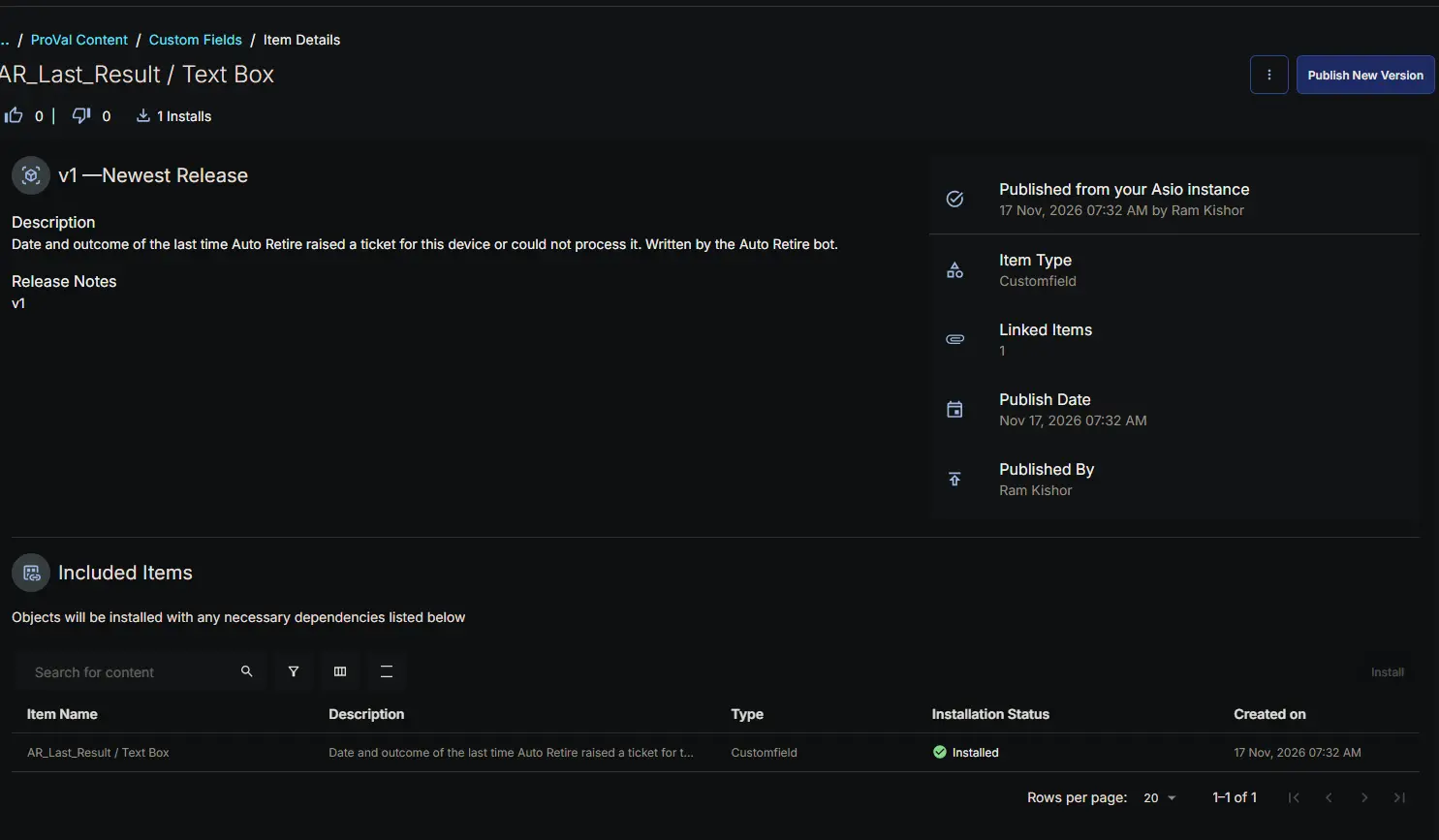
Install the custom field from the ProVal - Content Community, selecting the Custom Fields repository.
Changelog
2026-11-17
- Initial version of the document