AR_Threshold_Days
Summary
Sets how many days a device must be offline before the Auto Retire Offline Devices bot acts on it, either retiring it or raising a ticket in ticket-only mode. AR_Threshold_Days_Site overrides it for a site, and AR_Threshold_Days_Endpoint overrides both for a single device.
The offline time is counted from the last time the device contacted CW RMM. The field's default value, 30, applies to every company that doesn't have its own value, so it works as the portal-wide default.
Dependencies
- Solution: Auto Retire Offline Devices
- Bots: Auto Retire Offline Devices
- Custom Field: AR_Threshold_Days_Site
- Custom Field: AR_Threshold_Days_Endpoint
Custom Field Setup Location
Custom Fields Path: SETTINGS ➞ Custom Fields
Details
| Name | Description | Level | Type | Help Text | Default Value | Editable |
|---|---|---|---|---|---|---|
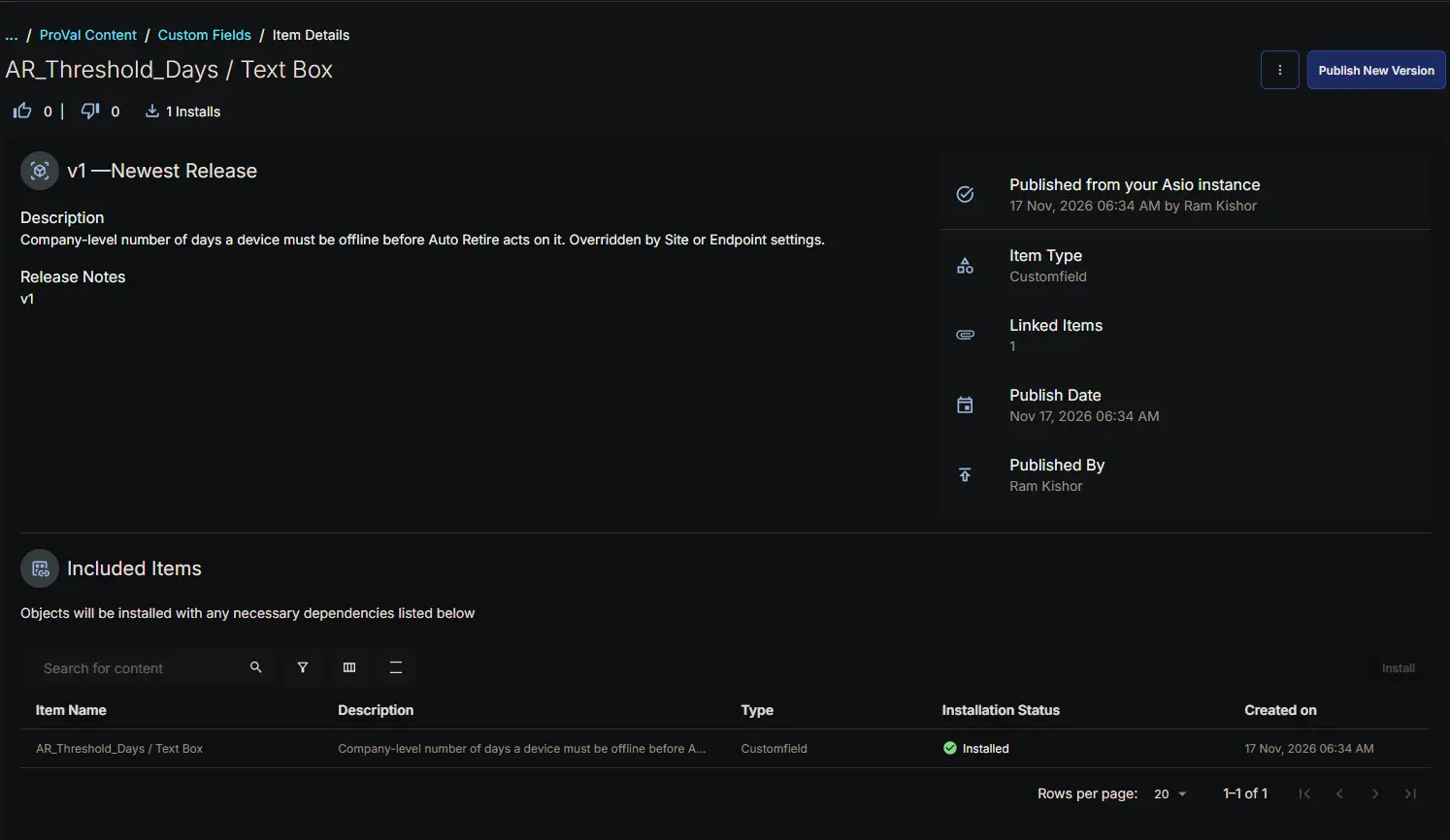
| AR_Threshold_Days | Company-level number of days a device must be offline before Auto Retire acts on it. Overridden by Site or Endpoint settings. | Company | Text Box | Enter a whole number of days, 7 or more. Example: 90. | 30 | Yes |
Enter a whole number of 7 or more. Anything else, such as 30 days or 5, leaves the company's devices alone and writes the reason to AR_Last_Result.
A longer threshold gives a device that's only used now and then more time to come back online before it's retired. Starting with 90 days, and lowering it once the tickets raised in ticket-only mode look right, is a safe way to begin.
Implementation
Install the custom field from the ProVal - Content Community, selecting the Custom Fields repository.
Changelog
2026-11-17
- Initial version of the document