Win 10 ESU Audit Not Performed
Summary
This contains the list of Windows 10 22H2 machines where the auditing script hasn't yet executed.
Dependencies
Group Creation
Step 1
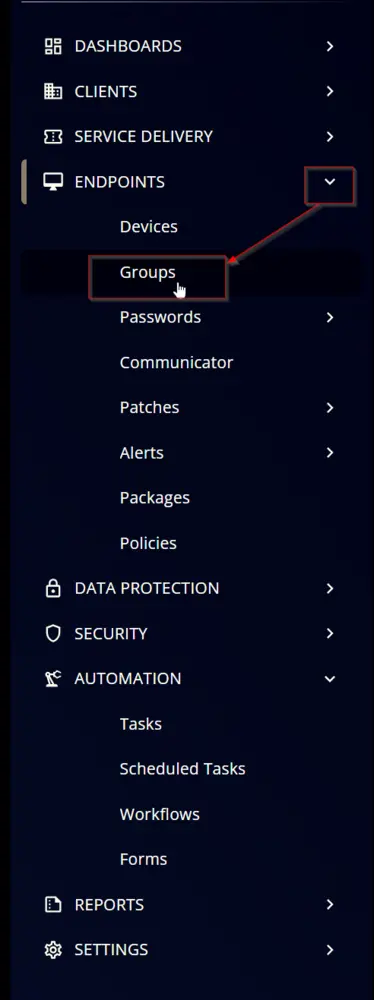
Navigate to ENDPOINTS ➞ Groups
Step 2
Create a new dynamic group by clicking the Dynamic Group button.

This page will appear after clicking on the Dynamic Group button:

Step 3
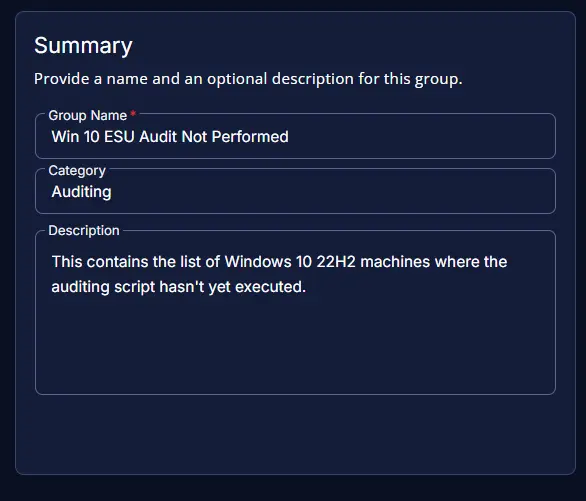
- Group Name:
Win 10 ESU Audit Not Performed - Category:
Auditing - Description:
This contains the list of Windows 10 22H2 machines where the auditing script hasn't yet executed.
Step 4
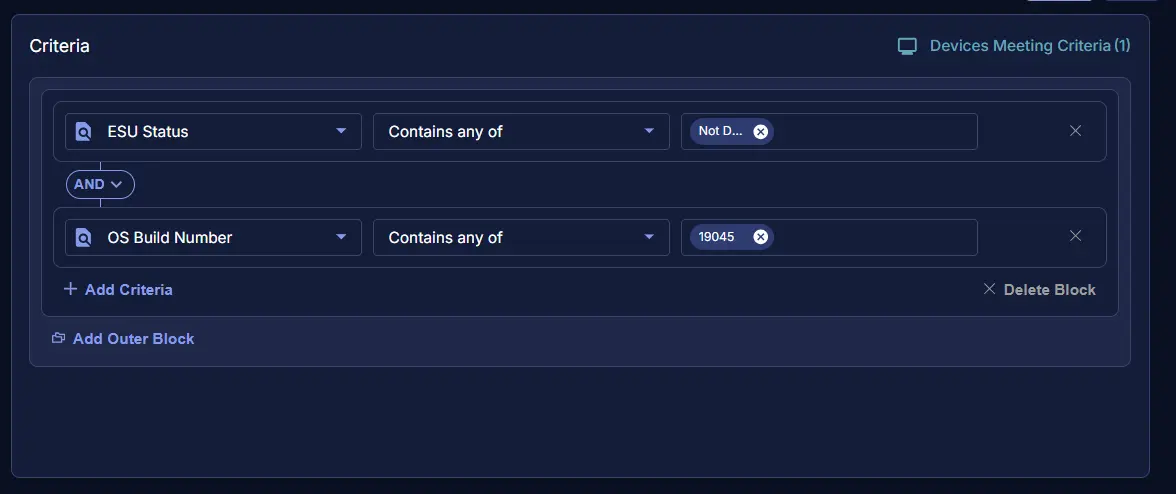
Click the + Add Criteria in the Criteria section of the group.

This search box will appear:

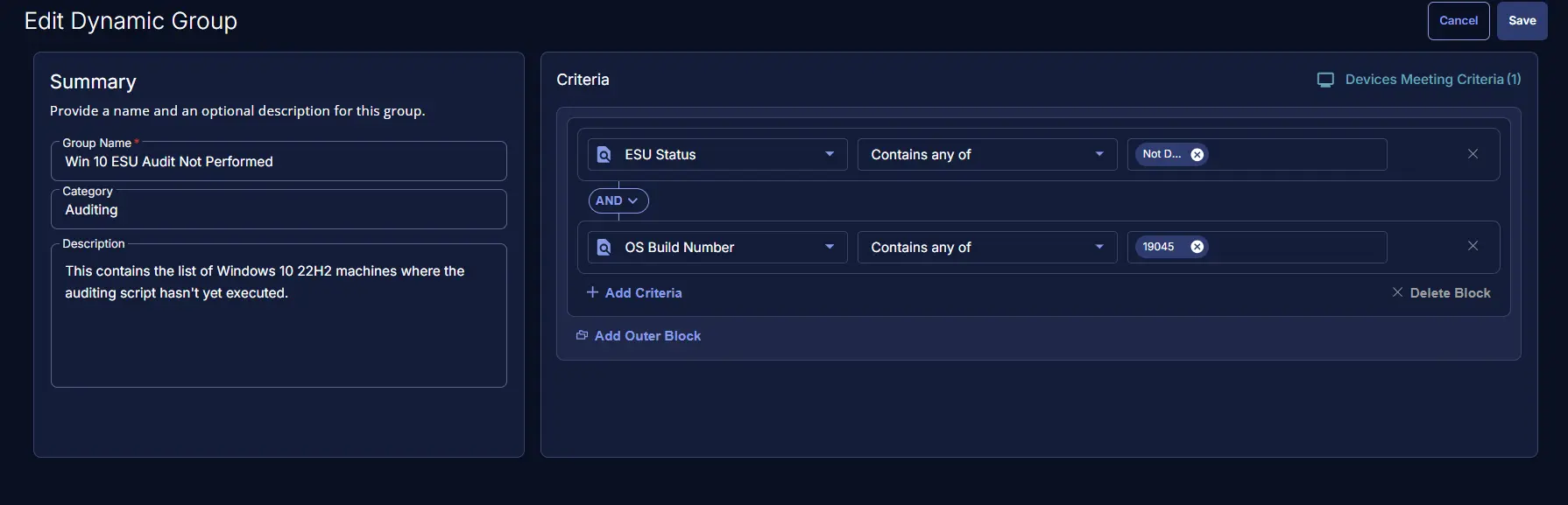
ESU StatusContains any ofNot DetectedOS Build NumberContains any of19045
Completed Group
Changelog
2026-02-04
- Initial version of the document