Remediation SecureBoot 2026 Compliance
Overview
This script automates the remediation of UEFI Secure Boot certificates required for Windows 2026 compliance. It ensures the system has the latest 2023 UEFI certificates (KEK and db) and configures the system for automatic Microsoft-managed UEFI certificate updates.
Mandatory
Once the Component Remediation SecureBoot 2026 Compliance updates the certificates, the machine must be rebooted twice. Rebooting the system is mandatory for the Secure Boot 2026 certificates to update successfully. Without rebooting the machine, the certificates will not be applied.
After the system reboots, the check component SecureBoot 2026 Compliance Check must run again to verify that the certificates were updated successfully. The check component will then update the UDF with the latest results.
Dependencies
Implementation
-
Download the component
Remediation SecureBoot 2026 Compliancefrom the attachments. -
After downloading the attached file, click on the
Importbutton -
Select the component just downloaded and add it to the Datto RMM interface.

Sample Run
To execute the component over a specific machine, follow these steps:
-
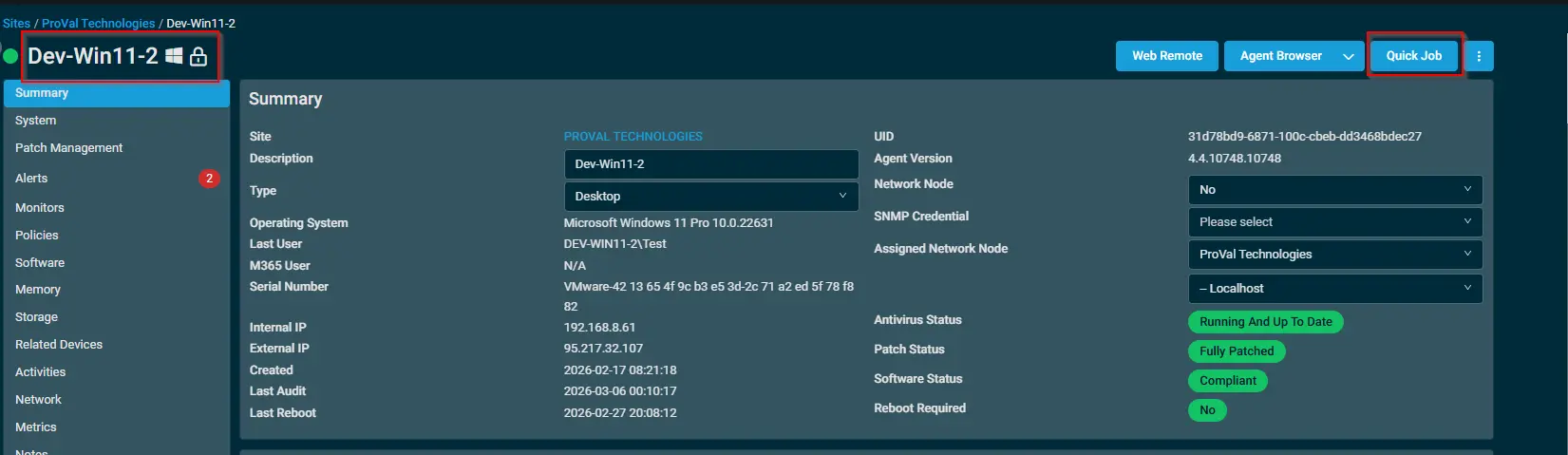
Select the machine you want to run the
Remediation SecureBoot 2026 Compliancecomponent from the Datto RMM. -
Click on the
Quick Jobbutton.
-
Search the component
Remediation SecureBoot 2026 Complianceand click onSelect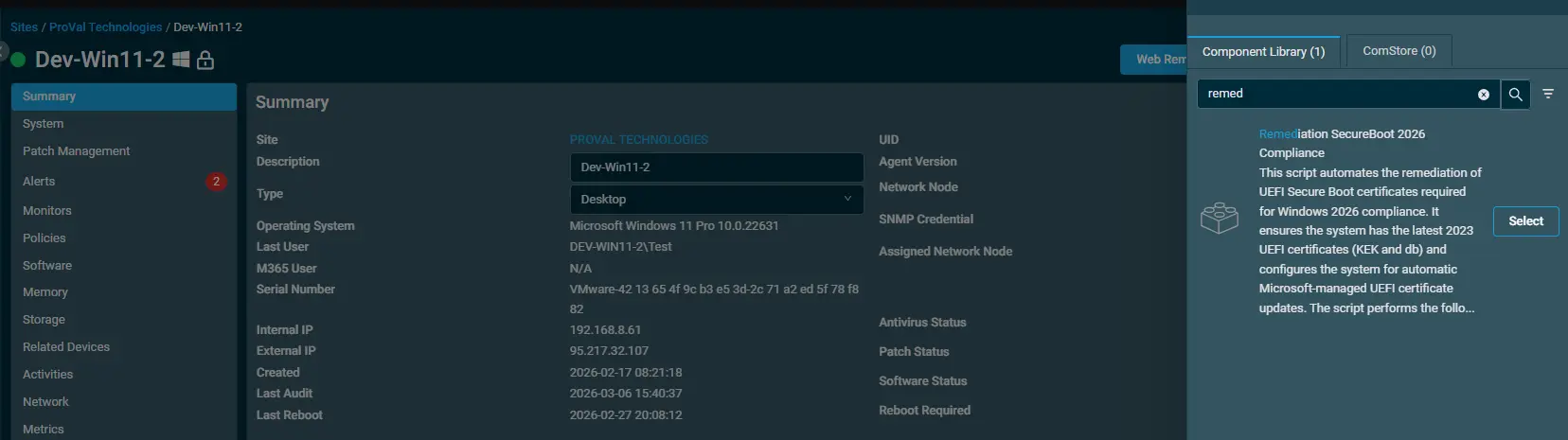
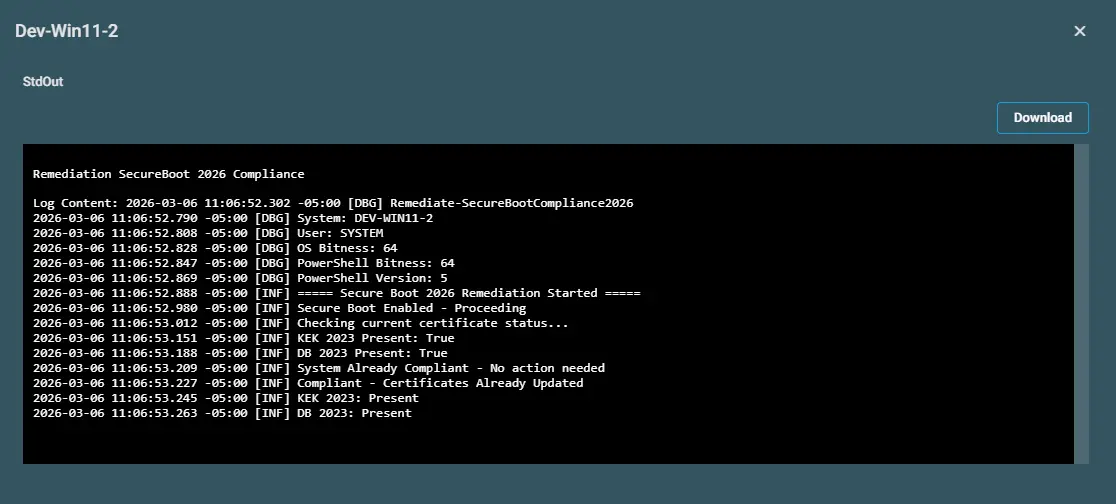
Output
- Activity Log
Attachments
Remediation SecureBoot 2026 Compliance
Changelog
2026-03-12
- Initial version of the document