cPVAL Current Developer Mode
Summary
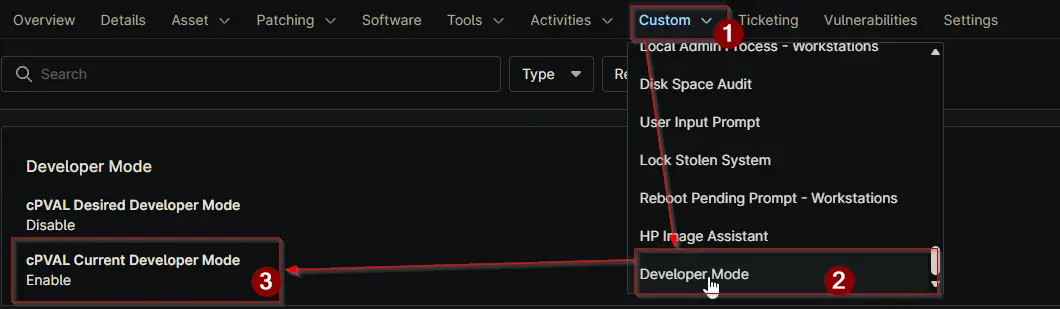
This field shows the current Developer Mode state of a device. It is a read only field and is updated automatically by the Manage Developer Mode automation.
When the automation runs in Check mode, it reads the current state from the device and stores it here. When running in Enable or Disable mode, the field is updated after the change is applied.
This field helps track what setting is actually present on the device at the time of the last run. It allows users to confirm whether Developer Mode is enabled or disabled without needing to manually check the device.
It is useful for reporting, auditing, and verifying that automation actions have been applied correctly.
Details
| Label | Field Name | Definition Scope | Type | Required | Default Value | Available Options | Editable | Custom Field Tab Name |
|---|---|---|---|---|---|---|---|---|
| cPVAL Current Developer Mode | cpvalCurrentDeveloperMode | Device | Text | False | False | Developer Mode |
Dependencies
Custom Field Creation
Sample Screenshot
Changelog
2026-06-17
- Initial version of the document