Microsoft Office - C2R - Update
Overview
This component updates the Click-To-Run version Microsoft 365 Apps to their latest version.
Implementation
-
Download the component Microsoft Office - C2R - Update from the attachments.
-
After downloading the attached file, click on the
Importbutton -
Select the component just downloaded and add it to the Datto RMM interface.

Sample Run
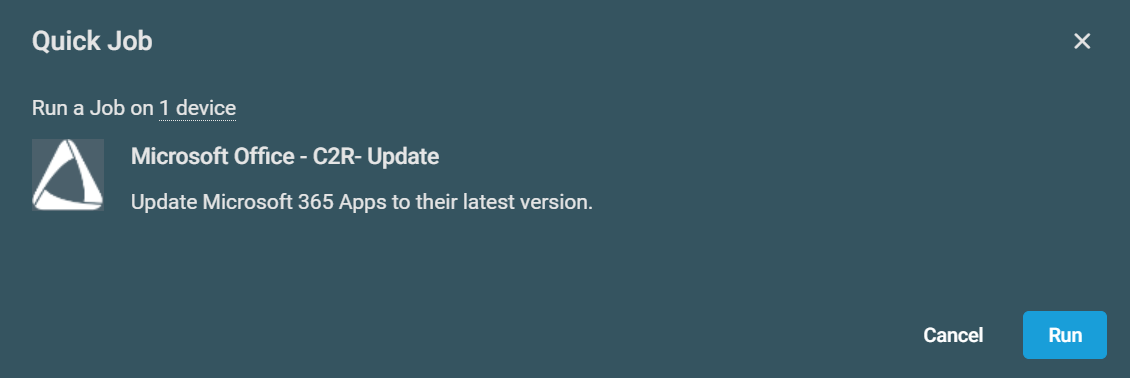
To execute the component over a specific machine, follow these steps:
-
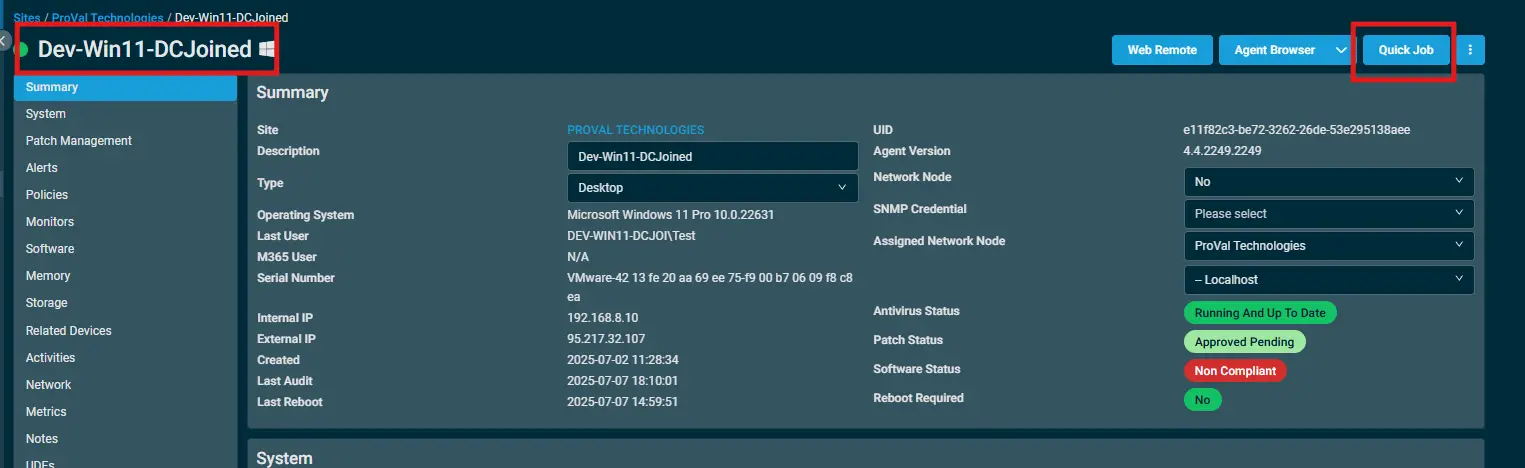
Select the machine you want to run the
componenton from the Datto RMM. -
Click on the
Quick Jobbutton.
-
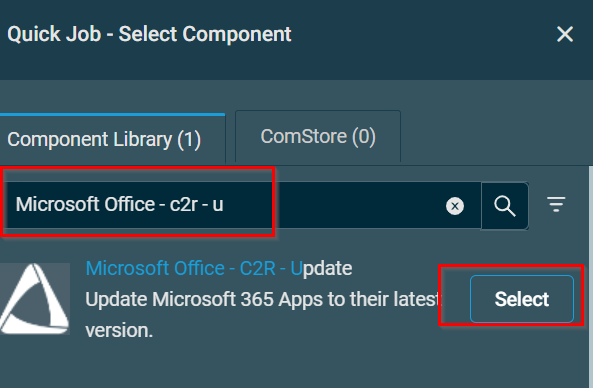
Search the component
Microsoft Office - C2R - Updateand click onSelect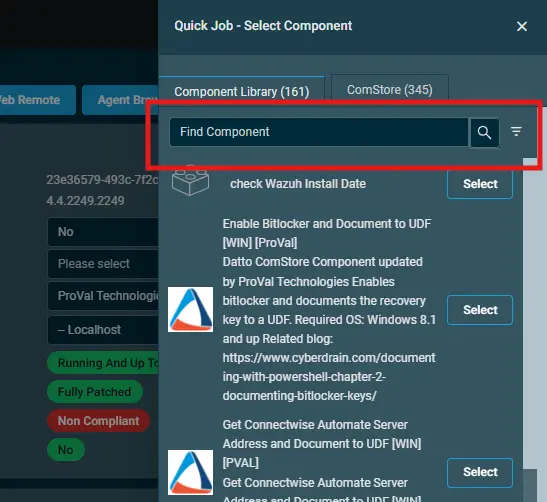
Output
- stdout
- stderr
Attachments
Microsoft Office - C2R - Update
Changelog
2026-01-30
- Initial version of the document