Uninstall SentinelOne
Overview
This Datto RMM component script downloads and invokes the Remove-SentinelOne agnostic PowerShell script from a central repository, and performs post-run log verification. The agnostic script uninstalls the SentinelOne agent, detects Anti-Tamper protection, and — if required — uses a passphrase to complete the uninstall. This Datto wrapper handles working directory setup, TLS policy adjustments, download, and execution on Windows systems.
Dependencies
Implementation
-
Download the component Uninstall SentinelOne from the attachments.
-
After downloading the attached file, click on the
Importbutton -
Select the component just downloaded and add it to the Datto RMM interface.

Sample Run
To execute the component over a specific machine, follow these steps:
-
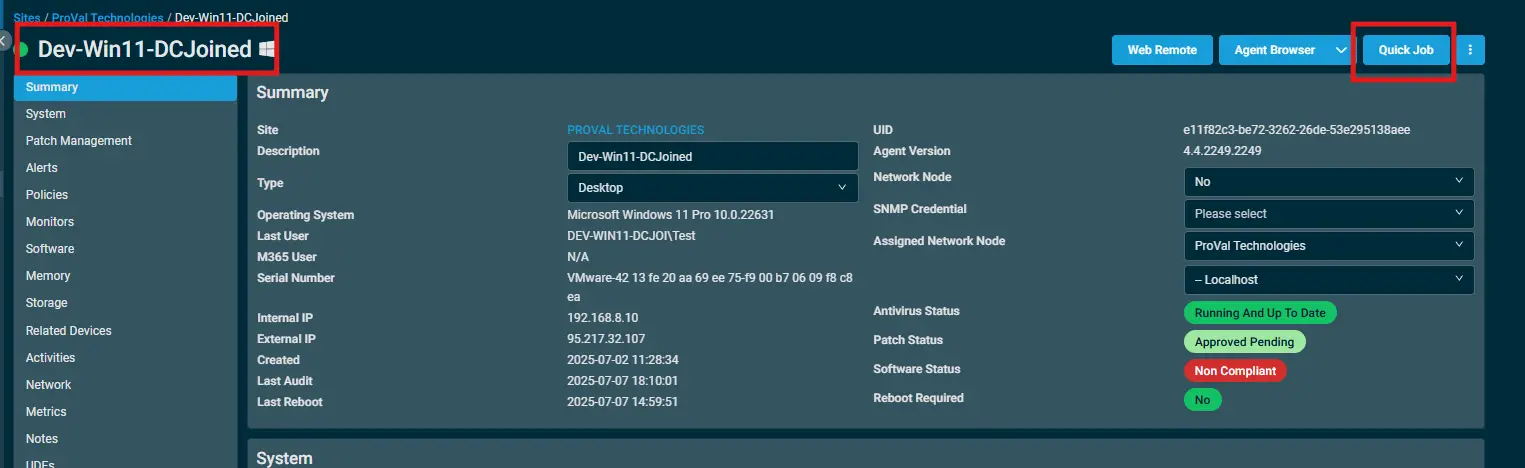
Select the machine you want to run the
componenton from the Datto RMM. -
Click on the
Quick Jobbutton.
-
Search the component
Uninstall SentinelOneand click onSelect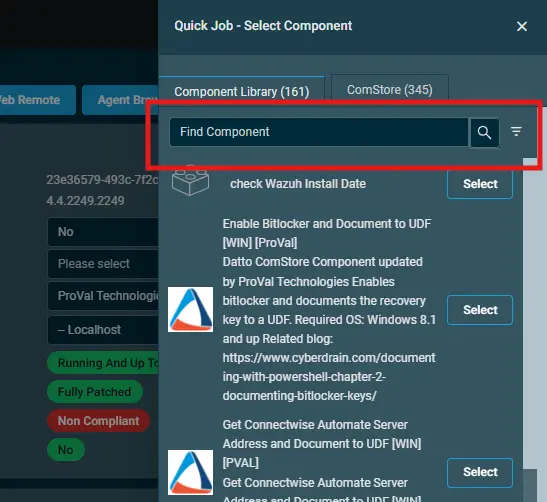
-
-
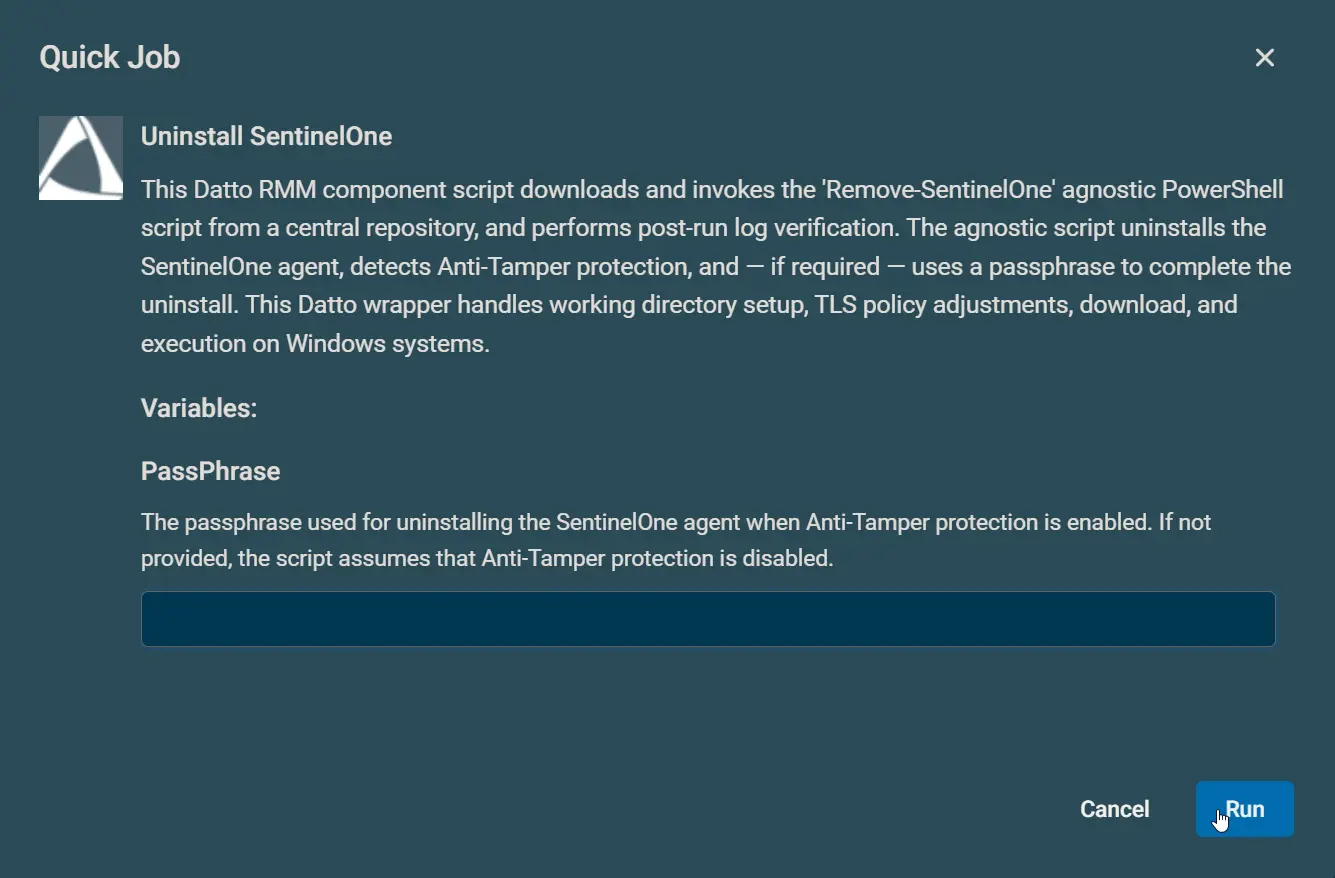
Example 1: With PassPhrase (Tamper protection is not disabled)
-
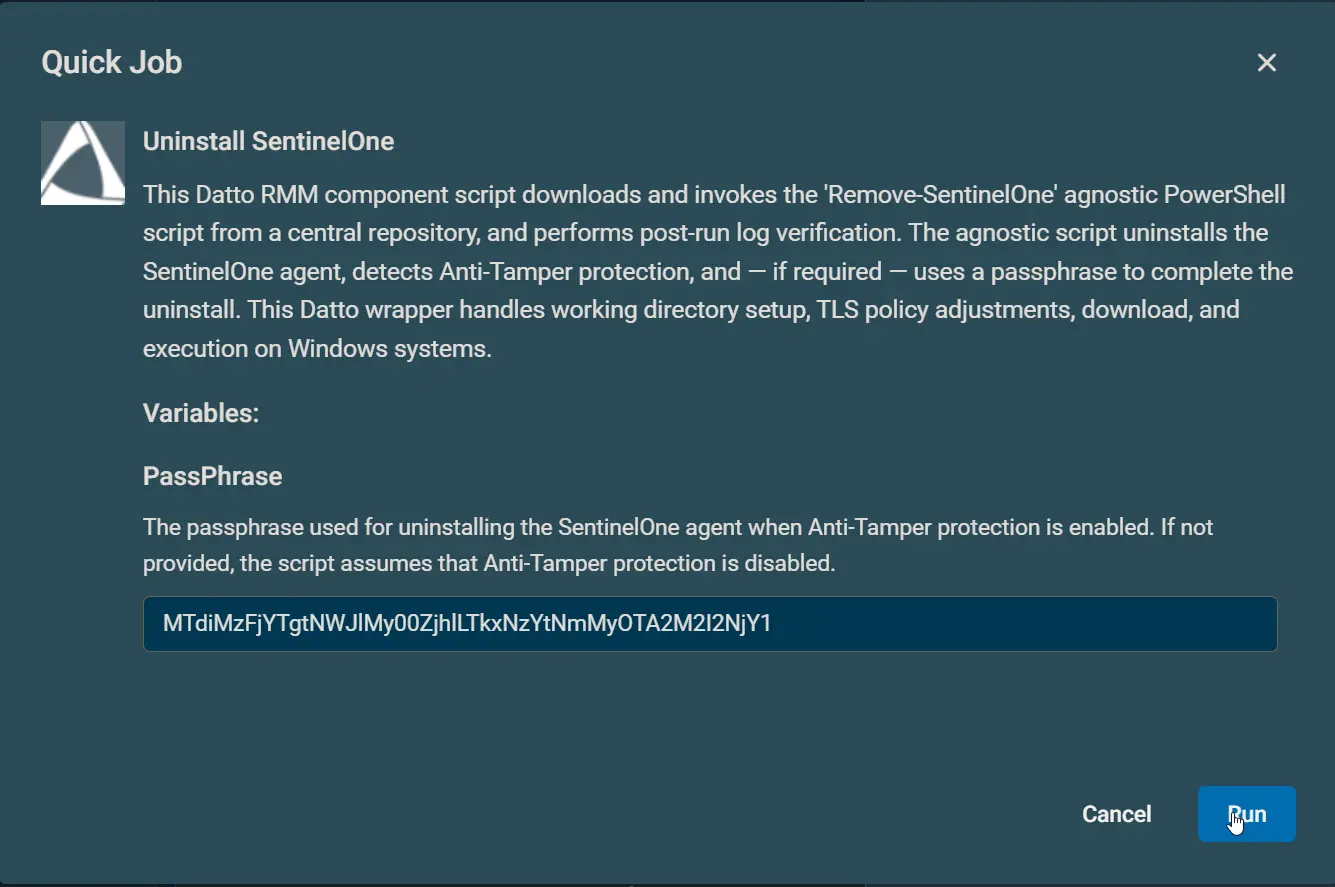
Example 2: Without PassPhrase (Tamper protection is disabled)
-
Datto Variables
| Variable Name | Type | Default | Required | Description |
|---|---|---|---|---|
| PassPhrase | String | Partially | The passphrase used for uninstalling the SentinelOne agent when Anti-Tamper protection is enabled. If not provided, the script assumes that Anti-Tamper protection is disabled. |
Output
- StdOut
- StdErr
- C:\ProgramData_Automation\Script\Remove-SentinelOne\Remove-SentinelOne-log.txt
- C:\ProgramData_Automation\Script\Remove-SentinelOne\Remove-SentinelOne-error.txt
Attachments
Changelog
2025-11-28
- Initial version of the document