AutoElevate Install - [Mac/Windows]
Summary
It installs the AutoElevate to both MAC and Windows OS.
You must have the license key copied into the Company > Info screen for the script to successfully work.
Script downloads and installs the AutoElevate agent and license key. This script was updated by Todd Jones of AutoElevate on 11/6/2019 to reflect the new MSI download location on Amazon.
It was modified by ProVal to set the deployment and automation with ticket handling and EDFs deployment.
Dependencies
Sample Run
-
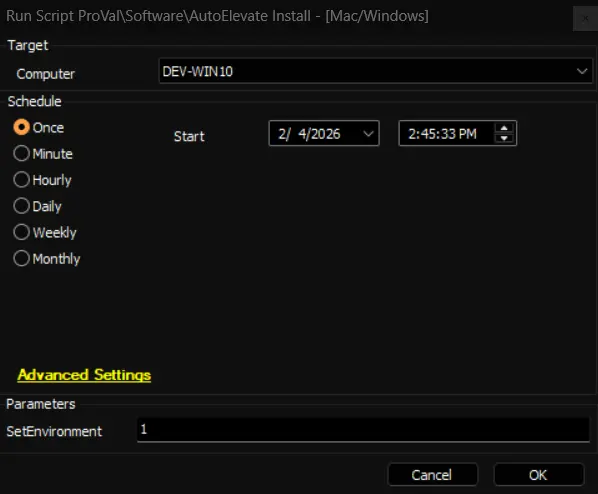
First Run: Run the script initially with the SetEnvironment = 1, to import all the required EDFs in the client's environment
-
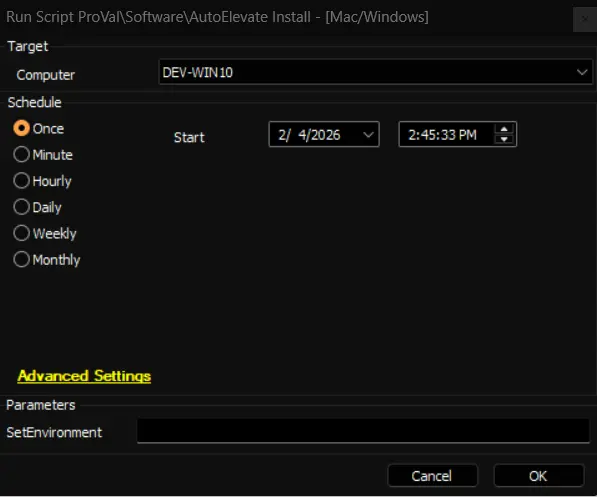
Regular Execution
User Parameters
| Name | Example | Required | Description |
|---|---|---|---|
| SetEnvironment | 1 | False | Run the script initially with the SetEnvironment = 1, to import all the required EDFs in the client's environment |
EDF
| Name | Level | Section | Type | Editable | Description |
|---|---|---|---|---|---|
AutoElevate License Key | Client | AutoElevate | Text | True | Provide the AutoElevate purchased license for the deployment.  |
AE Company Short Initials | Client | AutoElevate | Text | True | ENTER 2 or 3 Character Initials for this client that will show up in the Technicians Mobile App |
AutoElevate Enable Deployment | Client | AutoElevate | Checkbox | True | This checkbox will enable the AutoElevate Deployment for the endpoints of the client. |
Exclude AutoElevate Deployment | Location | Exclusions | Checkbox | True | This checkbox will exclude the AutoElevate deployment on the location's endpoints. 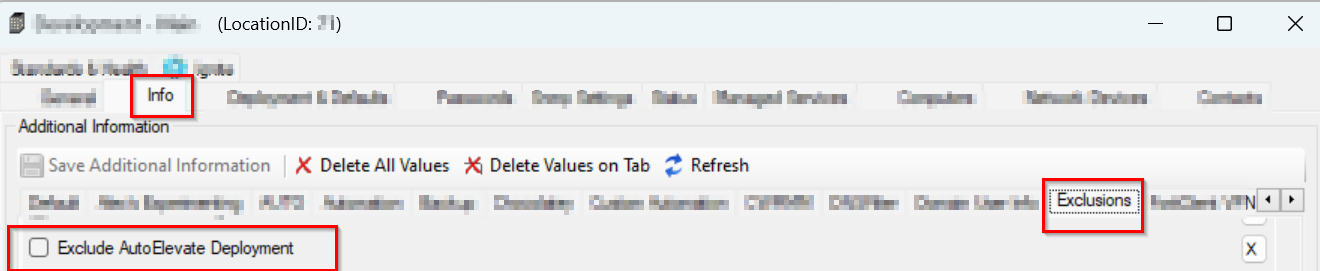 |
Exclude AutoElevate Deployment | Computer | Exclusions | Checkbox | True | This checkbox will exclude the AutoElevate deployment on the endpoint. 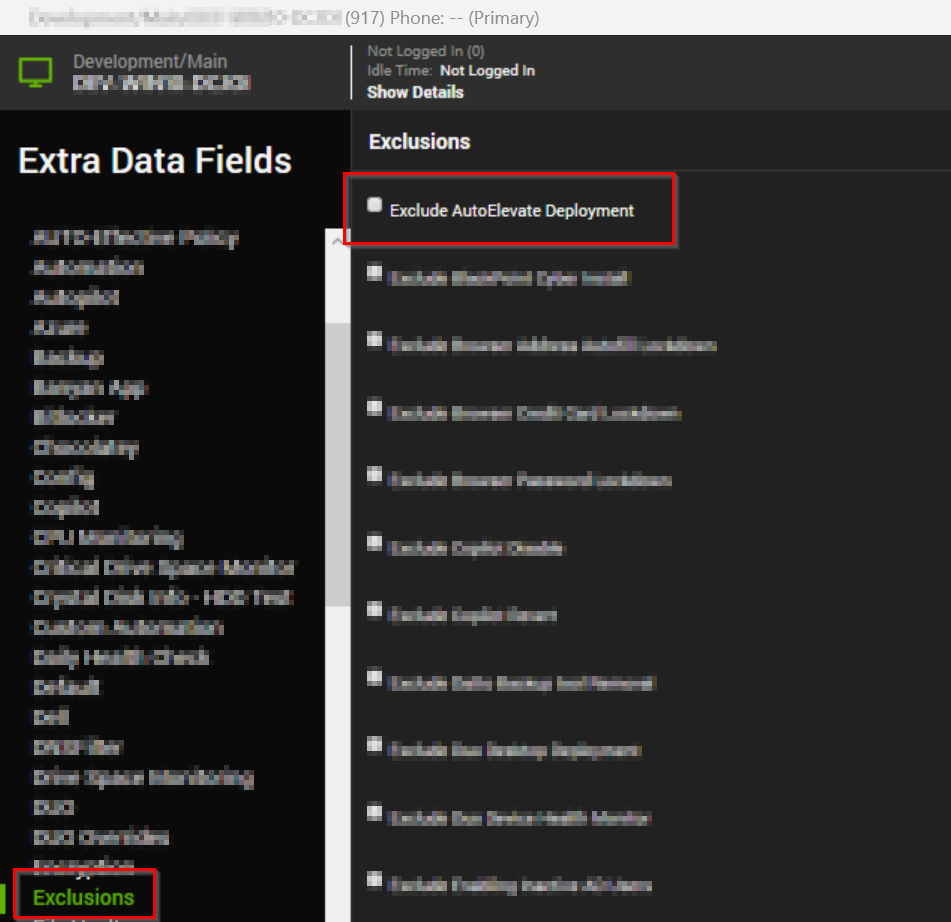 |
Process
The script performs the AutoElevate installation on both MAC and Windows OS.
It downloads the msi or sh file from "https://autoelevate-installers.s3.us-east-2.amazonaws.com/current" and then deploys it using the license key provided in the EDF AutoElevate License Key.
Output
- Script log
Changelog
2026-03-25
- Fixed installation logic for MacOS.
- Added the deployment logic as per the ProVal standard for the deployment.
- Updated the script with the latest changes in the amazon downloaded URL provided by the vendor.
2026-01-15
- Initial version of the document