Disable Guest Accounts
Overview
Detects and disables the built-in Windows Guest account. If the account is already disabled, nothing changes. This automation runs the Disable-GuestAccount script in NinjaOne.
Use it when a security audit or policy requires the Guest account to be disabled. The Guest Account Removal Monitor compound condition runs it on Windows workstations and servers where the cPVAL Disable Guest Account custom field is set to Enable.
Domain controllers are not supported.
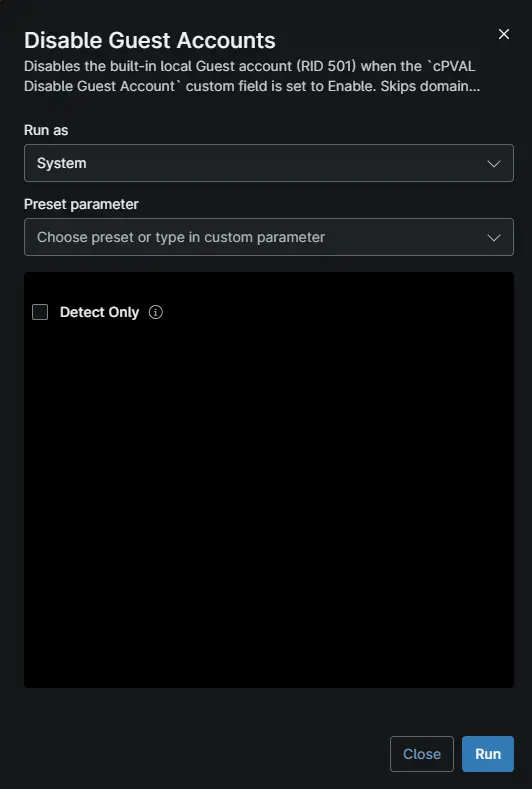
Sample Run
Dependencies
Script Variables
| Name | Type | Required | Default | Description |
|---|---|---|---|---|
Detect Only | Checkbox | No | Unchecked | Checks the Guest account and makes no changes. The automation exits with code 1 if the account is enabled, and 0 if it is not. |
Automation Setup/Import
Output
- Activity Details
You'll know it worked when the activity details show Disabled Guest account or already disabled.
Troubleshooting
| Problem | Cause | Solution |
|---|---|---|
| The automation fails on a domain controller. | A domain controller's Guest account applies to the whole domain. | Manage the domain's Guest account with Group Policy. |
The activity shows Invalid Signature. | The script was changed after import. | Re-import the automation without editing the script. |
| The Guest account is enabled again later. | A Group Policy or Intune policy turns it back on. | Set Accounts: Guest account status to Disabled in that policy. |
Changelog
2026-10-09
- Initial version of the document.