DUO Auth Proxy - InstallUpdate Latest Version Global, Autofix
Summary
The script installs or updates the DUO Authentication Proxy application to the latest available version. It can run either manually or as an Autofix from the CWM - Automate - Remote Monitor - ProVal - Development - Software - Update - DUO Auth Proxy monitor set.
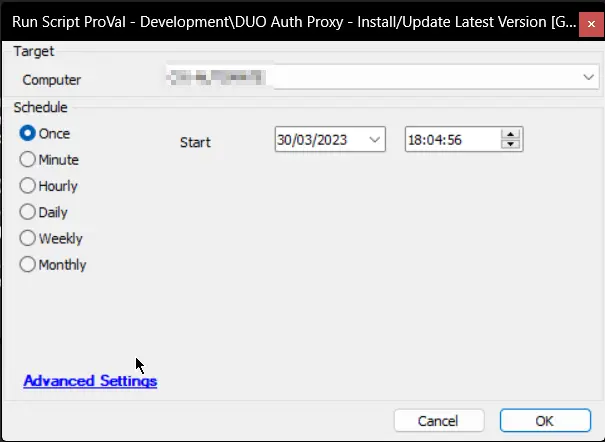
Sample Run
Dependencies
Variables
| Name | Description |
|---|---|
| STATUS | Status returned by the internal monitor (SUCCESS/FAILED) |
| ProjectName | Duo_Auth_Proxy |
| WorkingDirectory | C:/ProgramData/_automation/app/Duo_Auth_Proxy |
| EXEPath | C:/ProgramData/_automation/app/Duo_Auth_Proxy/Duo_Auth_Proxy.exe |
| LatestVersion | Latest version of the application |
| Subject | Ticket subject |
| Body | Ticket body |
| Tickid | Ticket ID to comment on, if an open/new ticket already exists |
| PowerShellResult | Result of the PowerShell command attempting to download and install/update the application |
Global Parameters
| Name | Example | Required | Description |
|---|---|---|---|
| Ticketcreationcategory | 123 | False | Set it to a valid ticket category ID to enable ticketing on failure. Default is 0 |
Output
- Script logs
- Ticket (if enabled)
Ticketing
Subject:
DUO Security Authentication Proxy Update Failed on %ComputerName% at %ClientName%
Body:
%ComputerName%
The script to update DUO Security Authentication Proxy has failed - please review/update manually.
Script Logs -
%PowerShellResult%
Changelog
2025-04-10
- Initial version of the document