Install CloudRadial Agent [Windows, Mac]
Summary
This script installs the CloudRadial Agent software and verifies its installation for both Windows and Mac computers.
Dependencies
- Custom Field - CloudRadial Windows DownloadUrl
- Custom Field - CloudRadial Mac SERVICE_ENDPOINT
- Custom Field - CloudRadial Mac PARTNER_URL
- Custom Field - CloudRadial Mac COMPANY_ID
- Solution - CloudRadial Agent Deployment
Sample Run
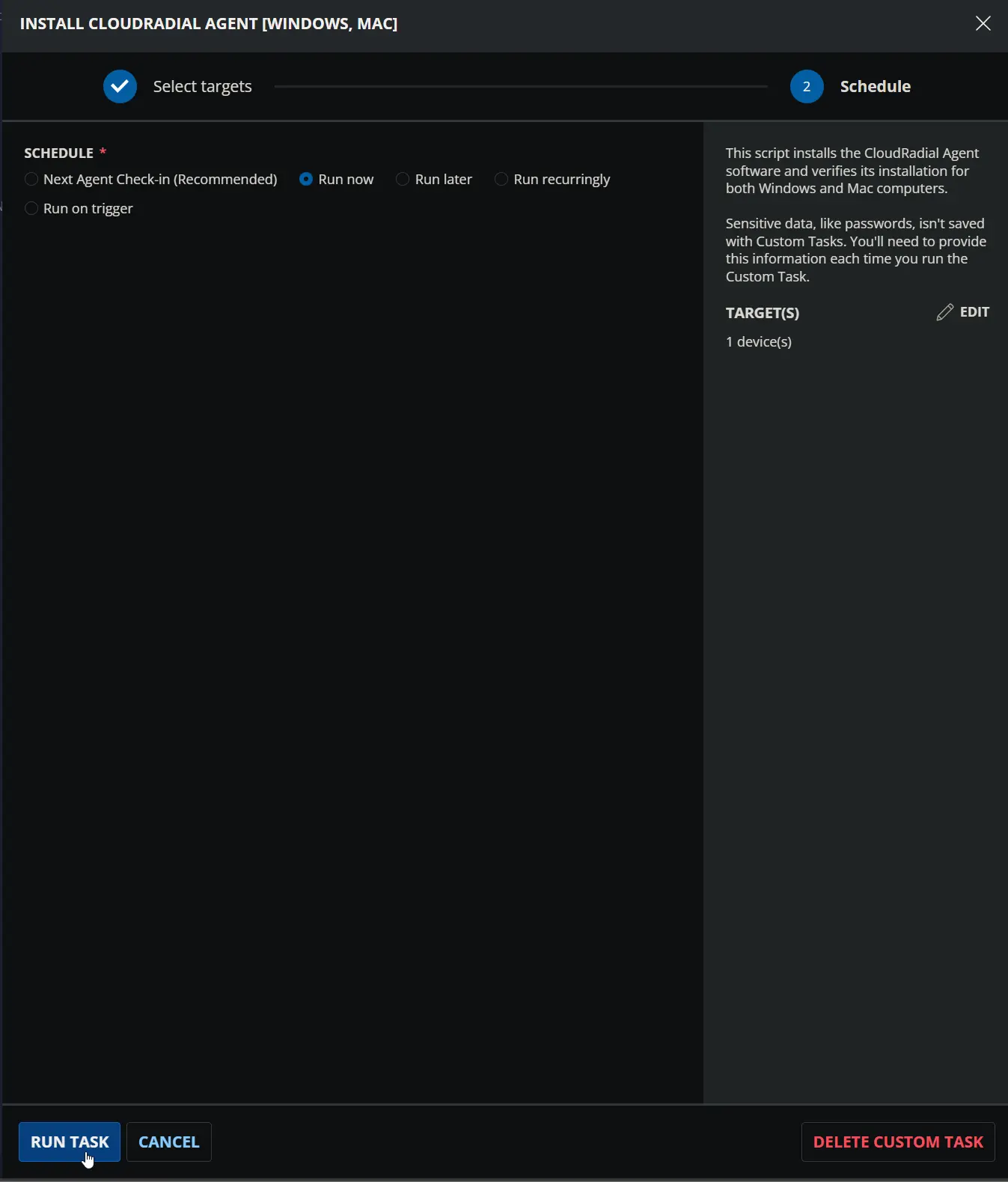
Custom Fields
| Name | Level | Type | Required | Description |
|---|---|---|---|---|
| CloudRadial Windows DownloadUrl | Company | Text | Yes (for Windows) | The URL from which to download the CloudRadial Agent installer for the client's windows machines. |
| CloudRadial Mac SERVICE_ENDPOINT | Company | Text | Yes (for Mac) | Represents the service endpoint for your application. It is used to specify the URL or address where your application is hosted. |
| CloudRadial Mac PARTNER_URL | Company | Text | Yes (for Mac) | Represents the partner URL for your application. It is used to specify the URL or address where your partner's information is hosted. |
| CloudRadial Mac COMPANY_ID | Company | Text | Yes (for Mac) | Represents the company ID for your application. It is used to identify a specific company within your application. |
Task Setup Path
- Tasks Path:
AUTOMATION➞Tasks - Task Type:
Script Editor
Task Creation
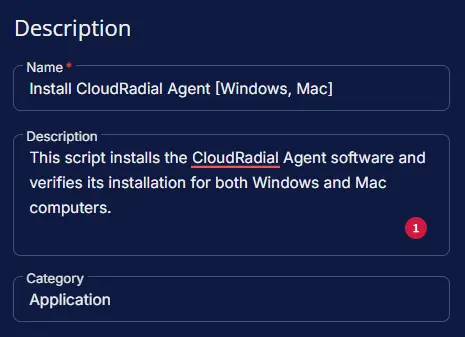
Description
- Name:
Install CloudRadial Agent [Windows, Mac] - Description:
This script installs the CloudRadial Agent software and verifies its installation for both Windows and Mac computers. - Category:
Application
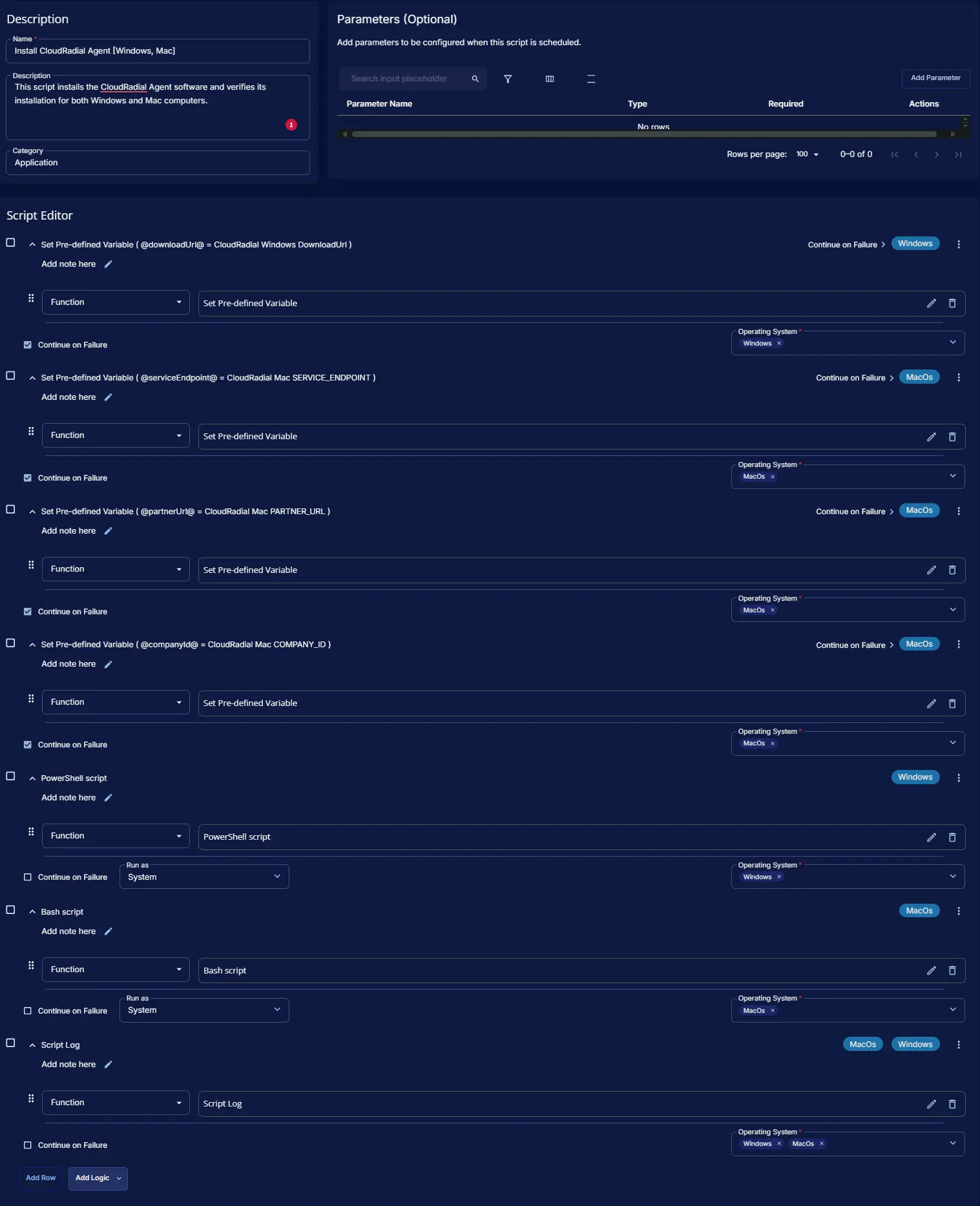
Script Editor
Row 1: Set Pre-defined Variable ( @downloadUrl@ = CloudRadial Windows DownloadUrl )
- Variable Name:
downloadUrl - Type:
Custom Field - Custom Field:
CloudRadial Windows DownloadUrl - Continue on Failure:
True - Operating System:
Windows

Row 2: Set Pre-defined Variable ( @serviceEndpoint@ = CloudRadial Mac SERVICE_ENDPOINT )
- Variable Name:
serviceEndpoint - Type:
Custom Field - Custom Field:
CloudRadial Mac SERVICE_ENDPOINT - Continue on Failure:
True - Operating System:
MacOs

Row 3: Set Pre-defined Variable ( @partnerUrl@ = CloudRadial Mac PARTNER_URL )
- Variable Name:
partnerUrl - Type:
Custom Field - Custom Field:
CloudRadial Mac PARTNER_URL - Continue on Failure:
True - Operating System:
MacOs

Row 4: Set Pre-defined Variable ( @companyId@ = CloudRadial Mac COMPANY_ID )
- Variable Name:
companyId - Type:
Custom Field - Custom Field:
CloudRadial Mac COMPANY_ID - Continue on Failure:
True - Operating System:
MacOs

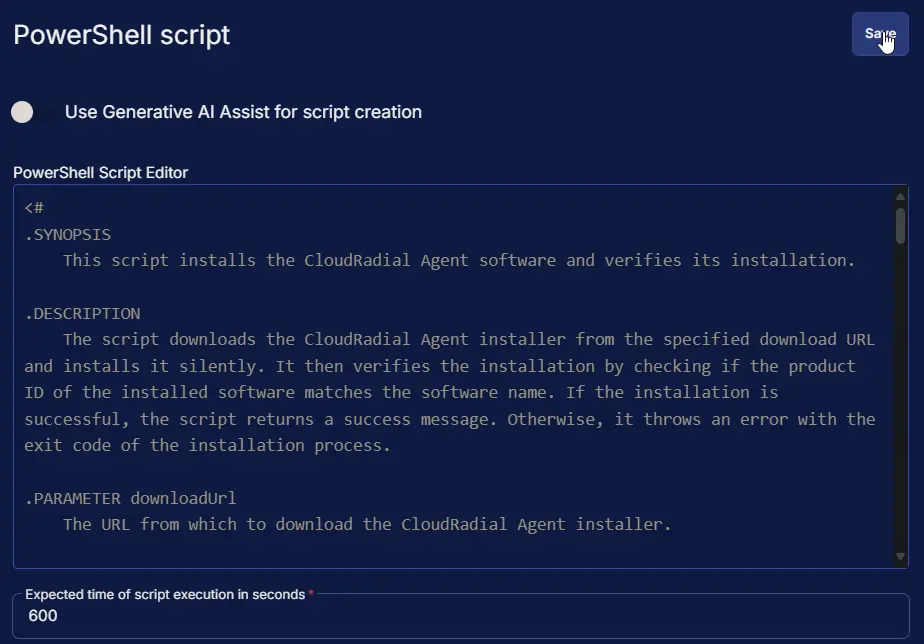
Row 5: PowerShell script
- Use Generative AI Assist for script creation:
False - Expected time of script execution in seconds:
600 - Continue on Failure:
False - Run As:
System - Operating System:
Windows - PowerShell Script Editor:
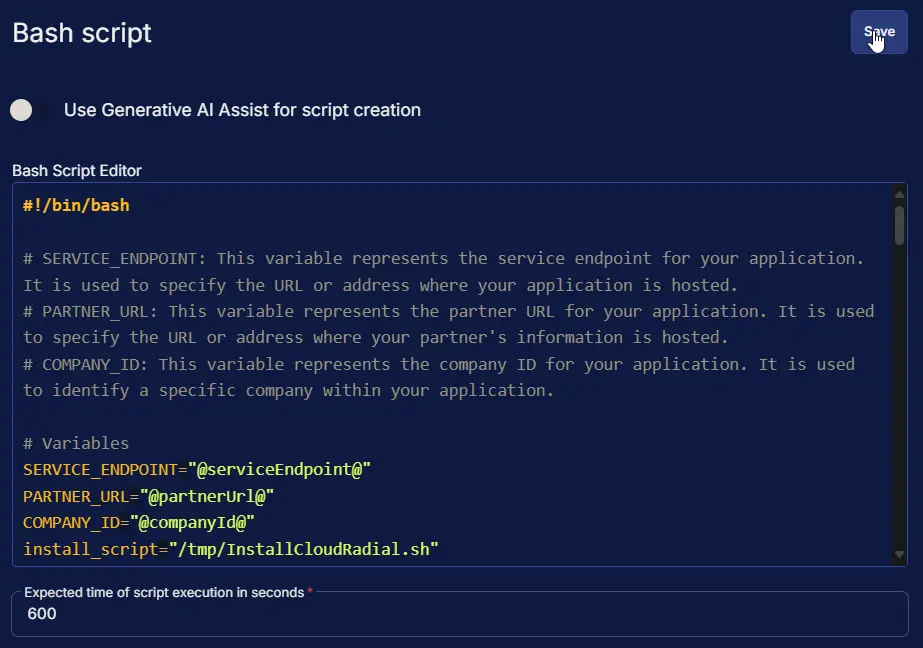
Row 6: Bash script
- Use Generative AI Assist for script creation:
False - Expected time of script execution in seconds:
600 - Continue on Failure:
False - Run As:
System - Operating System:
MacOs - Bash Script Editor:
Row 7: Script Log
- Script Log Message:
%Output% - Operating System:
Windows,MacOs

Completed Script
Output
- Script Log
Changelog
2025-10-08
- Initial version of the document