AR_Ticket_Only
Summary
Turns ticket-only mode on or off for a company. In ticket-only mode, the Auto Retire Offline Devices bot raises one ticket for each device that's past its threshold instead of retiring it, so you can see what would be removed before anything is. AR_Ticket_Only_Site overrides it for a site, and AR_Ticket_Only_Endpoint overrides both for a single device.
| Option | What happens to a device past its threshold |
|---|---|
Enabled | A ticket is raised with the device attached. Nothing is removed. |
Disabled | The device is retired: its CW RMM agent is uninstalled. |
| Not set at any level | The same as Enabled. |
Dependencies
- Solution: Auto Retire Offline Devices
- Bots: Auto Retire Offline Devices
- Custom Field: AR_Ticket_Only_Site
- Custom Field: AR_Ticket_Only_Endpoint
- Custom Field: AR_Ticket_Number
Custom Field Setup Location
Custom Fields Path: SETTINGS ➞ Custom Fields
Details
| Name | Description | Level | Type | Option Type | Options | Help Text | Default Value | Editable |
|---|---|---|---|---|---|---|---|---|
| AR_Ticket_Only | Company-level testing mode. Enabled raises one ticket per offline device instead of retiring it. Overridden by Site or Endpoint settings. When not set at any level, ticket-only mode is used. | Company | Dropdown | String | Enabled, Disabled | Select Enabled to raise tickets only, or Disabled to retire devices. | Yes |
This field has no default value. When it isn't set on the device, its site or its company, the device is handled in ticket-only mode, so nothing is removed until someone sets it to Disabled.
Only one ticket is kept open per device. Its number is stored in AR_Ticket_Number, and no new ticket is raised while it's open.
Implementation
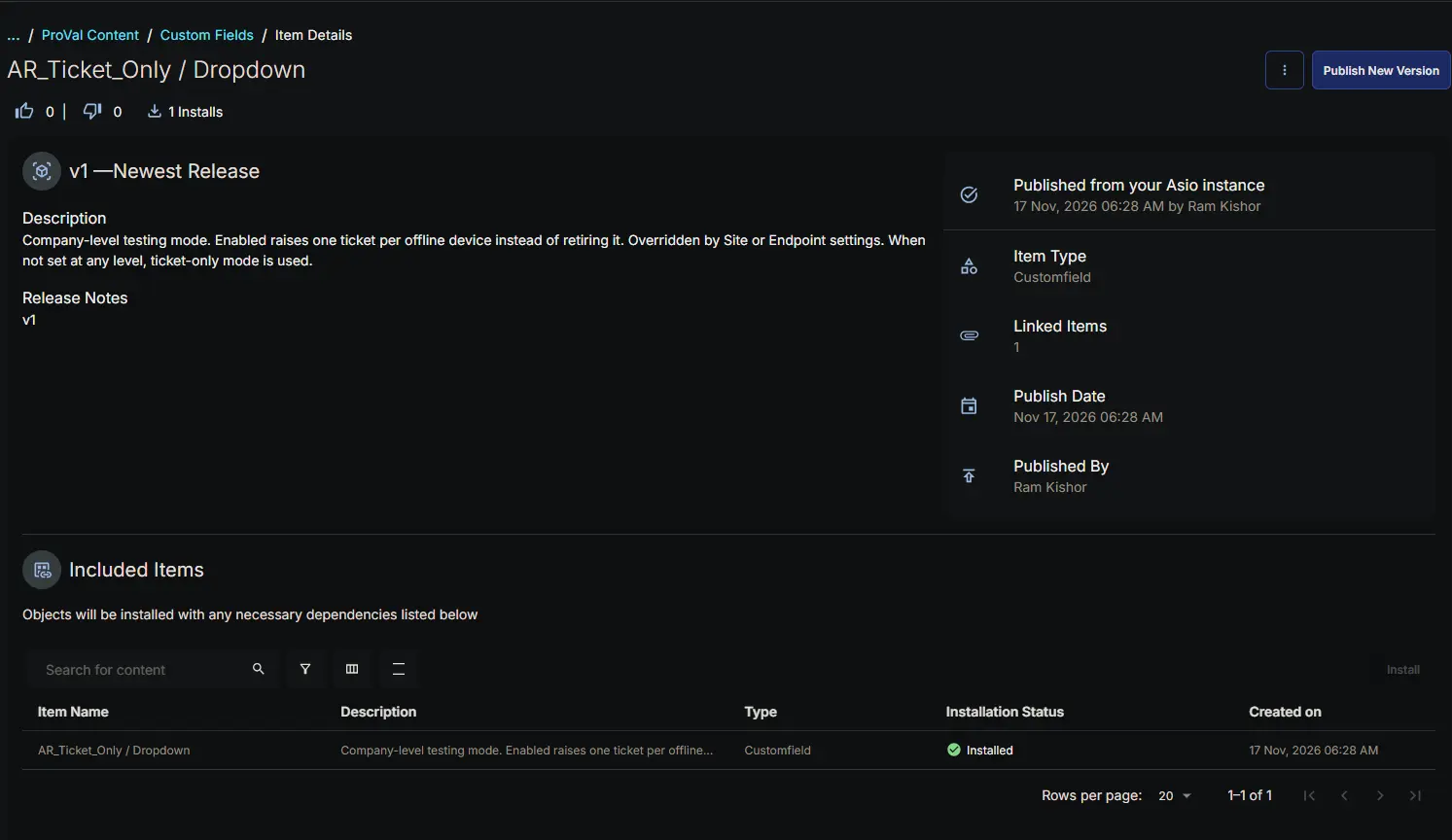
Install the custom field from the ProVal - Content Community, selecting the Custom Fields repository.
Changelog
2026-11-17
- Initial version of the document