Repair Office Automatic Updates
Summary
This document checks common failure points in Office automatic updates and automatically resolves them. It provides a ConnectWise RMM implementation of the agnostic script Repair-OfficeAutomaticUpdate.
Sample Run
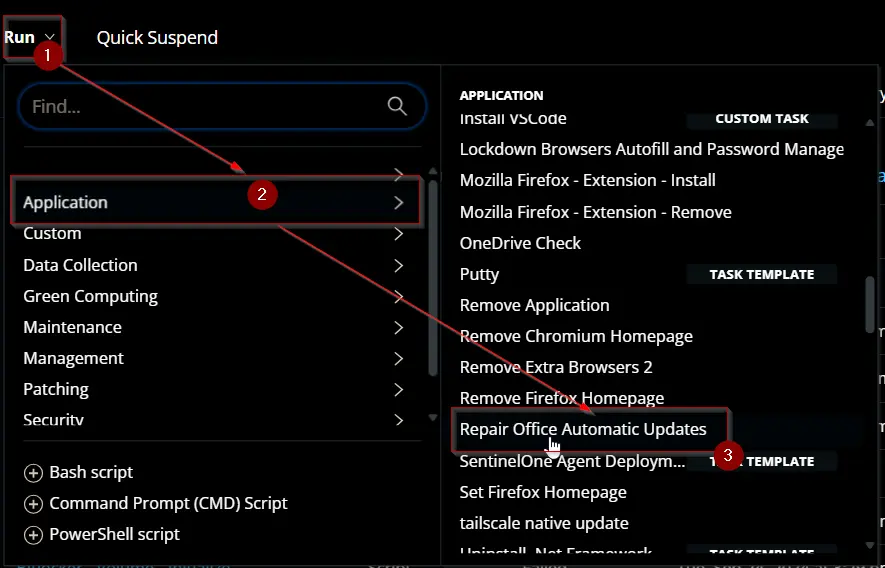
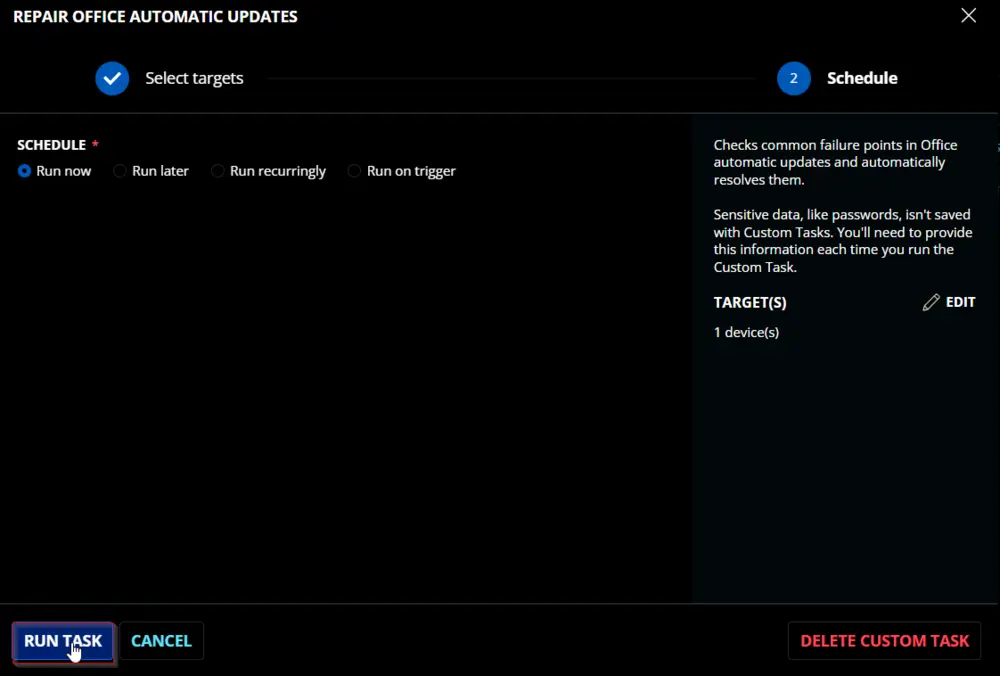
Dependencies
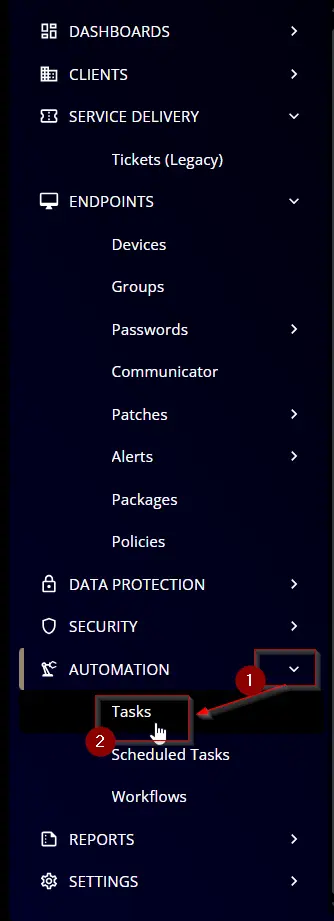
Task Creation
Create a new Script Editor style script in the system to implement this task.

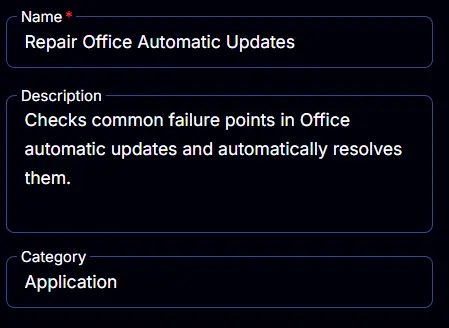
Name: Repair Office Automatic Updates
Description: Checks common failure points in Office automatic updates and automatically resolves them.
Category: Application
Task
Navigate to the Script Editor section and start by adding a row. You can do this by clicking the Add Row button at the bottom of the script page.

A blank function will appear.

Row 1 Function: PowerShell Script
Search and select the PowerShell Script function.


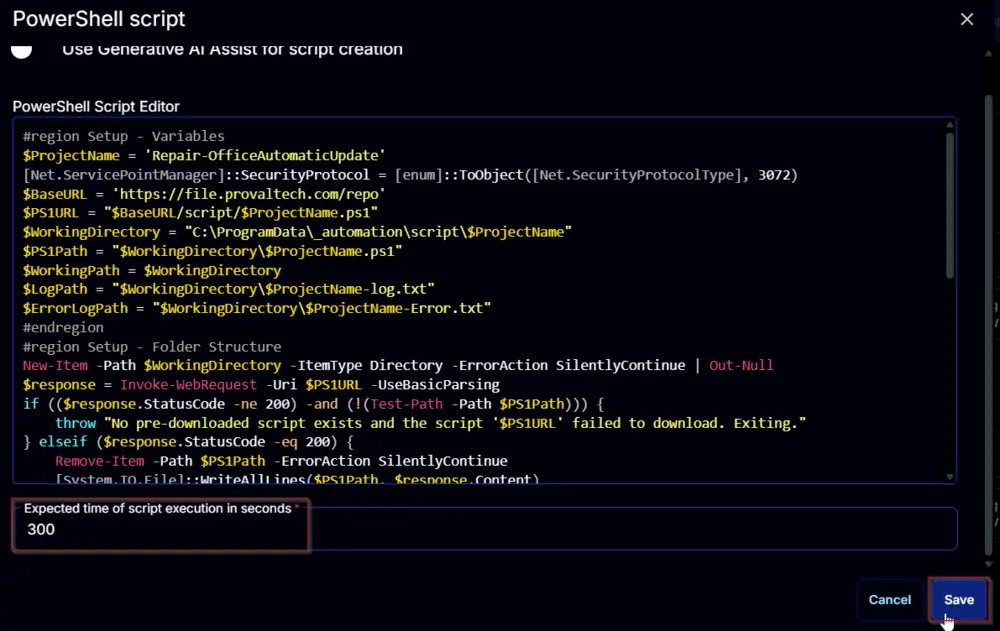
The following function will pop up on the screen:

Paste in the following PowerShell script and set the Expected time of script execution in seconds to 300 seconds. Click the Save button.
Row 2 Function: Script Log
Add a new row by clicking the Add Row button.

A blank function will appear.

Search and select the Script Log function.

The following function will pop up on the screen:

In the script log message, simply type %Output% and click the Save button.

Click the Save button at the top-right corner of the screen to save the script.

Completed Script

Output
- Script Log
Changelog
2025-04-10
- Initial version of the document