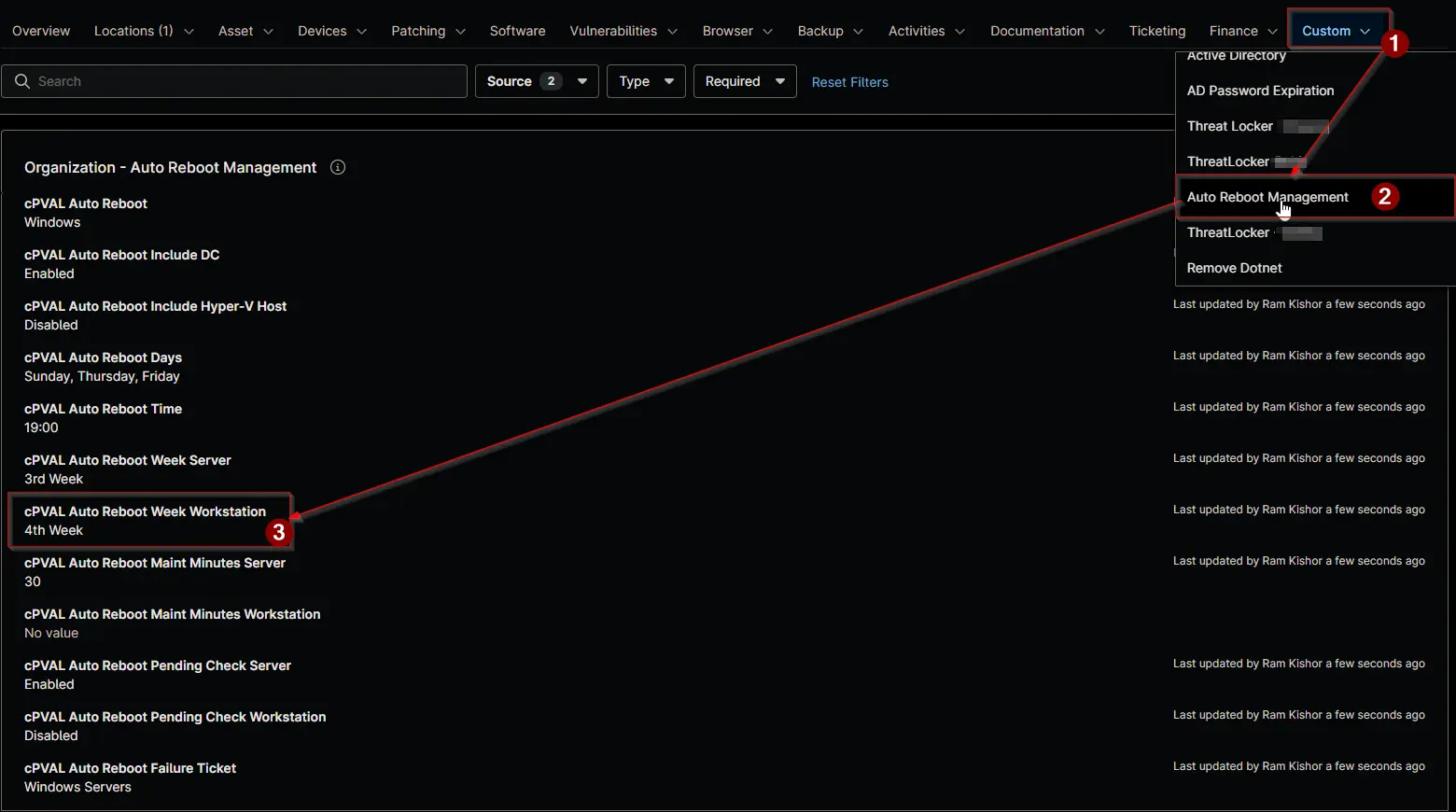
cPVAL Auto Reboot Week Workstation
Summary
Selects the week of the month in which workstations restart. All Weeks restarts workstations every week on the selected days. 1st Week to 5th Week restart them in that week of the month only.
Week 1 holds days 1 to 7 of the month, week 2 days 8 to 14, and so on. For example, 2nd Week with Tuesday restarts workstations on the second Tuesday of every month. Week 5 holds days 29 to 31, so 5th Week skips the months in which the selected day doesn't fall on day 29 or later.
note
- The field applies to workstations only and is ignored on servers.
- A blank value inherits from the level above. Blank at every level means
All Weeks. - A change takes effect at the next run of the Auto Reboot Management automation, within an hour.
Details
| Label | Field Name | Example | Definition Scope | Type | Required | Default Value | Dropdown Options | Editable | Custom Field Tab |
|---|---|---|---|---|---|---|---|---|---|
| cPVAL Auto Reboot Week Workstation | cpvalAutoRebootWeekWorkstation | 2nd Week | Organization, Location, Device | Drop-down | No | All Weeks, 1st Week, 2nd Week, 3rd Week, 4th Week, 5th Week | Yes |
|
Dependencies
- Automation: Auto Reboot Management
- Custom Field: cPVAL Auto Reboot Days
- Solution: Auto Reboot Management - NinjaOne
Custom Field Creation
Sample Screenshot
Changelog
2026-11-11
- Initial version of the document