Auto Reboot Management - Reboot Machine
Overview
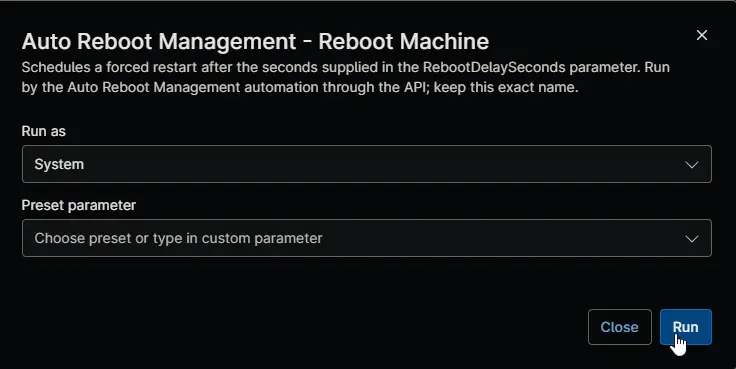
This automation restarts a device for the Auto Reboot Management - NinjaOne solution. The Auto Reboot Management - Reboot Trigger [Windows Servers] and Auto Reboot Management - Reboot Trigger [Windows Workstations] compound conditions run it when cPVAL Auto Reboot Scheduled For holds a pending restart request. It schedules a forced restart for the requested time, so Windows shows the signed-in user a restart notice until then, and writes the outcome back to the same field.
note
The compound conditions run this automation, so you don't need to run it yourself. It takes no script variables. It never restarts a device when the requested time has already passed, so a device that comes online late isn't restarted without notice.
Requirements
- Windows 10, Windows 11, or Windows Server 2012 R2 or later
- Run As:
System - PowerShell 5.1
Sample Run
Scenarios
- Restart time ahead: the automation schedules a forced restart for that time and writes
Scheduled atand the time to cPVAL Auto Reboot Scheduled For. The user sees a notice that the computer will restart, at what time, and should save their work. - Restart time passed: the automation doesn't restart the device and writes
Missed atand the time. - Restart already scheduled in Windows: the existing restart or shutdown is left in place and the outcome is
Scheduled, so a repeated run never cancels or moves a restart. - No pending request: for example after a technician cleared the field to cancel the restart. The automation makes no changes.
- Restart can't be scheduled: the automation writes
Failed at, the time and the reason, and shows as failed.
Custom Fields
| Custom Field | Scope | Type | Description |
|---|---|---|---|
| cPVAL Auto Reboot Scheduled For | Device | Text | Read for the requested restart time and rewritten with the outcome. |
Dependencies
- Custom Field: cPVAL Auto Reboot Scheduled For
- Automation: Auto Reboot Management - Reboot Detection
- Compound Condition: Auto Reboot Management - Reboot Trigger [Windows Servers]
- Compound Condition: Auto Reboot Management - Reboot Trigger [Windows Workstations]
- Automation: Auto Reboot Management
- Solution: Auto Reboot Management - NinjaOne
Automation Setup/Import
Output
- Activity Details
- Custom Field: cPVAL Auto Reboot Scheduled For
- A scheduled restart of the device
Changelog
2026-11-11
- Initial version of the document