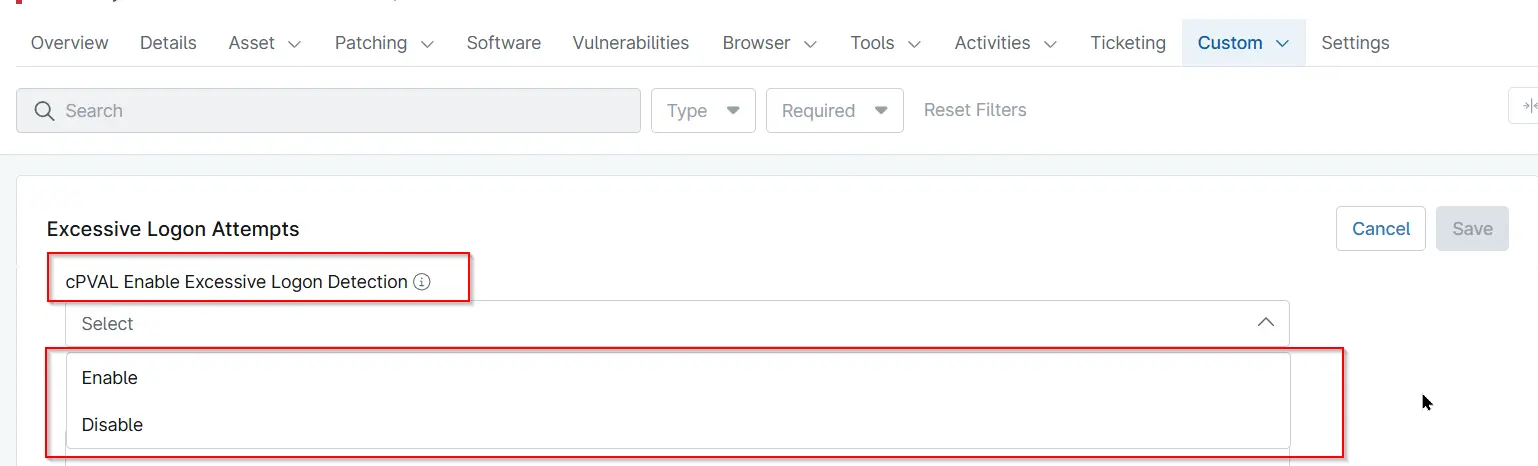
cPVAL Enable Excessive Logon Detection
Summary
Turns failed logon monitoring on or off for the Excessive Logon Attempts solution. The solution counts failed logon attempts (Security event ID 4625) on domain controllers and raises an alert when the count reaches the configured threshold. A high number of failed logons can indicate a brute-force or password-spraying attack against domain accounts.
The Monitor - Excessive Logon Attempts compound condition reads this field before it runs the Excessive Logon Attempts script. The condition runs only on domain controllers whose cPVAL Roles Detected field contains Infrastructure Master, and it skips any device where this field is set to Disable.
| Option | Result |
|---|---|
Enable | Failed logons are monitored, and an alert is raised when they reach the threshold. |
Disable | Failed logons are not monitored, and no alert is raised. |
The field can be set at the organization, location or device level. A value set at a lower level overrides the value inherited from a higher level, so a single domain controller or location can be excluded without turning monitoring off for the whole organization.
Details
| Label | Field Name | Example | Definition Scope | Type | Required | Default Value | Dropdown Options | Editable | Custom Field Tab |
|---|---|---|---|---|---|---|---|---|---|
| cPVAL Enable Excessive Logon Detection | cpvalEnableExcessiveLogonDetection | Enable | Organization, Location, Device | Drop-down | False |
| Yes | Excessive Logon Failures Detection |
Dependencies
- Solution - Excessive Logon Attempts
- Automation - Excessive Logon Attempts
- Custom Field - cPVAL Roles Detected
Custom Field Creation
Sample Screenshot
Changelog
2026-11-11
- Initial version of the document