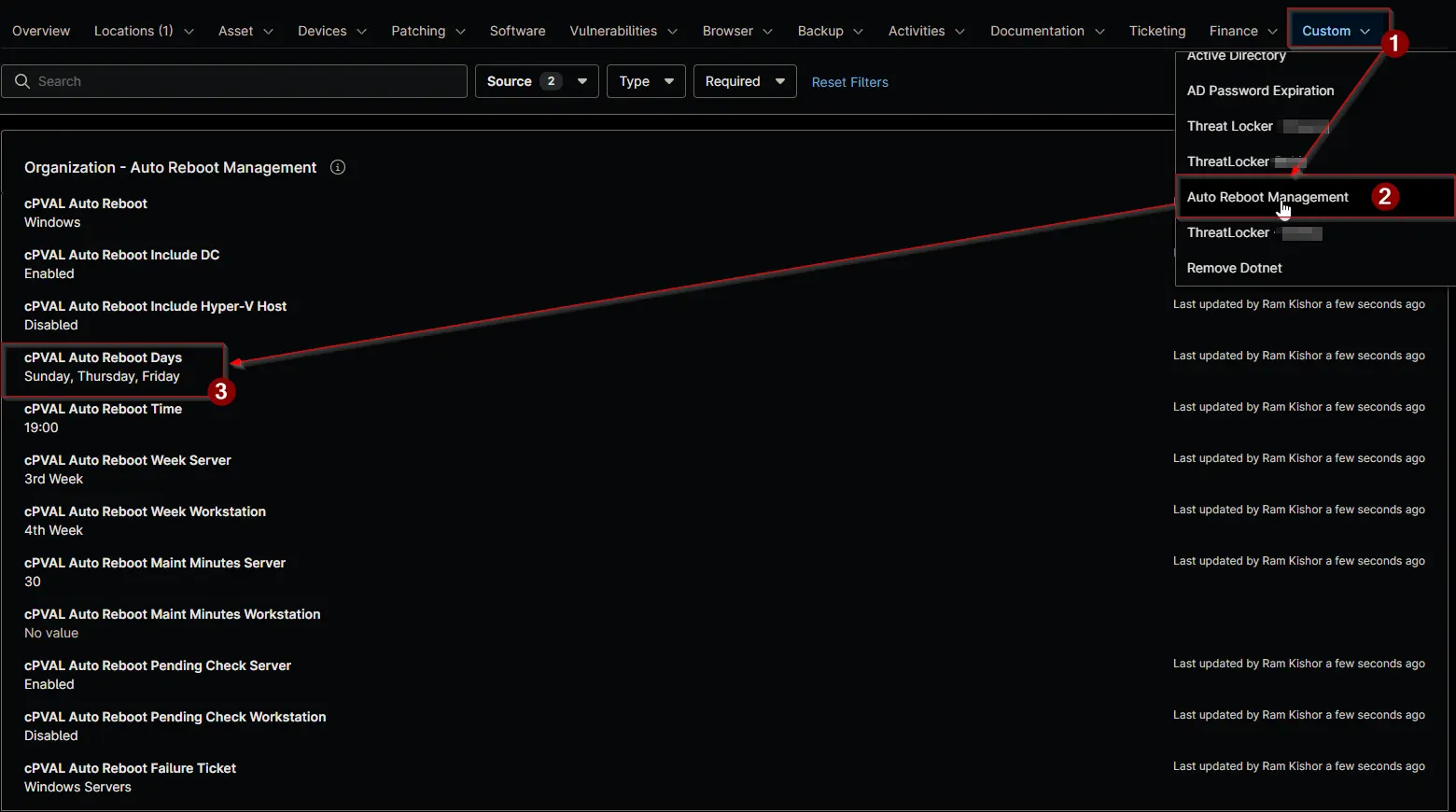
cPVAL Auto Reboot Days
Summary
Selects the days of the week on which the Auto Reboot Management - NinjaOne solution restarts devices. Select one or more days. Together with cPVAL Auto Reboot Time and the week fields, it sets the restart schedule.
note
- The days are read in the time zone of the primary machine that runs the Auto Reboot Management automation. When converting a restart time from a device's time zone crosses midnight, select the converted day. See Time Zones.
- The days selected at the most specific level replace the days selected above it. They're never combined. For example, if the organization selects
Saturdayand a location selectsSunday, devices at that location restart on Sunday only. - A blank value inherits the days from the level above. No day selected at any level means no restart.
- A change takes effect at the next run of the Auto Reboot Management automation, within an hour.
Details
| Label | Field Name | Example | Definition Scope | Type | Required | Default Value | Dropdown Options | Editable | Custom Field Tab |
|---|---|---|---|---|---|---|---|---|---|
| cPVAL Auto Reboot Days | cpvalAutoRebootDays | Sunday | Organization, Location, Device | Multi-select | No | Sunday, Monday, Tuesday, Wednesday, Thursday, Friday, Saturday | Yes |
|
Dependencies
- Automation: Auto Reboot Management
- Custom Field: cPVAL Auto Reboot Time
- Custom Field: cPVAL Auto Reboot Week Server
- Custom Field: cPVAL Auto Reboot Week Workstation
- Solution: Auto Reboot Management - NinjaOne
Custom Field Creation
Sample Screenshot
Changelog
2026-11-11
- Initial version of the document