AR_Enable
Summary
Sets which offline devices the Auto Retire Offline Devices bot may handle for a company, by OS type. AR_Enable_Site overrides it for a site, and AR_Enable_Endpoint overrides both for a single device.
The field's default value applies to every company that doesn't have its own value, so it works as the portal-wide default. It's Disabled out of the box, so nothing is handled until you choose otherwise.
| Option | Devices in scope |
|---|---|
Windows Workstations and Servers | Windows workstations and Windows servers |
Windows Workstations Only | Windows workstations |
Windows Servers Only | Windows servers |
Macintosh Only | macOS devices |
Windows Workstations and Macintosh | Windows workstations and macOS devices |
Disabled | None. The devices are left alone. |
Dependencies
- Solution: Auto Retire Offline Devices
- Bots: Auto Retire Offline Devices
- Custom Field: AR_Enable_Site
- Custom Field: AR_Enable_Endpoint
Custom Field Setup Location
Custom Fields Path: SETTINGS ➞ Custom Fields
Details
| Name | Description | Level | Type | Option Type | Options | Help Text | Default Value | Editable |
|---|---|---|---|---|---|---|---|---|
| AR_Enable | Company-level Auto Retire scope by OS type. Overridden by Site or Endpoint settings. The default value acts as the portal-wide default. | Company | Dropdown | String | Windows Workstations and Servers, Windows Workstations Only, Windows Servers Only, Macintosh Only, Windows Workstations and Macintosh, Disabled | Select which offline devices Auto Retire may handle, or Disabled to exclude the client. | Disabled | Yes |
To turn Auto Retire on for every company at once, change this field's default value instead of setting each company. For example, Windows Workstations Only covers workstations everywhere and leaves servers out. A company that needs something different can still have its own value.
Devices that are neither Windows nor macOS, such as Linux, are only handled when AR_Enable_Endpoint is set to Enabled on the device.
Implementation
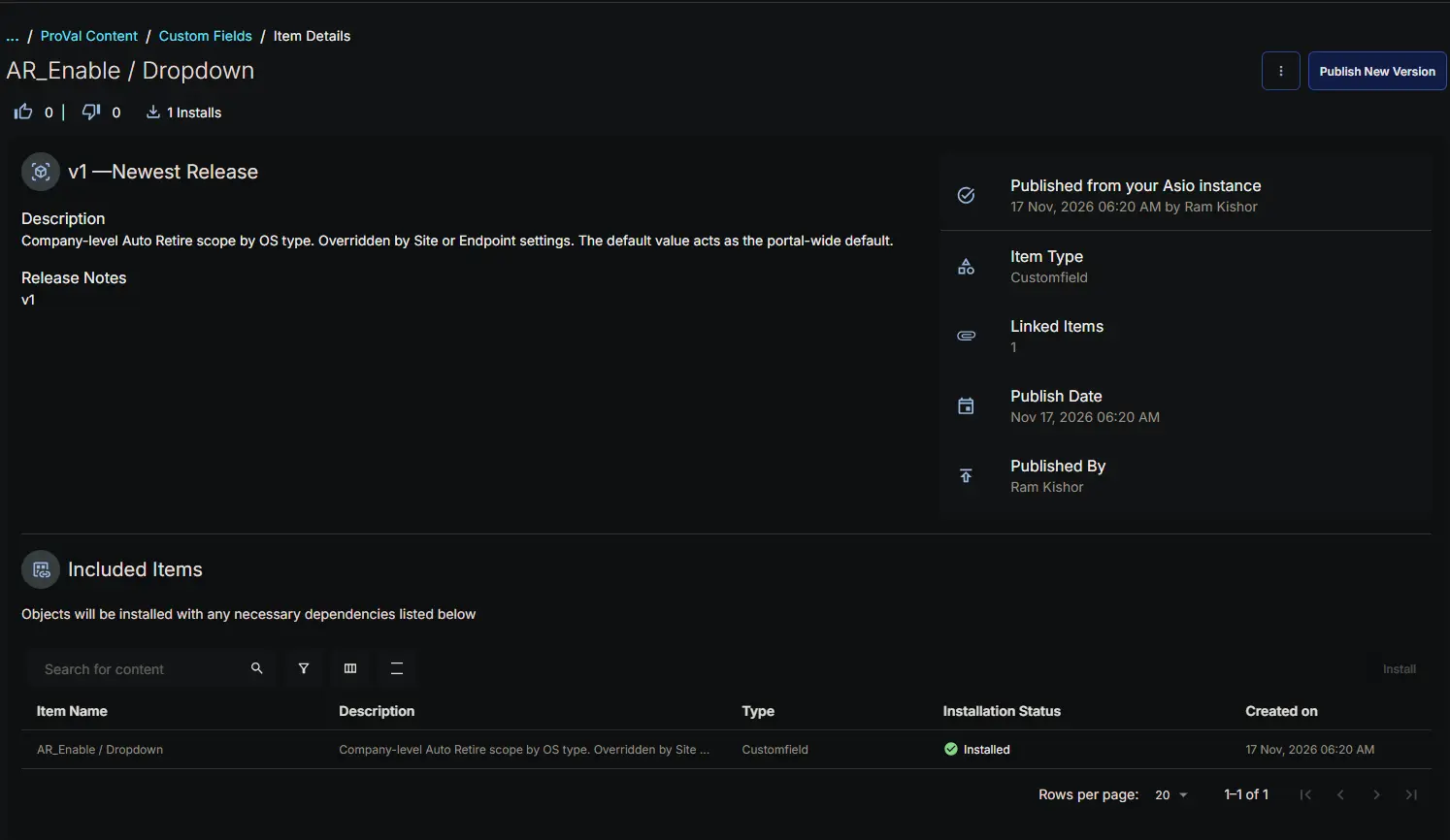
Install the custom field from the ProVal - Content Community, selecting the Custom Fields repository.
Changelog
2026-11-17
- Initial version of the document