CyberCNS Agent Deployment
Summary
This monitor detects the online Automate agent where the CyberCNS Company ID is provided, and attempts to deploy the CyberCNS agent on it.
Dependencies
Target
- Global
Implementation
- Import the monitor
- Import the alert template
△ Custom - Execute Script - CyberCNS Agent Install - Apply the alert template to the monitor
- Right click on monitor and then click the Run now and reset the monitor

Ticket Creation
- To allow creating ticket for the failed attempt of the CyberCNS deployment please set the
Ticket Categoryin the Alerting section of the monitor.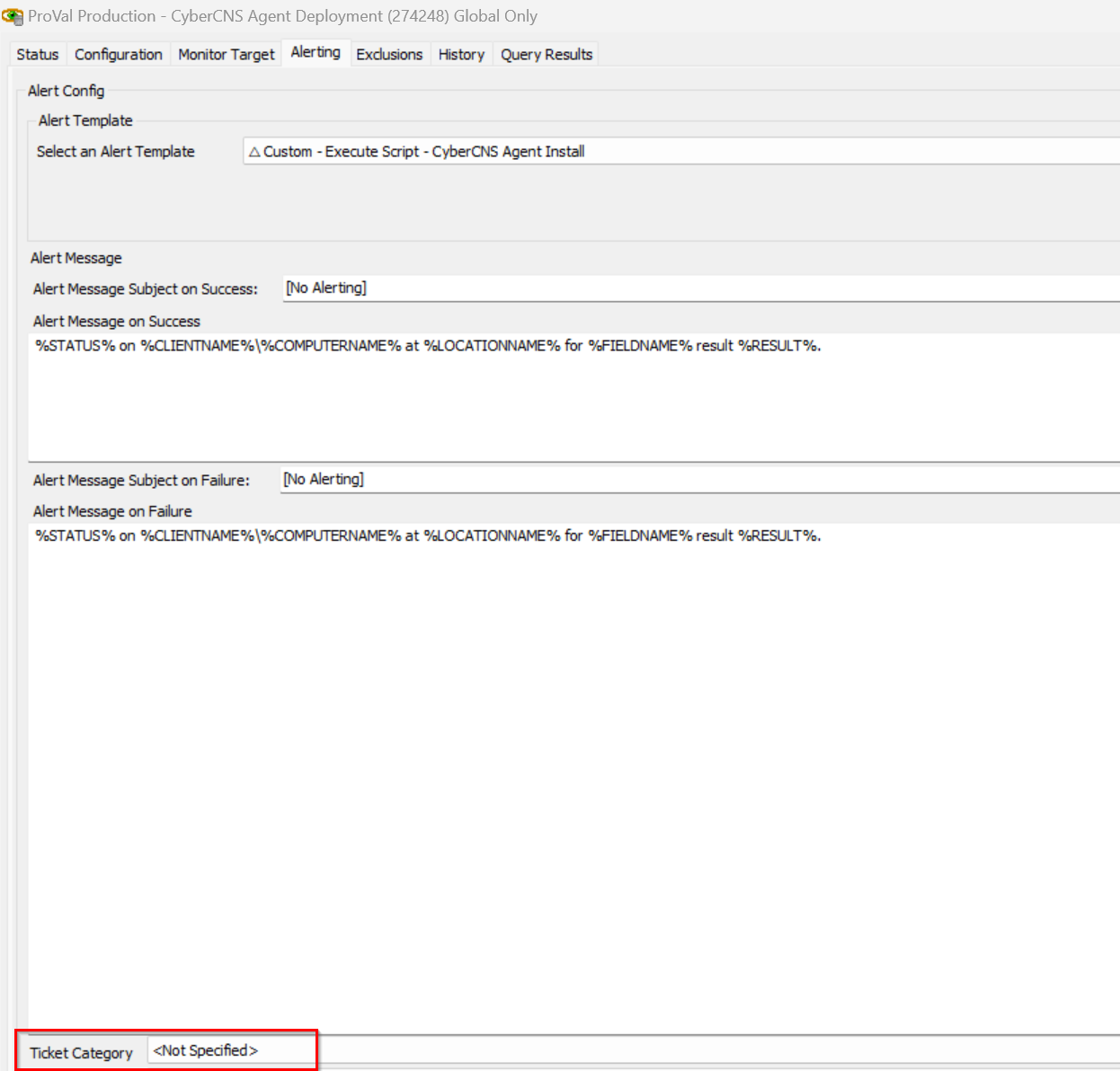
Changelog
2026-03-12
- Initial version of the document