AR_Ticket_Only_Endpoint
Summary
Overrides AR_Ticket_Only_Site and AR_Ticket_Only for a single device. Leave it empty to use the site's or company's value.
| Option | What happens when the device is past its threshold |
|---|---|
Enabled | A ticket is raised with the device attached. Nothing is removed. |
Disabled | The device is retired: its CW RMM agent is uninstalled. |
| Empty | The site or company setting applies. |
For example, after you've checked the ticket raised for a device and confirmed it's gone for good, set this field to Disabled and the device is retired at the next run, while the rest of the company stays in ticket-only mode.
Dependencies
- Solution: Auto Retire Offline Devices
- Bots: Auto Retire Offline Devices
- Custom Field: AR_Ticket_Only
- Custom Field: AR_Ticket_Only_Site
- Custom Field: AR_Ticket_Number
Custom Field Setup Location
Custom Fields Path: SETTINGS ➞ Custom Fields
Details
| Name | Description | Level | Type | Option Type | Options | Help Text | Default Value | Editable |
|---|---|---|---|---|---|---|---|---|
| AR_Ticket_Only_Endpoint | Endpoint-level override for testing mode. Enabled raises a ticket for this device instead of retiring it. Overrides Site and Company settings. | Endpoint | Dropdown | String | Enabled, Disabled | Leave blank to inherit. Select Enabled to raise a ticket only, or Disabled to retire the device. | Yes |
note
This field has no default value, and shouldn't be given one. A default value would apply to every device and override the level above it everywhere.
Implementation
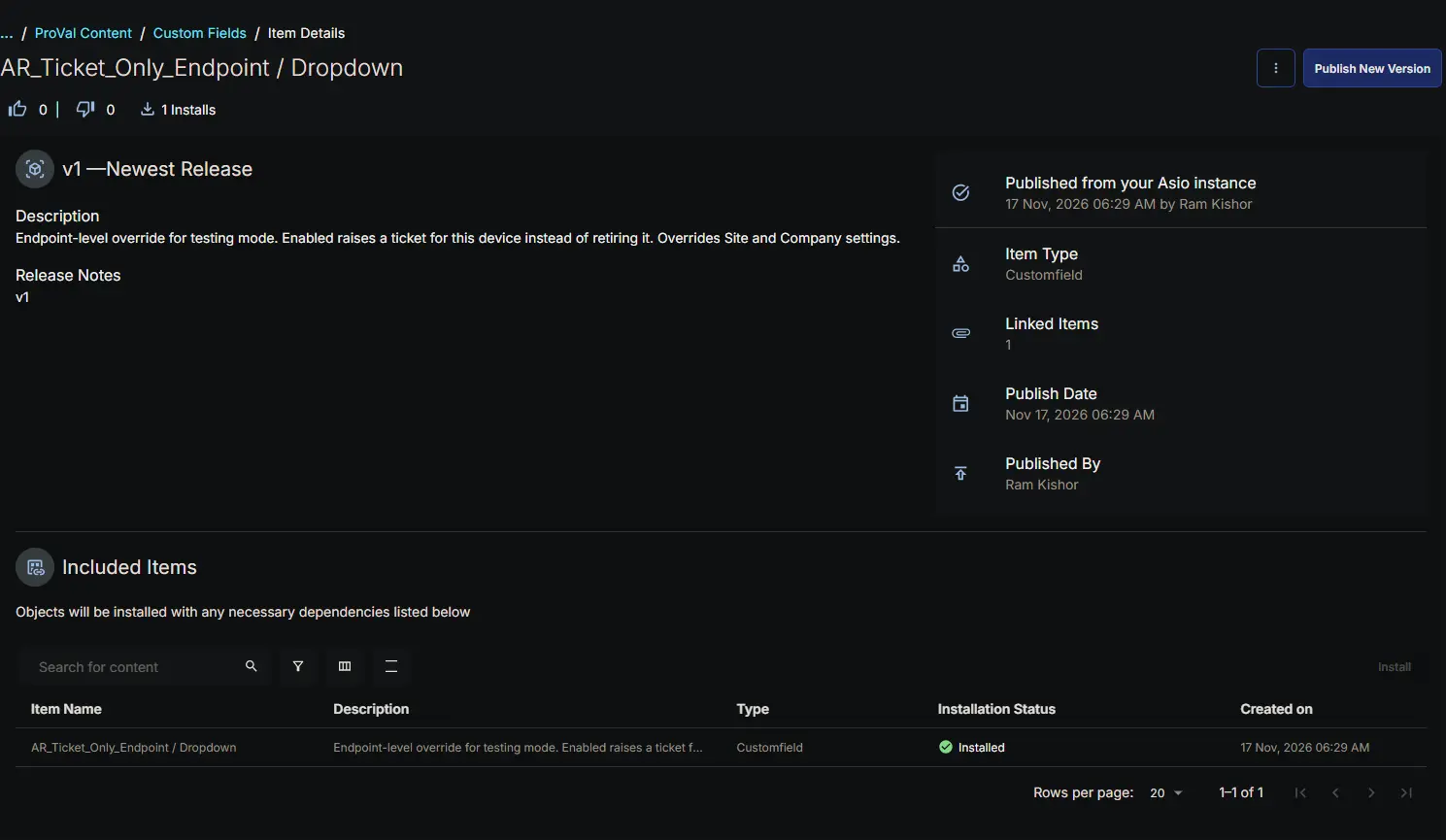
Install the custom field from the ProVal - Content Community, selecting the Custom Fields repository.
Changelog
2026-11-17
- Initial version of the document