Automatically Restrict/Unrestrict Vendor Machines in SC
Summary
The purpose of this monitor is to ensure that when the Restrict Vendor Access EDFs are checked within Automate, it automatically restricts the machines in both Automate and ScreenConnect. And if the EDF is unchecked but the custom property Vendor Restricted in ScreenConnect is set to Restricted, this will unrestrict the computer both in Automate and ScreenConnect.
Dependencies
The following EDFs must be created before importing the monitor:
-
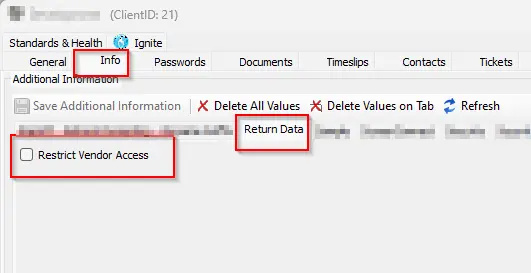
Client EDF:
Restrict Vendor Access
Enables the vendor restriction for whole client
-
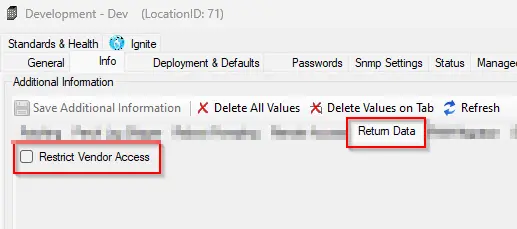
Location EDF:
Restrict Vendor Access
Enables the vendor restriction for whole location
-
Computer EDF:
Restrict Vendor Access
Enables the vendor restriction for the computer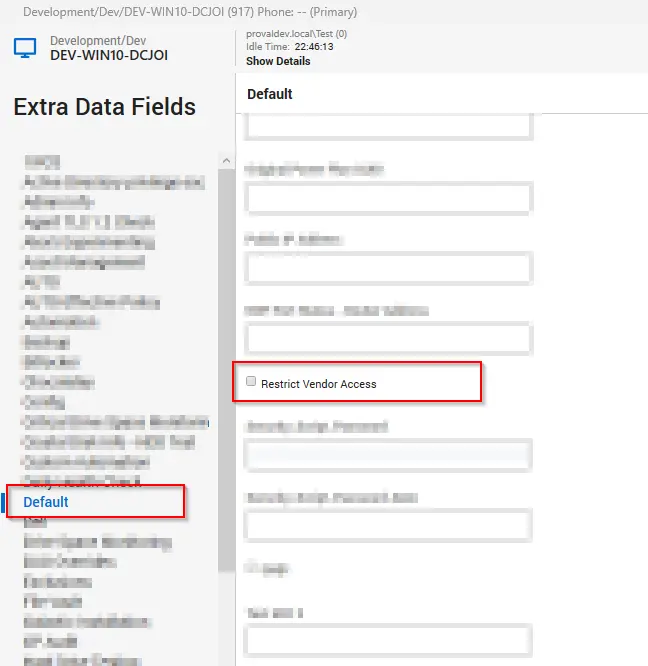
Target
All operating systems
Alert Template
△ Custom - Execute Script - Update Vendor Restricted Property
Changelog
2025-04-10
- Initial version of the document