SecureBoot 2026 Compliance Check
Overview
This script evaluates whether a Windows device is prepared for the upcoming Microsoft Secure Boot certificate transition scheduled for 2026. Microsoft is replacing legacy Secure Boot certificates with updated 2023-era certificates (KEK and DB). Devices that do not contain these updated certificates may be considered at risk once older certificates expire.
The script performs the following checks:
- Verifies that Secure Boot is enabled.
- Checks for presence of:
- Microsoft Corporation KEK 2K CA 2023
- Windows UEFI CA 2023 (DB certificate)
- Determines overall readiness status:
- Ready → Secure Boot enabled + both 2023 certificates present
- Risk → Secure Boot enabled but 2023 certificates missing
- N/A → Secure Boot disabled or not supported
- Outputs a compact compliance string.
- Optionally writes the result to a Datto RMM (CentraStage) Custom UDF field.
Implementation
-
Download the component
SecureBoot 2026 Compliance Checkfrom the attachments. -
After downloading the attached file, click on the
Importbutton -
Select the component just downloaded and add it to the Datto RMM interface.

Sample Run
To execute the component over a specific machine, follow these steps:
-
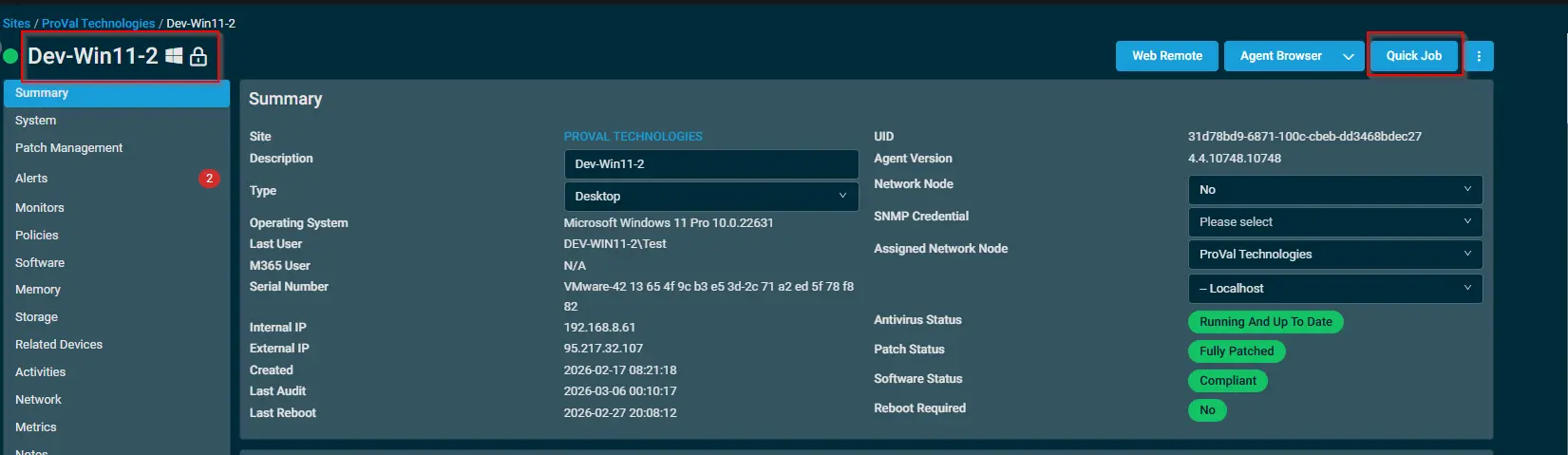
Select the machine you want to run the
componenton from the Datto RMM. -
Click on the
Quick Jobbutton.
-
Search the component
SecureBoot 2026 Compliance Checkand click onSelect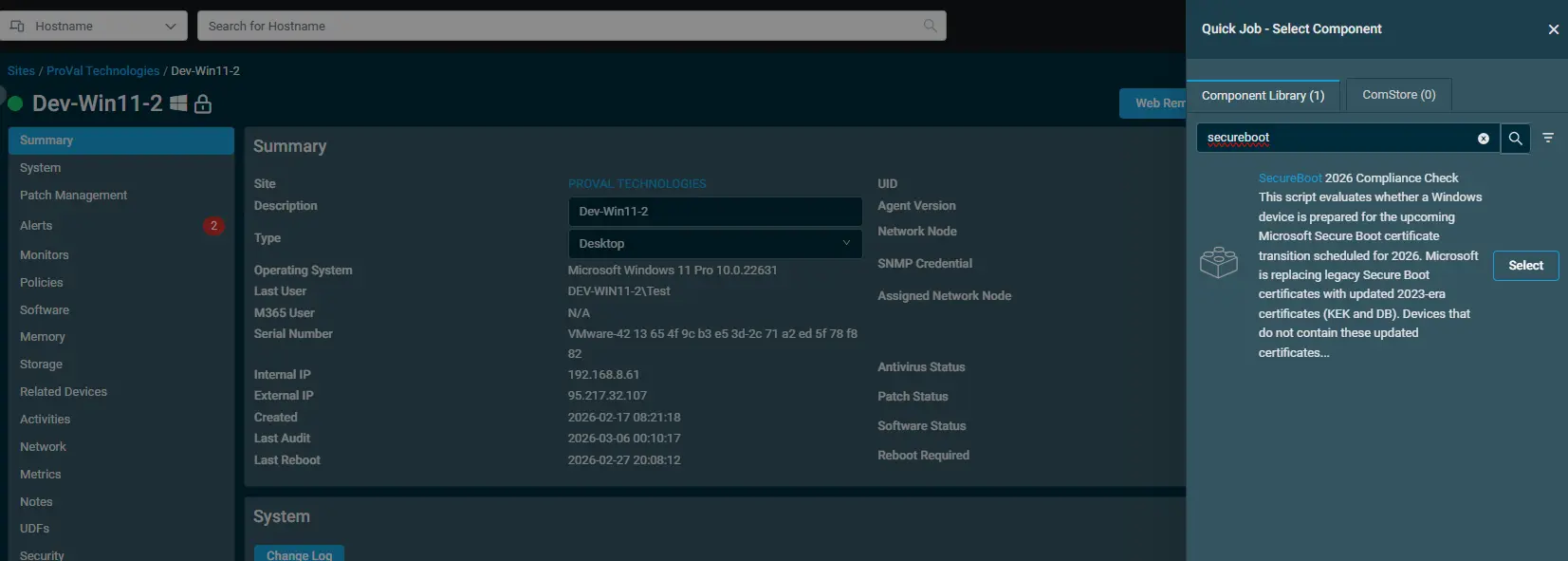
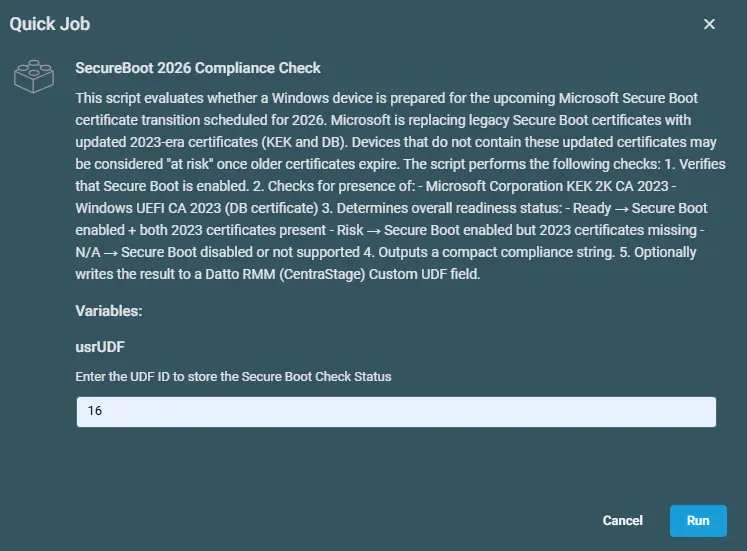
-
Enter the UDF ID to store the Secure Boot Check Status
Datto Variables
| Variable Name | Type | Default | Description |
|---|---|---|---|
| usrUDF | String | Enter the UDF number | Enter the UDF number to store the data. |
Output
Activity Log

Custom Field

Attachments
SecureBoot 2026 Compliance Check
Changelog
2026-03-12
- Initial version of the document