Auto Reboot Management - Reboot Detection
Overview
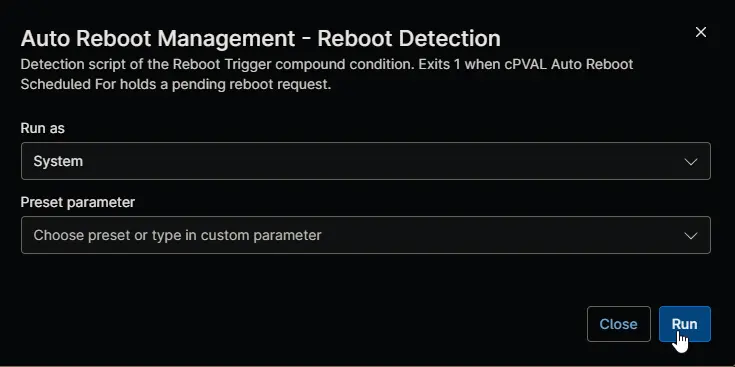
This automation is the detection script of the Auto Reboot Management - Reboot Trigger [Windows Servers] and Auto Reboot Management - Reboot Trigger [Windows Workstations] compound conditions. It reads cPVAL Auto Reboot Scheduled For on the device and exits with 1 and a line beginning with Detected: when the field holds a pending restart request. The compound condition then runs Auto Reboot Management - Reboot Machine. The automation makes no changes.
note
The compound conditions run this automation every 6 minutes, so you don't need to run or schedule it yourself. It exits with 0 when there's no pending request, and with 2 when the custom field can't be read.
Requirements
- Windows 10, Windows 11, or Windows Server 2012 R2 or later
- Run As:
System - PowerShell 5.1
Sample Run
Scenarios
- Pending request: cPVAL Auto Reboot Scheduled For holds a restart time such as
2026-11-10T07:00:00Z. The automation exits with1and reports the restart time in UTC and in the device's local time. - Request already handled: the field holds a restart time followed by
Scheduled,MissedorFailed. The automation exits with0. - No request: the field is empty. The automation exits with
0. - Restart time already passed: the request is still detected, so Auto Reboot Management - Reboot Machine can record it as missed without restarting the device.
Custom Fields
| Custom Field | Scope | Type | Description |
|---|---|---|---|
| cPVAL Auto Reboot Scheduled For | Device | Text | Read to find a pending restart request. |
Dependencies
- Custom Field: cPVAL Auto Reboot Scheduled For
- Automation: Auto Reboot Management - Reboot Machine
- Compound Condition: Auto Reboot Management - Reboot Trigger [Windows Servers]
- Compound Condition: Auto Reboot Management - Reboot Trigger [Windows Workstations]
- Solution: Auto Reboot Management - NinjaOne
Automation Setup/Import
Output
- Activity Details
Changelog
2026-11-11
- Initial version of the document