Get Lenovo Warranty Info
Overview
This script is designed to run via Datto RMM to check and update Lenovo warranty information. It downloads the 'Get-LenovoWarrantyInfo' agnostic script from a content repository, executes it, and updates the warranty information into a specified Datto UDF (User Defined Field).
Dependencies
Implementation
-
Download the component Get Lenovo Warranty Info from the attachments.
-
After downloading the attached file, click on the
Importbutton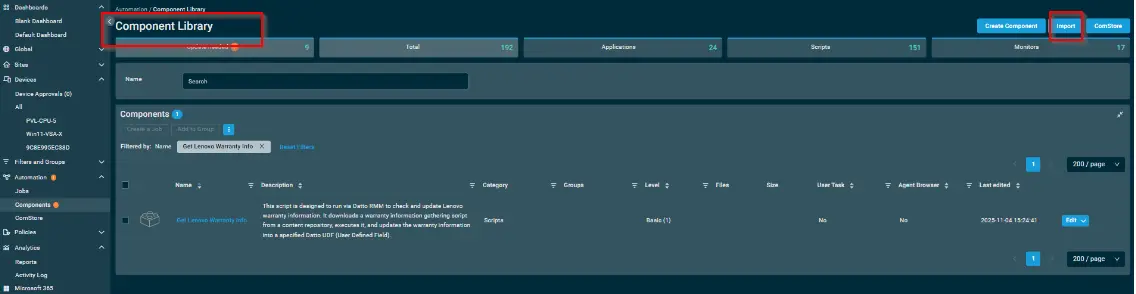
-
Select the component just downloaded and add it to the Datto RMM interface.
Sample Run
To execute the component over a specific machine, follow these steps:
-
Select the machine you want to run the
componenton from the Datto RMM. -
Click on the
Quick Jobbutton.
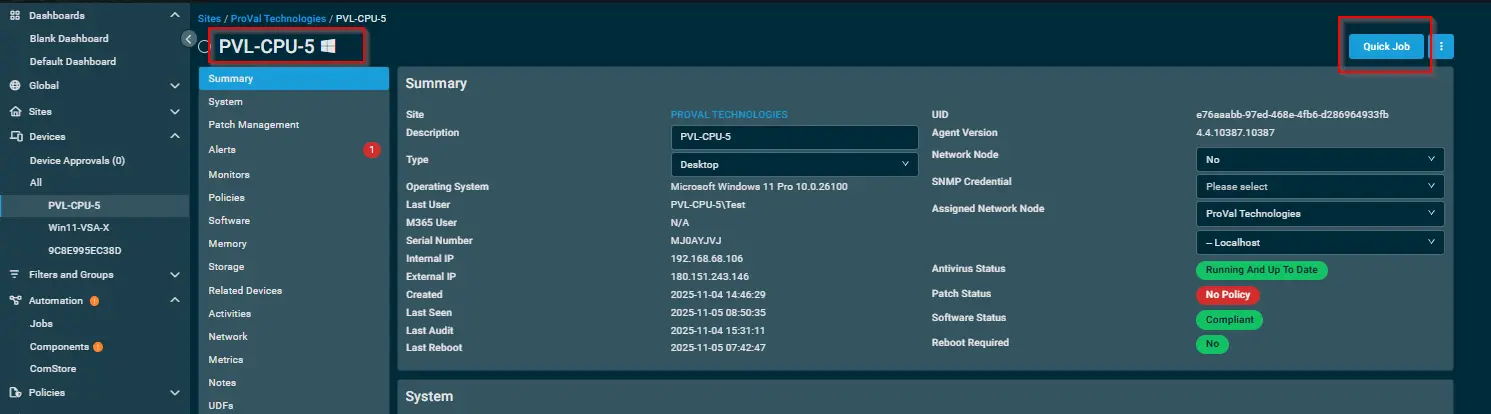
-
Search the component
Get Lenovo Warranty Infoand click onSelect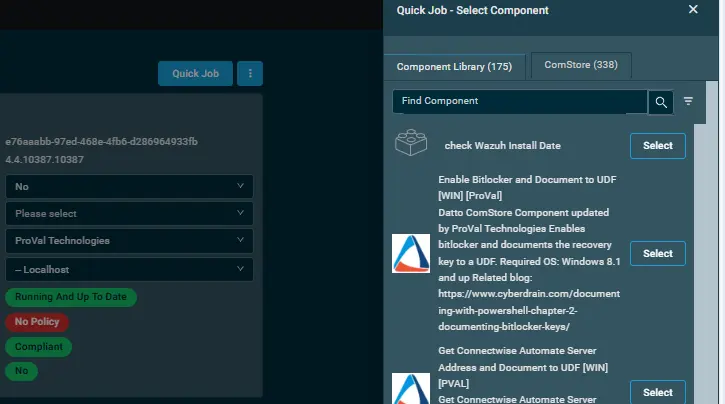
-
Sample Run:

Note: The UDF variable number may vary depending on the organization. In our Datto instance, the UDF number is 16; however, this number may differ in other RMM environments.
Please also rename that UDF With Warranty Expiration
Datto Variables
| Variable Name | Type | Default | Description |
|---|---|---|---|
| usrUDF | String |
Output
-
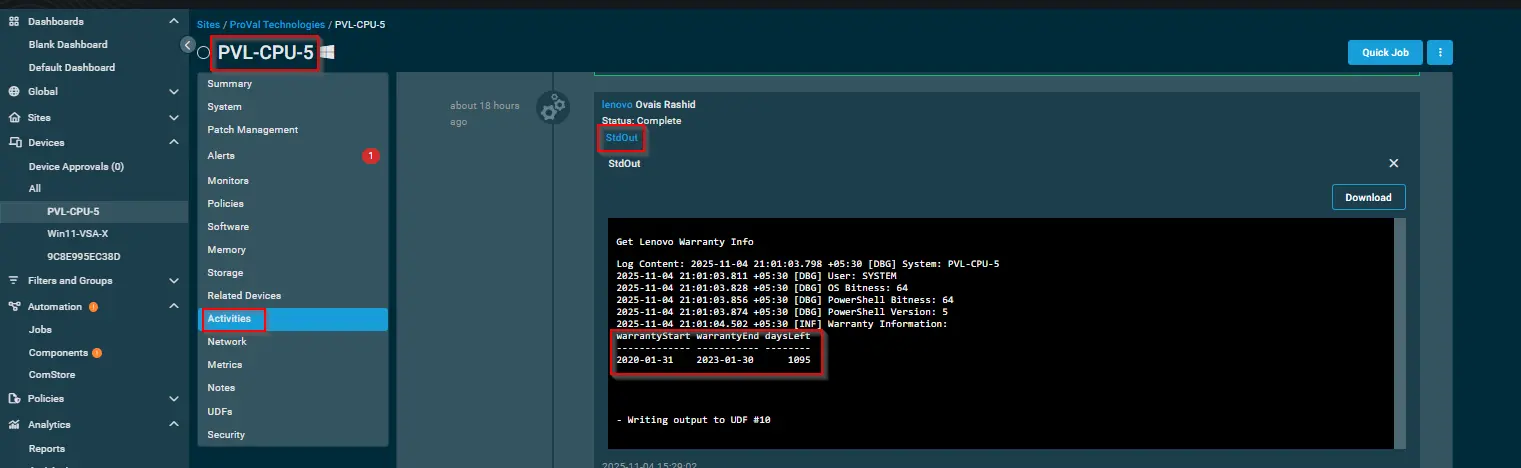
UDFs Update [Warranty Expiration]
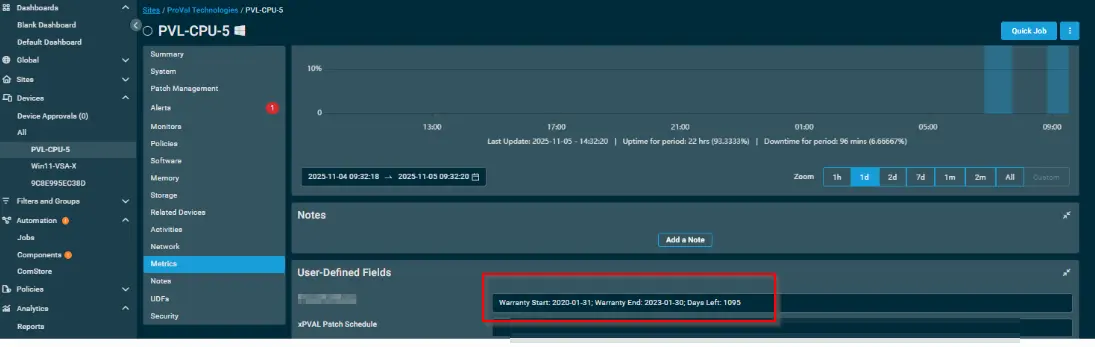
-
stdOut
-
stdError
Attachments
Changelog
2025-11-05
- Initial version of the document