AR_Enable_Site
Summary
Overrides AR_Enable for one site. Leave it empty to use the company's value. AR_Enable_Endpoint overrides it for a single device.
A site set to Disabled is excluded even when its company is enabled, and a site set to an OS option is included even when its company is Disabled.
| Option | Devices in scope |
|---|---|
Windows Workstations and Servers | Windows workstations and Windows servers |
Windows Workstations Only | Windows workstations |
Windows Servers Only | Windows servers |
Macintosh Only | macOS devices |
Windows Workstations and Macintosh | Windows workstations and macOS devices |
Disabled | None. The devices are left alone. |
Dependencies
- Solution: Auto Retire Offline Devices
- Bots: Auto Retire Offline Devices
- Custom Field: AR_Enable
- Custom Field: AR_Enable_Endpoint
Custom Field Setup Location
Custom Fields Path: SETTINGS ➞ Custom Fields
Details
| Name | Description | Level | Type | Option Type | Options | Help Text | Default Value | Editable |
|---|---|---|---|---|---|---|---|---|
| AR_Enable_Site | Site-level override for the Auto Retire scope by OS type. Overrides Company settings, but overridden by Endpoint. | Site | Dropdown | String | Windows Workstations and Servers, Windows Workstations Only, Windows Servers Only, Macintosh Only, Windows Workstations and Macintosh, Disabled | Leave blank to inherit. Select which offline devices Auto Retire may handle, or Disabled to exclude the site. | Yes |
note
This field has no default value, and shouldn't be given one. A default value would apply to every site and override the level above it everywhere. Leave it empty on sites that should follow their company.
Implementation
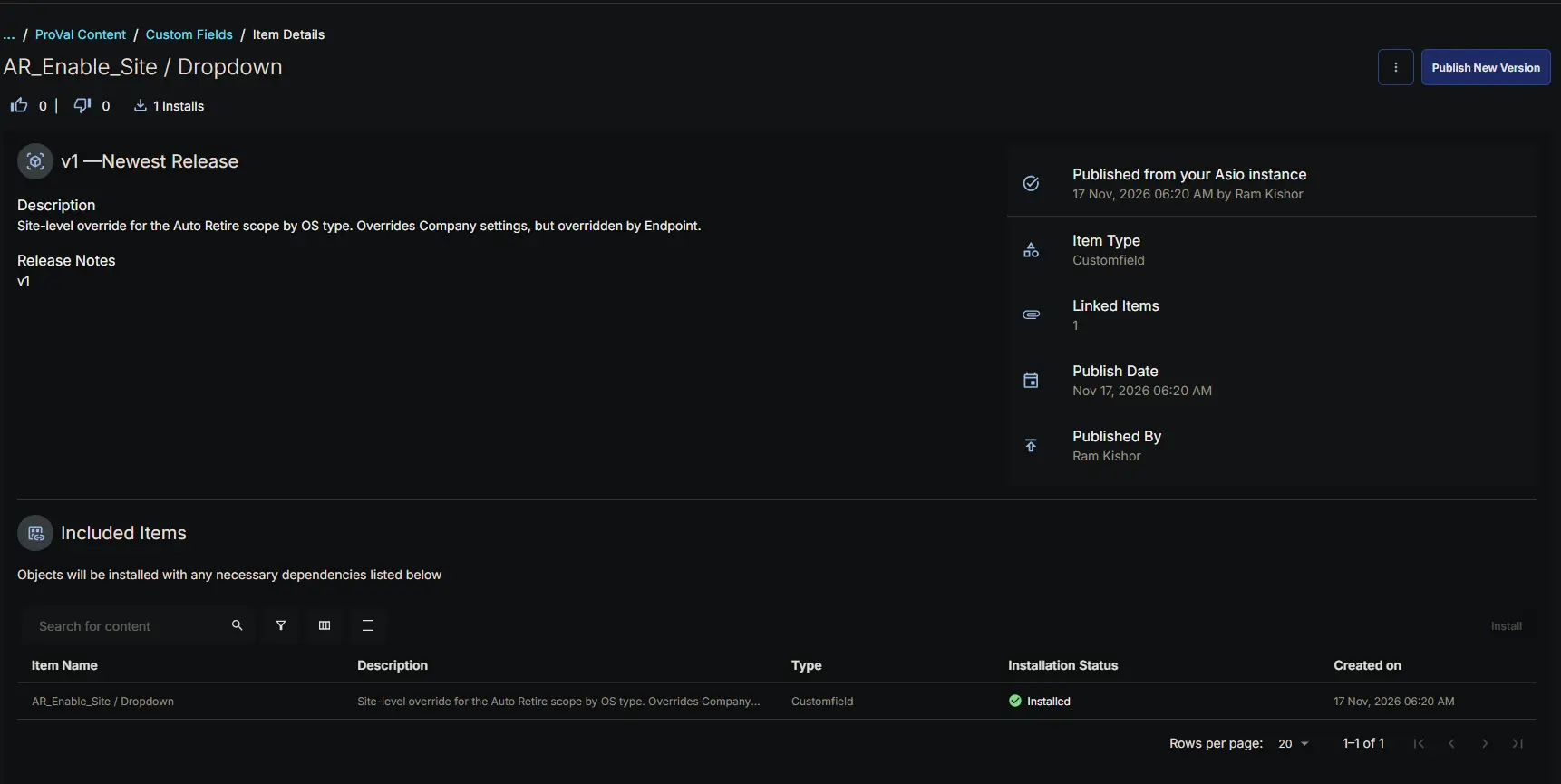
Install the custom field from the ProVal - Content Community, selecting the Custom Fields repository.
Changelog
2026-11-17
- Initial version of the document