Auto Reboot Failure
Overview
This ticket template sets how the ConnectWise Manage ticket is created when a scheduled restart fails. Both the Auto Reboot Management - Reboot Failure [Windows Servers] and Auto Reboot Management - Reboot Failure [Windows Workstations] compound conditions use it. The ticket title shows Scheduled Reboot Failed and the device name, and the ticket includes the failure recorded in cPVAL Auto Reboot Failure. The times in it are in the time zone of the primary machine that runs Auto Reboot Management, which the failure ends with, for example Time zone: Eastern Standard Time (UTC-05:00). While the ticket is open, a repeated failure on the same device is added to it. The ticket is closed when the compound condition resets, which happens when the failure field is cleared by a later confirmed restart or by a technician. Set the board, ticket type and other ticket settings to match your ConnectWise Manage setup.
Requirement
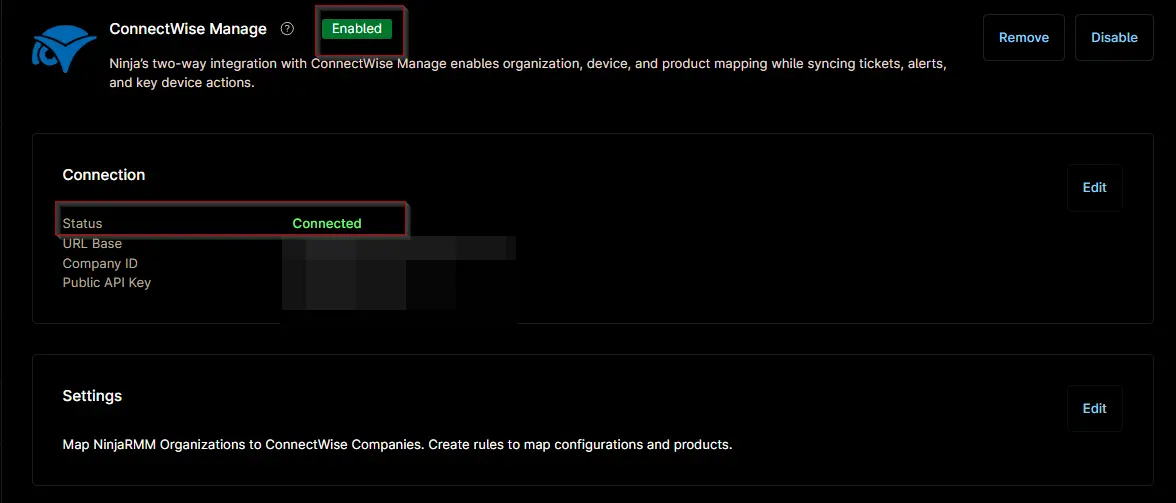
Ensure that the ConnectWise Manage app is enabled and connected.
Dependencies
- Compound Condition: Auto Reboot Management - Reboot Failure [Windows Servers]
- Compound Condition: Auto Reboot Management - Reboot Failure [Windows Workstations]
- Custom Field: cPVAL Auto Reboot Failure
- Solution: Auto Reboot Management - NinjaOne
Template Creation
CW Manage Ticket Template Configuration
Changelog
2026-11-11
- Initial version of the document