cPVAL Vulscan Discovery Agent Deployment
Summary
Select the operating system to enable Vulscan Discovery Agent deployment.
Details
| Label | Field Name | Definition Scope | Type | Option Value | Default Value | Required | Technician Permission | Automation Permission | API Permission | Description | Tool Tip | Footer Text |
|---|---|---|---|---|---|---|---|---|---|---|---|---|
| cPVAL Vulscan Discovery Agent Deployment | cpvalVulscanDiscoveryAgentDeployment | Organization | drop-down | All, Windows, Windows Workstations, Windows Servers, Macintosh, Disabled | Disabled | False | Editable | Read/Write | Read/Write | Select the operating system to enable Vulscan Discovery Agent deployment. | Select the operating system to enable Vulscan Discovery Agent deployment. | Vulscan Discovery Agent Deployment |
Custom Field Creation
Step 1
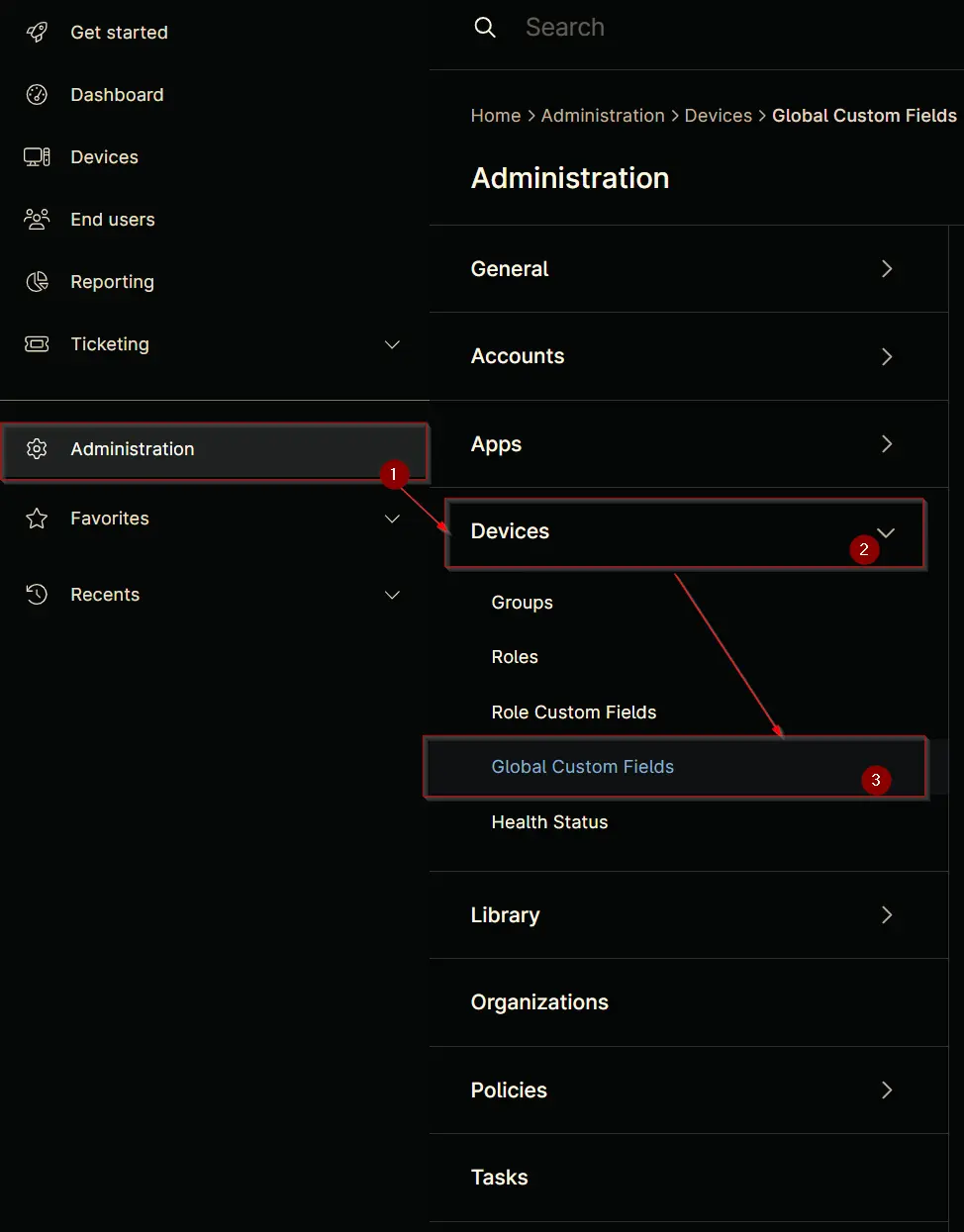
Navigate to the Administration menu, then proceed to Devices and select Global Custom Fields.
Step 2
Locate the Add button on the right-hand side of the screen and click on it.

Step 3
After clicking the Add button, select the Field button that appears.

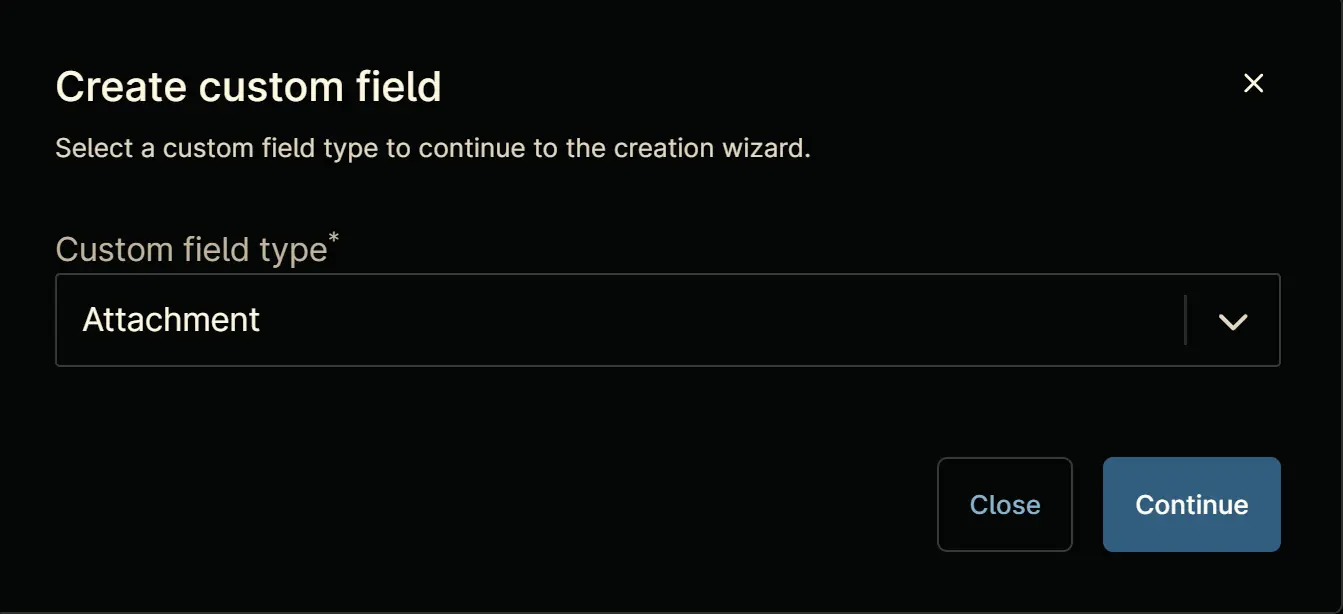
The following Pop-up screen will appear:
Step 4
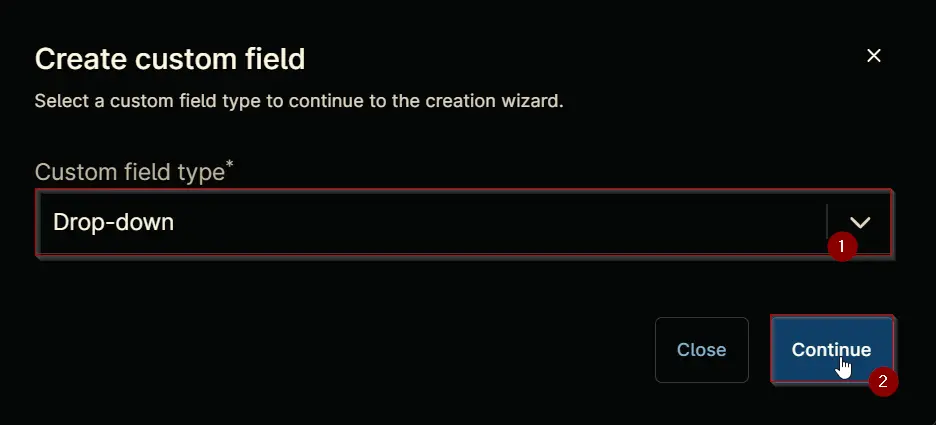
Custom Field Type: Drop-down
Select Drop-down for the Custom field type and click Continue to proceed.
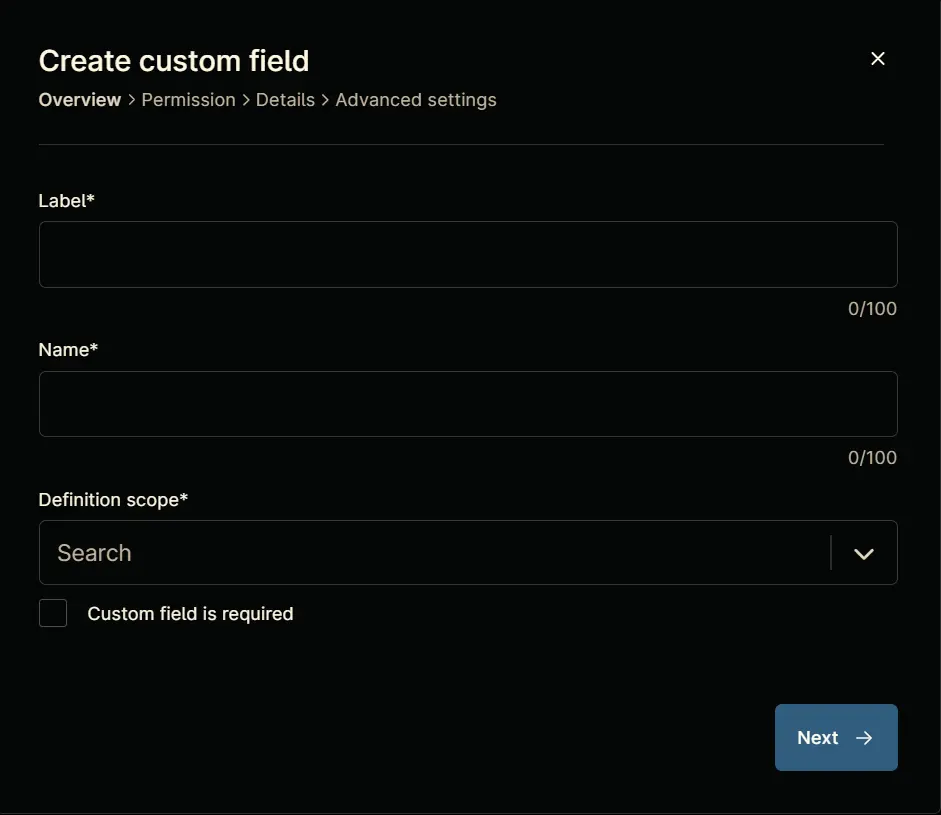
The following Pop-up screen will appear:
Step 5
Set the following details in the Overview section and click the Next button.
Label: cPVAL Vulscan Discovery Agent Deployment
Name: cpvalVulscanDiscoveryAgentDeployment
Definition Scope: Organization
Custom field is required: <Leave it unchecked>
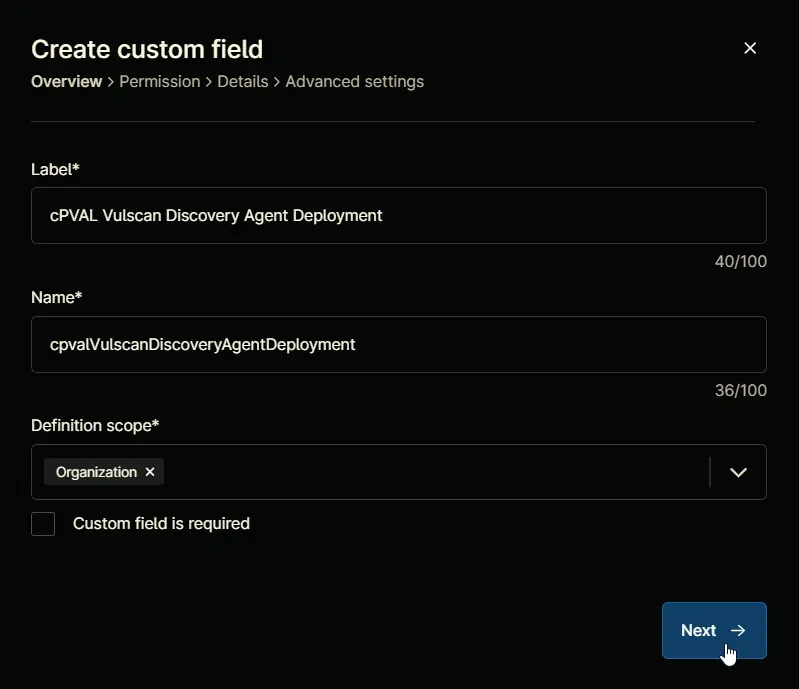
Clicking the Next button will take you to the Permission section.
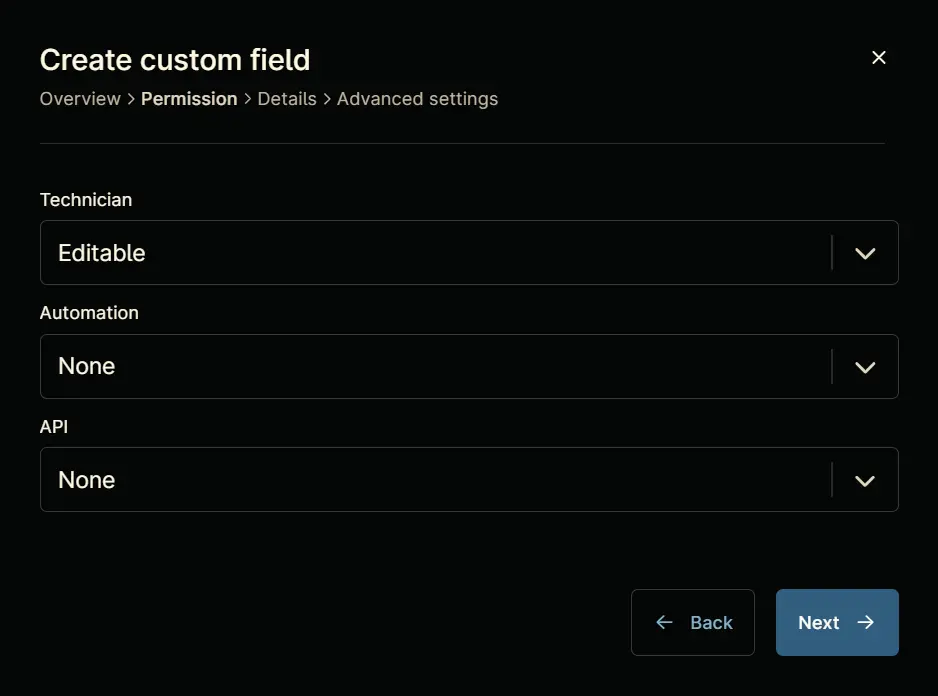
Step 6
Set the following details in the Permission section and click the Next button.
Technician: Editable
Automation: Read/Write
API: Read/Write
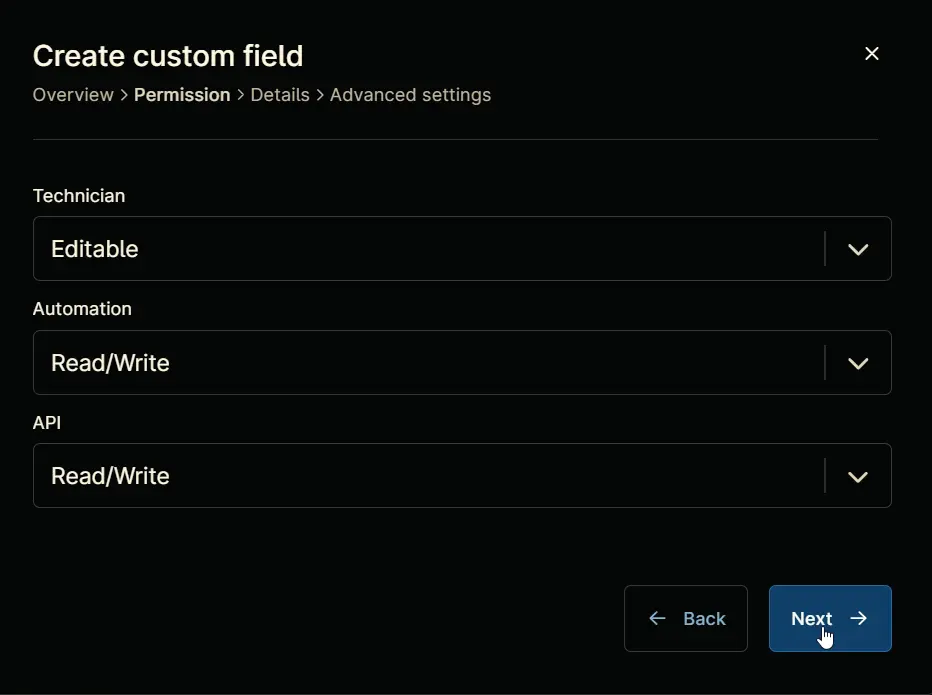
Clicking the Next button will take you to the details tab.
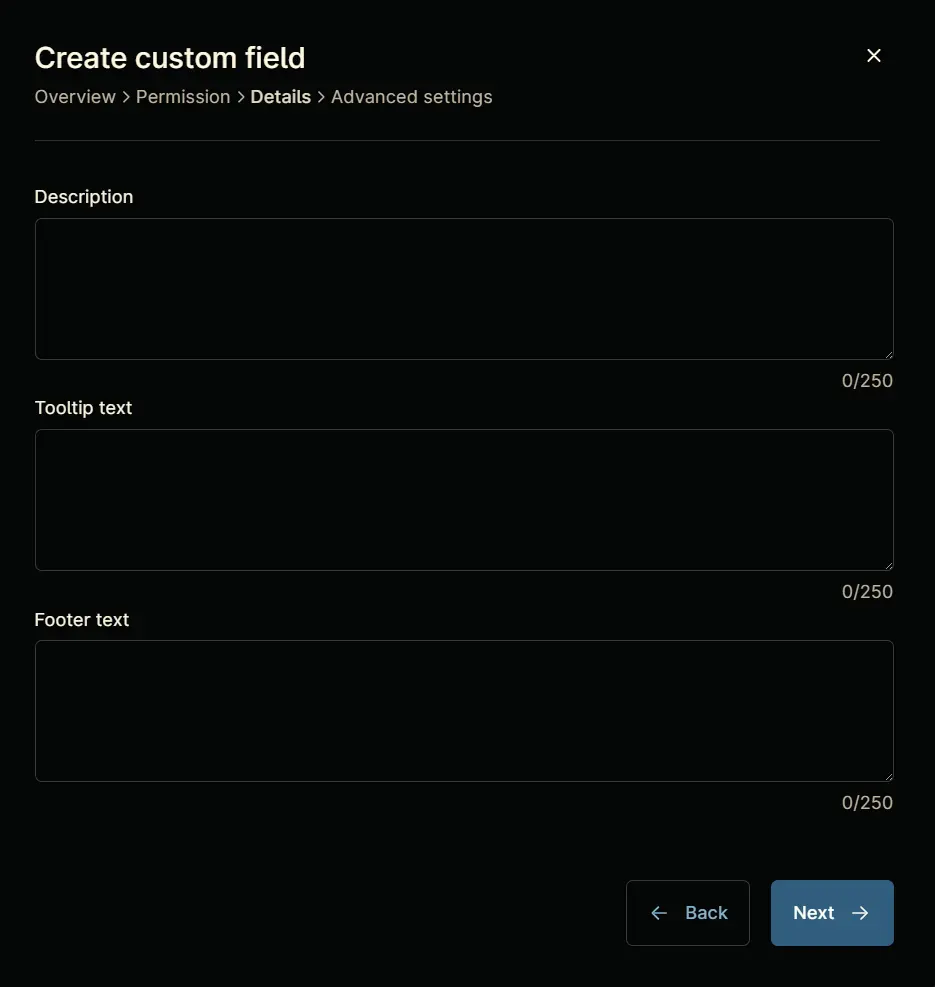
Step 7
Fill in the following information in the Details section and click the Next button.
Description: Select the operating system to enable Vulscan Discovery Agent deployment.
Tooltip Text: Select the operating system to enable Vulscan Discovery Agent deployment.
Footer Text: Vulscan Discovery Agent Deployment
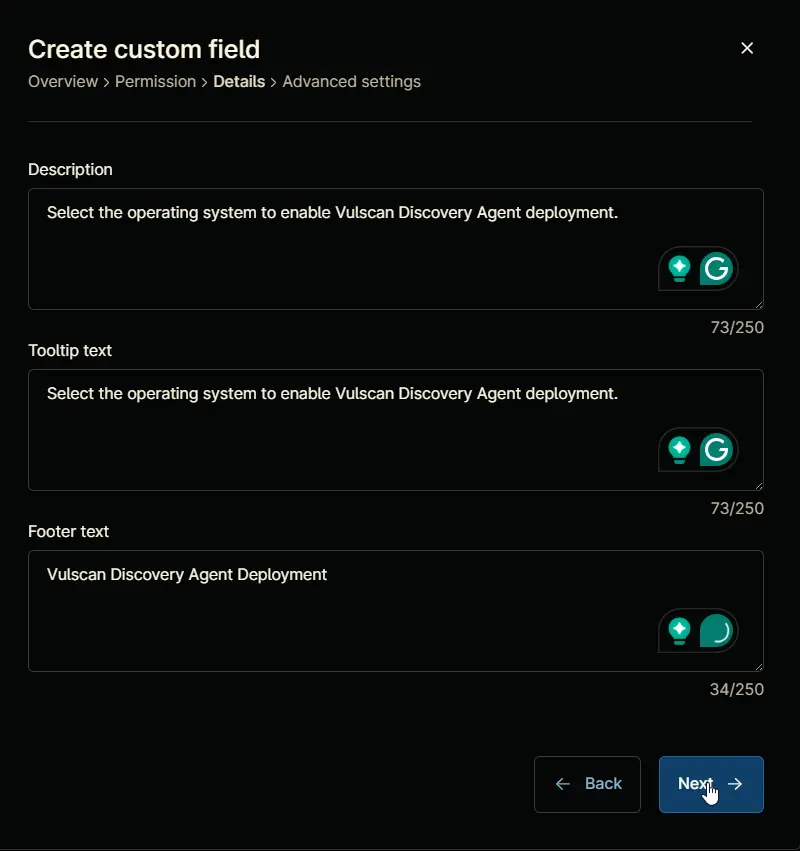
Clicking the Next button will take you to the Advanced Settings tab.

Step 8
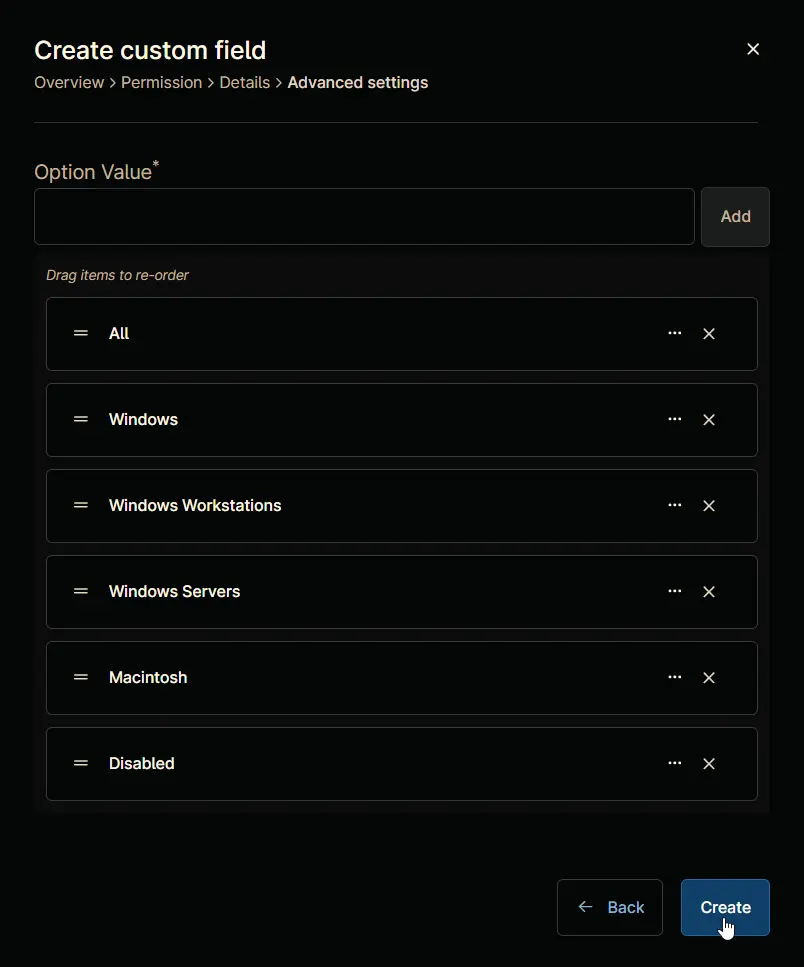
Configure the following options in the specified order. To add an option, paste it and click the Add button:
- All
- Windows
- Windows Workstations
- Windows Servers
- Macintosh
- Disabled
Click the Create button to create the Custom Field.
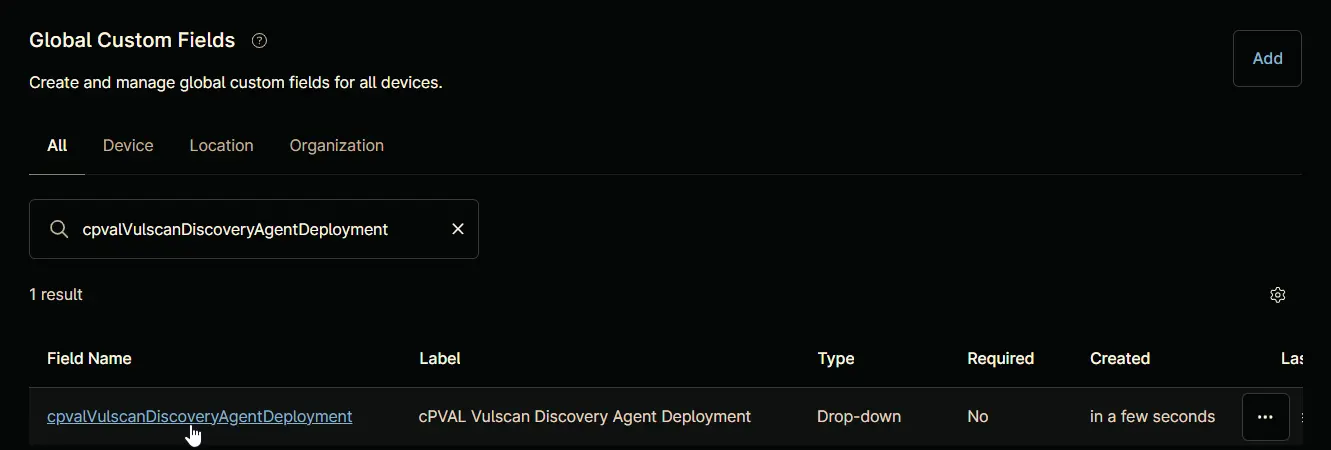
Completed Custom Field
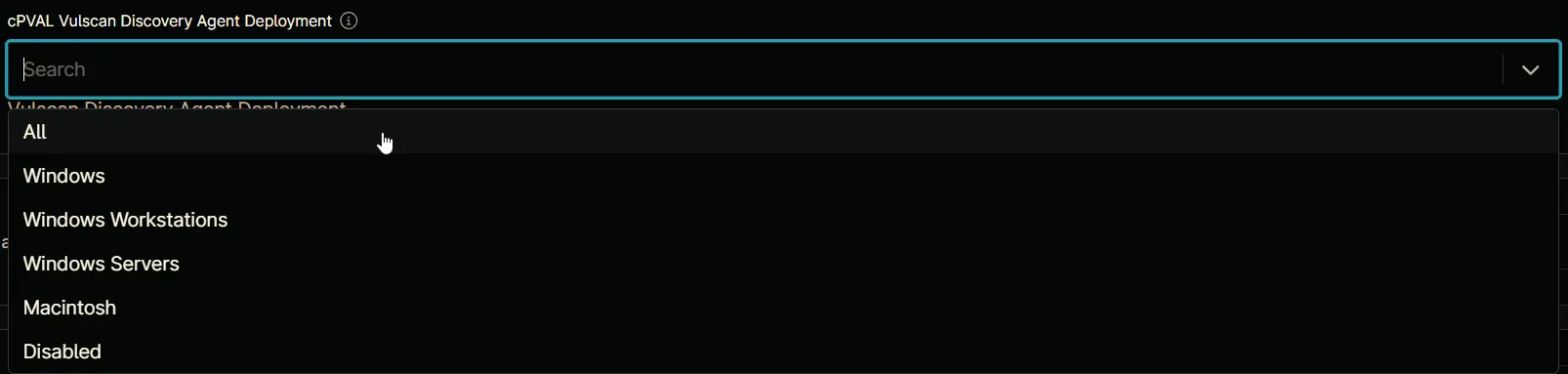
Example
Changelog
2025-04-18
- Initial version of the document