All Drives Audit [Windows]
Overview
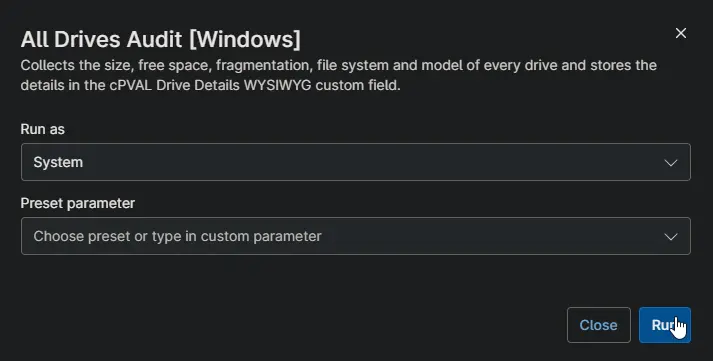
Collects every drive on the device with its size, free space, free space percentage, fragmentation, file system and model, and stores the list in cPVAL Drive Details. Sizes are shown in the most readable unit, from bytes to terabytes. Use it to spot drives that are nearly full or badly fragmented.
note
The fragmentation check only reads the drive. It never defragments it. On large or busy drives the check can take a few minutes.
Requirements
- Windows
- Run As:
System - PowerShell 5.1
Sample Run
Custom Fields
| Custom Field | Scope | Type | Description |
|---|---|---|---|
| cPVAL Drive Details | Device | WYSIWYG | Stores the list of drives with their size, free space, fragmentation, file system and model. |
Dependencies
- Custom Field: cPVAL Drive Details
- Audit Report: All Drives Audit [Windows]
- Solution: All Drives Audit [Windows]
Automation Setup/Import
Output
- Activity Details
- Custom Field: cPVAL Drive Details
Changelog
2026-10-14
- Initial version of the document